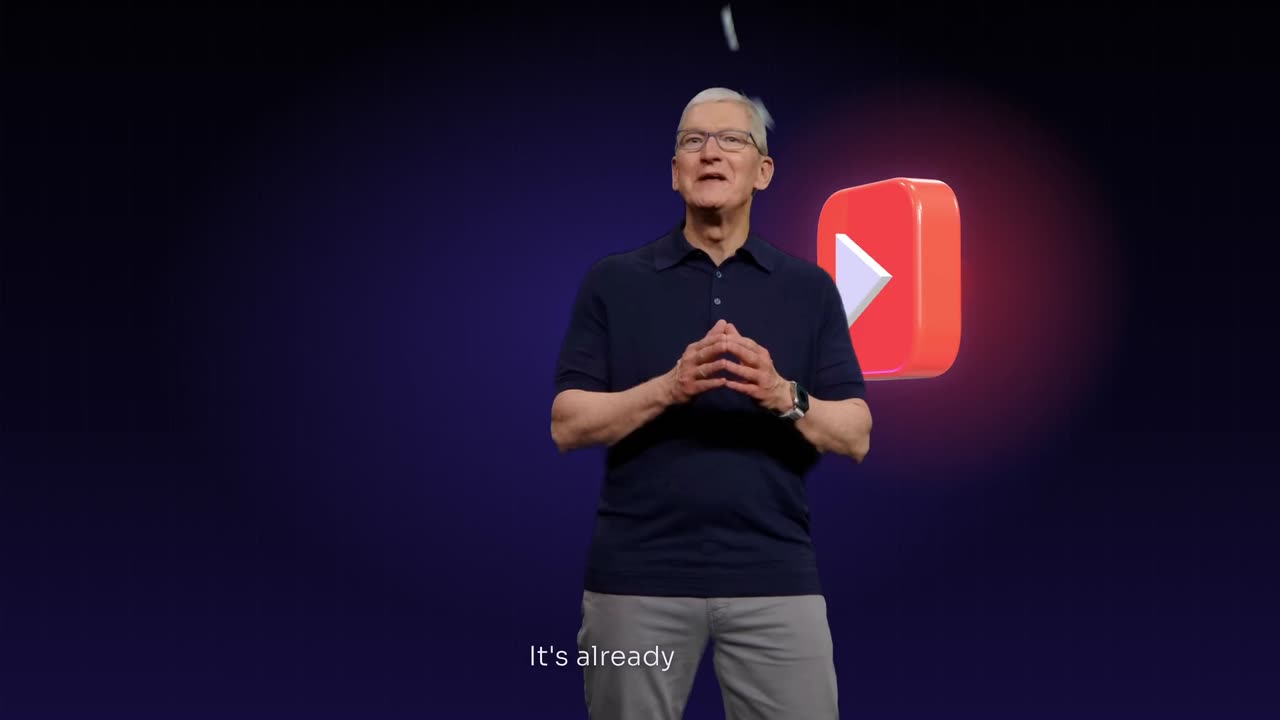
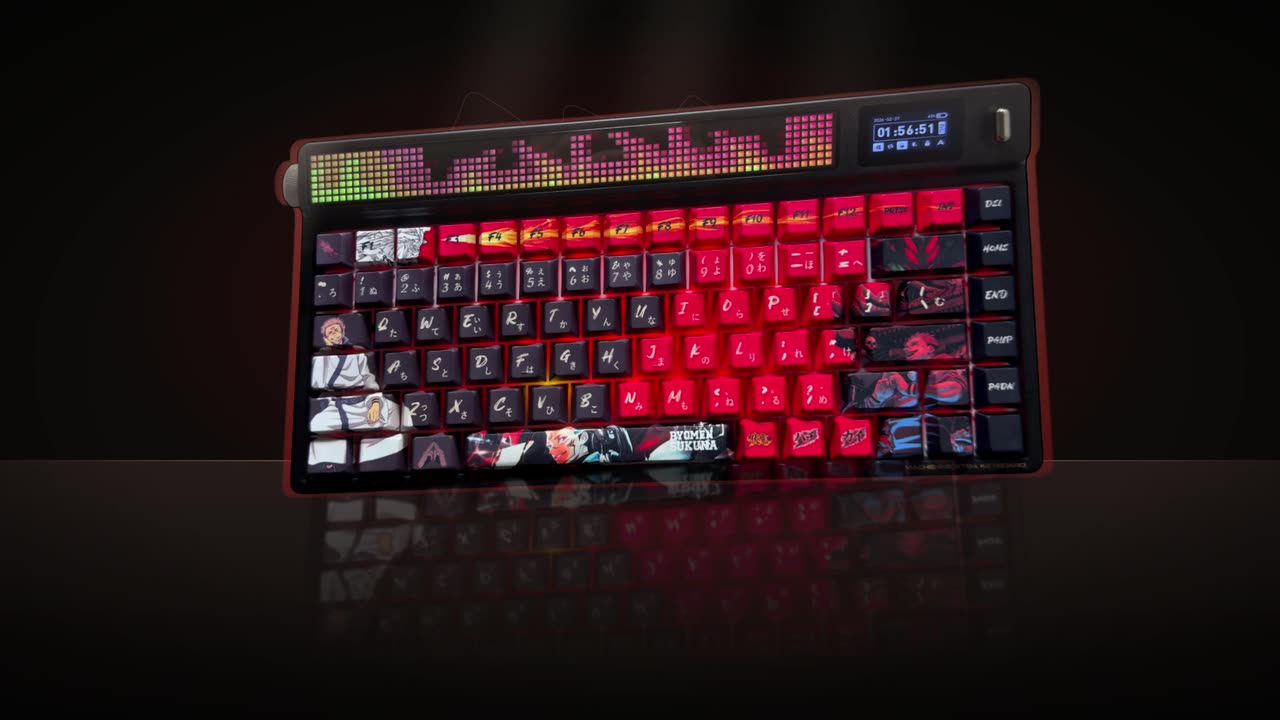
To copy the editing style of a video, break the reference into its parts (cut pace, caption look, zooms, graphics, colour and sound), then give an AI editor the reference and your footage. Say which parts to match and what to keep, such as your voice and words. Copy the technique, never the footage, logos or music.
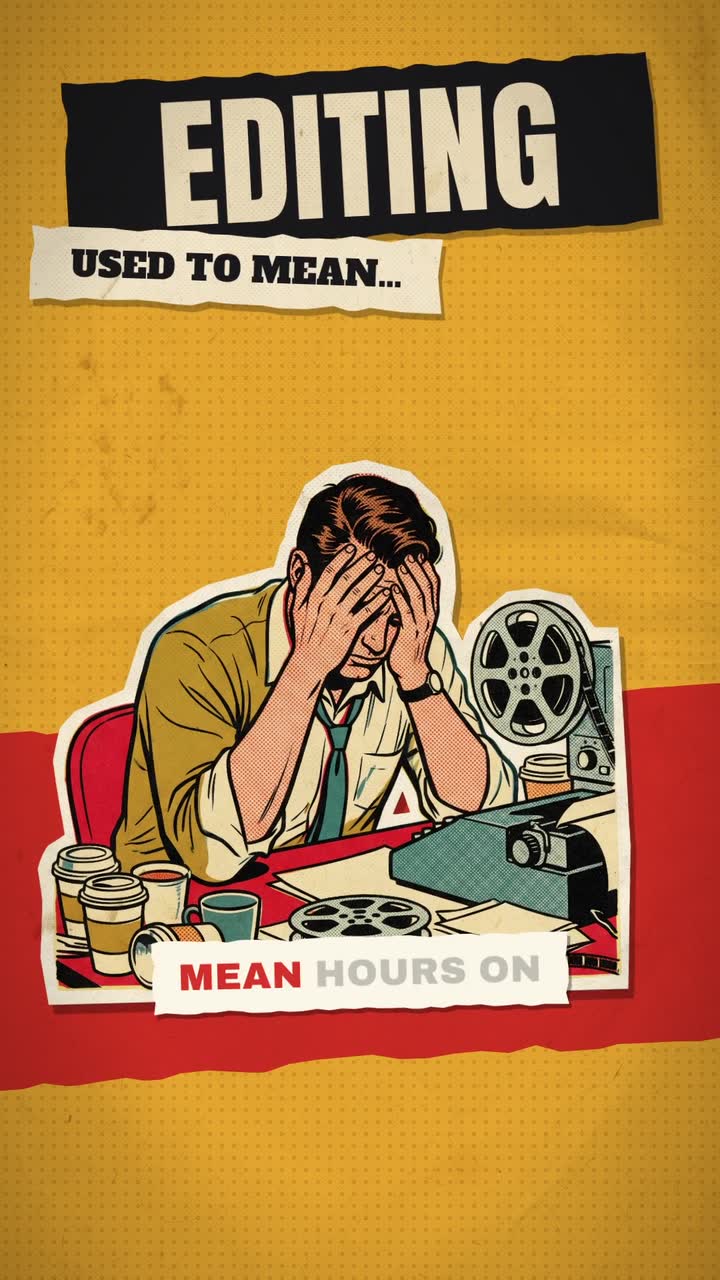
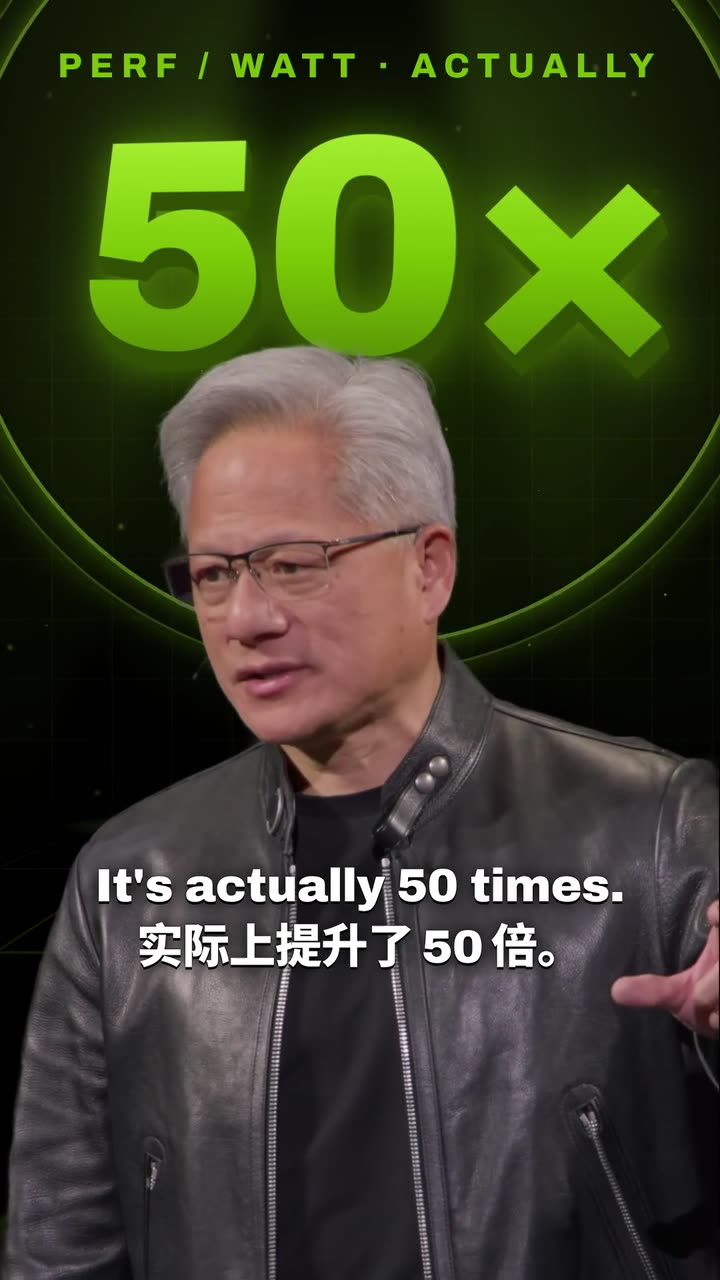
Real outputs from the Videotto template gallery.
Break down an editing style before you copy it
Watch the reference three times. First for the feel, then with a timer to count cuts in the first 15 seconds, then with the sound off to study captions and graphics. Write down what you see. The table lists what to measure and the ranges you will often see in short form video.
| Element | How to measure it | Typical range in shorts |
|---|---|---|
| Cut pace | Count cuts in the first 15 seconds | Fast commentary edits often cut every 1 to 2 seconds, calm interviews every 4 to 8 |
| Captions | Words on screen at once, font, highlight colour | 1 to 3 words for punchy styles, a full line of 5 to 7 for calmer ones |
| Zooms | How often the frame punches in, and how far | A punch in to roughly 110 to 120 percent every few sentences |
| Graphics | Text cards, icons, diagrams, stickers per minute | From none to one every few seconds |
| Colour | Warm, cool, high contrast, washed out | Usually one consistent grade for the whole video |
| Sound | Music level, whooshes, hits on cuts | Music low under speech, effects on key cuts only |
"Make it look like this" is one of the most common requests we see from creators, coaches and brands. Having these notes turns it into something specific.
Five editing styles and their signatures
Most short form editing falls into a handful of families. Naming the family helps you describe what you want even without a reference.
- High retention commentary. Cuts every second or two, word by word captions in bold type, frequent punch ins, sound effects on almost every cut. Built for fast talkers.
- Clean podcast clip. Two speakers framed one at a time, a full line of captions, few effects, a hook headline at the top for the first 3 seconds.
- Documentary explainer. Voiceover over illustrations, maps and archive images, slow pushes on stills, serif captions, quiet music.
- Bilingual keynote. A dark stage look, captions in one language with key words in a brand colour, a second language underneath.
- Retro or VHS. Scan lines, chromatic offset, a date stamp, slightly crushed colour. Works for nostalgia and music content.
Worked example: copying a reference edit
This is an example of the process, not a real customer project. A fitness coach has a 50 second talking head clip shot on a phone, and a reference short in the high retention commentary style.
Breakdown of the reference: 11 cuts in the first 15 seconds, 2 word captions in white with the key word in yellow, a punch in roughly every third sentence, a whoosh on each topic change, no colour grade beyond a bit of contrast.
Request: "The first video is my reference, the second is my footage. Match its pacing, caption style and zooms. Keep my exact words and my face in frame. No logos from the reference."
What to check in the result: that the cut pace is close (count the first 15 seconds again), that the captions use the same number of words per screen, and that no line was cut mid sentence to hit the pace. If the pace is right but the captions are off, ask for the captions only.
Copying an editing style by hand vs with a reference
By hand, people rebuild a style in Premiere Pro, DaVinci Resolve or CapCut: cut to the pace, build a caption preset, add zoom keyframes and sound effects. CapCut templates can reproduce a trending format, but a template is tied to its own clip count and length. Rough effort for a 60 second short:
| Approach | Typical effort | Trade off |
|---|---|---|
| Manual rebuild in Premiere Pro or Resolve | Roughly 2 to 3 hours the first time, faster once presets exist | Exact control, slow to set up |
| CapCut template | Roughly 15 to 30 minutes | Fixed shot count and timing, may not fit your footage |
| Reference video plus Otto | A few minutes to write the request, then a review pass | You check and adjust the result rather than build it |
Copy an editing style in 5 steps
- Pick one clear reference. A video whose style is consistent from start to end. Mixing two references usually gives a muddled result.
- Bring in both videos. Upload the reference and your footage, or paste a YouTube link for either. Say which is which.
- Say what to match. All of it, or only some parts: "just the captions", "the pacing and zooms", "the graphics".
- Say what to keep. Your voice, your exact words, your face and framing, your brand colours.
- Review, then reuse. Adjust anything that is off, then ask Otto to use the same framework for your next video.
Editing style prompts for Otto
Adapted from real requests Videotto users sent to Otto.
The first video is my reference. The second is my footage.
Match the reference's editing style: its pacing, framing, caption style, motion graphics and effects.
Cut mine the same way.
Keep my voice and my exact words. Keep my face in frame.
Don't copy its logos, characters or footage.
Vertical 9:16, keep text clear of the app buttons.
Shorter style requests
- "Match the reference video I attached: its motion graphics, pacing, framing and effects. Cut mine the same way."
- "This is a reference video of how I would like my video to look editing wise."
- "Copy the caption style from this video onto mine."
- "Use that framework again for this one, with my new footage."
What not to copy from a reference video
One real request put it well: match the reference video's editing language, not its colours or content. You are borrowing how it is cut, not what is in it.
An editing technique such as fast cuts or a caption look is generally fine to imitate. Another creator's footage, logos, characters and music you have no licence for are not. Keep your own voice, face and words, so the result feels like the reference and is clearly yours.
- A reference that does not suit your footage. A fast gaming edit will not sit well on a calm interview. Pick a reference close to your material.
- Asking for everything at once. If the first result is off, match one part at a time: pacing first, then captions, then graphics.
No reference? Describe the editing style
You do not always need a reference file. A few specific words about background, type, colour and graphics go a long way. The examples at the top of this page came from short descriptions like these.
- Old science book: aged cream paper, italic serif captions with key words in deep red, fine line drawings that draw in.
- Mission control: black background, thin white wireframe drawings, a progress bar along the top, wide spaced capitals.
- Bilingual keynote: a dark stage, English captions with key words in one brand colour, a second language underneath.
FAQ
How do I figure out what editing style a video uses?
To figure out a video's editing style, watch it three times: once for feel, once counting cuts in the first 15 seconds, and once muted to study captions and graphics. Note the cut pace, caption words per screen, zoom frequency, colour and sound effects. Those five or six notes describe the style well enough to copy.
What editing software do creators use for fast paced short videos?
Creators making fast paced short videos commonly use Premiere Pro, DaVinci Resolve, Final Cut Pro or CapCut, often with caption plugins or presets. The look comes more from choices than software: cuts every second or two, short bold captions, punch in zooms and sound effects on key cuts.
Is it legal to copy someone's editing style?
Copying an editing style, such as a caption look or a cut rhythm, is generally fine, because techniques are not owned the way footage is. Reusing someone's actual clips, logos, characters, thumbnails or licensed music is a different matter. Borrow the technique and use your own material. For anything commercial and borderline, ask a lawyer.
Can I use a CapCut template to copy an editing style?
A CapCut template can copy an editing style when your footage fits its fixed number of clips and timing. It works well for trend formats and quick edits. For a talking head or podcast clip of a different length, a template often cuts lines in the wrong place, so matching the style to your own timing works better.
Make your next video with Otto
Tell Otto what you want in plain words. It cuts, captions and animates the video for you.