To make a kinetic lyric video, upload a song you have the rights to, paste the exact lyrics, and describe how the text behaves: small and soft in verses, huge in the chorus, stretched on long notes, punching on hard beats. Use one typeface family in two weights and time each word to appear just before it is sung.
Real outputs from the Videotto template gallery.
How to make a kinetic lyric video in 6 steps
- Upload the song. Your own track or one you have the rights to use. A clean master gives the best timing.
- Paste the lyrics. One line per sung line, chorus marked. Exact spelling matters, because a typo in a lyric video always gets comments.
- Pick the type. One family with a light and a heavy weight is enough to show soft and loud. A condensed sans fits more words per line on a 9:16 screen.
- Map the sections. Note verse, pre chorus, chorus and bridge, with a word for the energy of each: calm, building, explosive, empty.
- Describe the behaviour. How words enter, what long notes look like, what happens on the chorus and on the drop.
- Check the chorus first. If the words lead or lag the vocal there, ask for a fix before reviewing the rest. The chorus repeats, so one fix improves the whole video.
Kinetic lyric video prompt for Otto
Adapted from real requests Videotto users sent to Otto. Paste your lyrics with the chorus marked and choose the background.
Make a kinetic lyric video for the song I uploaded, vertical 9:16.
Lyrics, one line per row: [paste lyrics, mark the chorus]
One typeface family: light weight in the verses, heavy weight in the chorus.
Verses small and calm, drifting in. The chorus fills the frame, bold, words punching in on the beat.
Stretch the word on long notes. Ad libs small and italic at the edge of the frame.
Background: [colour or scene], one accent colour for the key word in each line.
Time every word to the vocal, appearing just before it is sung.
Shorter kinetic lyric prompts
- "Make the lyrics bounce with the beat and glow on the chorus."
- "Each word lands exactly when it is sung."
- "Big bold text, one word at a time in the chorus."
- "Keep it minimal: black background, white type, nothing else."
Worked example: timing one chorus at 100 BPM
An illustration with a made up four line chorus. At 100 beats per minute one beat lasts 0.6 seconds, so a bar of four beats is 2.4 seconds and an eight bar chorus runs about 19 seconds.
| Bars | Time | Lyric | Text behaviour |
|---|---|---|---|
| 1 to 2 | 0 to 4.8 s | "We were never meant to stay" | Stacked in two blocks of three words, heavy weight, punch in on beats 1 and 3 |
| 3 to 4 | 4.8 to 9.6 s | "Running out of yesterday" | "Running" slams in, "yesterday" stretches wide across the held note |
| 5 to 6 | 9.6 to 14.4 s | "Light it up and let it go" | Words drop in on each beat, "go" flashes in the accent colour |
| 7 to 8 | 14.4 to 19.2 s | "Let it go" | Screen empties, "go" alone in the centre, holds and glows to the end of the bar |
Each word appears about 0.1 to 0.2 seconds before it is sung, so the eye arrives in time. When the chorus returns later, it uses exactly the same design. Repetition is what makes a chorus feel like a chorus on screen.
Matching kinetic text to the song
The type mirrors the voice. Loud is big, soft is small, long is stretched, fast is stacked.
| In the song | On screen | How to ask for it |
|---|---|---|
| Verse | Smaller text, gentle moves, more space | "verses small and calm, drifting in" |
| Chorus | Huge text filling the frame, bold moves | "the chorus fills the frame, bold and fast" |
| Long note | The word stretches or holds and glows | "stretch the word on long notes" |
| Hard beat | The word slams or shakes on the hit | "words punch in on the snare" |
| Ad libs | Small text off to the side, a different weight | "ad libs small and italic at the edge" |
| Drop or break | The screen empties, one word alone | "on the break, one word alone in the centre" |
For fast rap verses, show two or three words at a time instead of flashing each one. Viewers read about three to four words a second at most, and faster than that the screen turns to noise.
Kinetic lyric tools compared
Typical effort estimates for a full three minute song with roughly 300 words of lyrics.
| Tool | How it works | Typical time |
|---|---|---|
| After Effects | Each word animated and keyframed by hand to the waveform | Several days for a full song |
| CapCut | Auto lyrics or captions with preset text animations, adjusted line by line | Roughly 2 to 4 hours, limited per word behaviour |
| Canva | Text animations on timed pages | Roughly 3 to 5 hours, line level timing only |
| Otto | Upload the song, paste lyrics, describe the behaviour | A first draft from one prompt, then a few minutes of fixes per section |
Hand animation is still the way to get a one off music video with a unique idea in every line. For a teaser for every single, or a 15 to 30 second chorus cut for Shorts and Reels, speed usually matters more.
Fixes for kinetic lyrics that look wrong
| Problem | Fix |
|---|---|
| Every line looks the same | Give verse, chorus and bridge different sizes and weights |
| Words flash by in a fast verse | Stack two or three words per screen instead of one |
| A word lands late | Ask for words to appear just before they are sung, starting with the chorus |
| Misspelled or misheard lyrics | Paste the exact lyrics rather than relying on transcription |
| The background fights the text | Use a plain colour, gradient or slow loop behind the type |
FAQ
Is it legal to make a lyric video of someone else's song?
Making a lyric video of someone else's song generally needs permission, because both the recording and the lyrics are protected by copyright. On YouTube, an unlicensed lyric video is usually claimed through Content ID, so the rights holder may monetise it, block it or take it down. Make lyric videos for your own songs or with written permission.
What font is best for a lyric video?
The best font for a lyric video is one that stays readable while moving, usually a bold or condensed sans serif such as Bebas Neue, Anton, Montserrat or Oswald. Choose a family with at least two weights so verses and choruses can look different. Script fonts suit slow ballads but become hard to read on fast moving lines.
How do you sync lyrics to music in a video?
To sync lyrics to music in a video, place each line or word on the timeline where it is sung, using the waveform and vocal peaks as guides. Set each word to appear slightly before the syllable, about 0.1 to 0.2 seconds, so viewers read it in time. Check the chorus first, since fixing it fixes every repeat.
How long does it take to make a lyric video?
Making a lyric video takes anywhere from an hour to several days. A simple line by line lyric video with templates can be done in an hour or two, while a fully kinetic version where every word is hand animated in After Effects can take days for a three minute song. Shorter teasers of the chorus are much quicker.
Can I use part of a lyric video as a Spotify Canvas?
You can use part of a lyric video as a Spotify Canvas if you cut it to the Canvas format: a short vertical loop of 3 to 8 seconds that plays behind your track. A few seconds of the kinetic chorus, with a clean loop point, works well. Keep text large and away from the edges, since the player interface sits over parts of the frame.
Make your next video with Otto
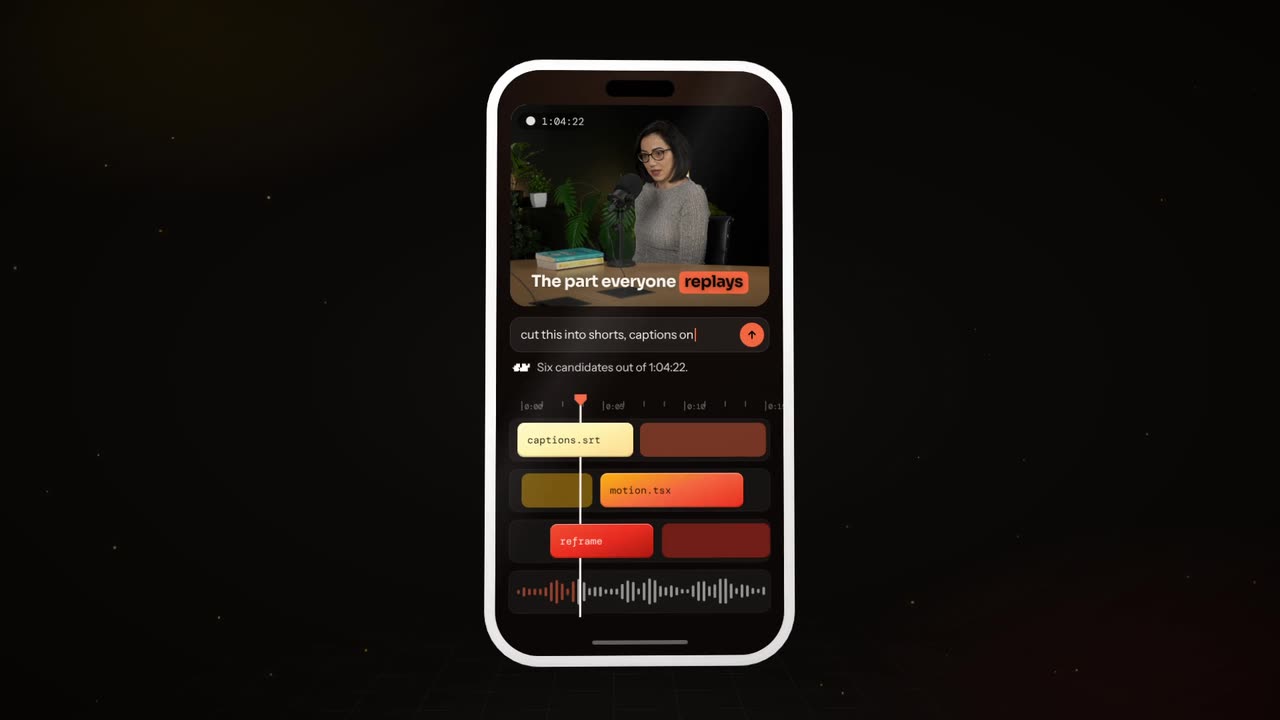
Tell Otto what you want in plain words. It cuts, captions and animates the video for you.