To make a lofi music visualizer, upload your track and describe one cosy scene that can loop. Add two or three small ambient motions like rain, steam or a flickering lamp, a thin visualizer that reacts softly to the music, warm grain, and the track title in small type. Loop it for the whole track.
Real outputs from the Videotto template gallery.
How to make a lofi music visualizer in 6 steps
- Upload the track. Your own music or a track you have licensed for video use. A typical lofi track runs 2 to 3 minutes, and a full mix 30 to 60 minutes or more.
- Describe the scene. One place, one time of day, one mood. "A small bedroom at night with a city view" is enough.
- Pick two or three ambient moves. Rain on glass, steam from a mug, a lamp flicker, clouds drifting, a cat's tail. More than three starts to feel busy.
- Choose the visualizer. Thin bars along the bottom, a ring in the centre, a waveform line, or no meter at all with a lamp that pulses softly.
- Set the grade and grain. Warm amber or purple night tones, with soft grain so it feels like film.
- Make it loop. A loop of 10 to 30 seconds with no visible jump, repeated for the length of the track.
Lofi visualizer prompt for Otto
Adapted from real requests Videotto users sent to Otto. Upload the track first, then change the scene to your own.
Make a lofi music visualizer for the track I uploaded, 16:9.
Scene: a small desk by a rainy window at night, a lamp on, a city in the distance, illustrated in a soft anime inspired style.
Ambient motion: rain on the window, steam rising from the mug, the lamp flickering now and then.
Thin white bars along the bottom that react softly to the music.
Warm grain and soft focus, purple night grade.
Track title and artist small in the top left: [title], [artist].
A seamless loop for the full length of the track.
Shorter lofi visualizer prompts
- "Make a looping visualizer for my song with a circle that pulses with the beat."
- "Cosy cafe at night, rain outside, gentle motion only."
- "Same scene, vertical version for Shorts with the title on top."
- "Make the neon sign pulse with the bass."
Worked example: one scene, a season of releases
An illustration of how a small lofi channel might plan a month of releases from one saved look: a 16:9 main video per track and a 9:16 cut for Shorts and Reels.
| Release | Scene change | Visualizer | Short cut |
|---|---|---|---|
| Track 1 (2:40) | Rainy window, night, purple grade | Thin bottom bars | 20 s, title at the top |
| Track 2 (3:05) | Same room, snow instead of rain | Thin bottom bars | 20 s, title at the top |
| Track 3 (2:15) | Same room at sunset, warm amber | Lamp pulses, no bars | 15 s, title at the top |
| Monthly mix (45 min) | Same room, rain, all lights low | Thin bottom bars | 30 s teaser with the tracklist |
One detail changes per release, so the channel feels consistent while every video still looks fresh. The 9:16 cuts frame the scene tall, put the title in the top third and point to the full track.
What makes a lofi visualizer look right
| Element | Calm and right | Too much |
|---|---|---|
| Scene | One cosy place, illustrated or a soft photo | Several locations or camera moves |
| Ambient motion | Two or three small loops | Characters walking, things flying past |
| Visualizer | Thin, soft, low contrast | Big jumping bars from an EDM video |
| Texture | Grain, slight blur, warm or purple grade | Sharp, saturated, high contrast |
| Type | Small title and artist in a corner | Big titles across the scene |
| Loop | No visible jump at the loop point | A snap every 15 seconds |
Lofi visualizer tools compared
Typical effort for one 3 minute track, once the scene artwork exists.
| Tool | How it works | Typical time |
|---|---|---|
| After Effects | Animate the scene layers, add the Audio Spectrum effect for bars, loop the composition | Roughly 2 to 4 hours the first time, faster with a template |
| Online visualizer makers such as Specterr | Upload a track and an image, pick a visualizer template | Roughly 15 to 30 minutes, limited scene motion |
| Commissioned artwork plus an editor | An illustrator draws the scene, an editor animates it | Days to weeks, the most original look |
| Otto | Describe the scene, motion and visualizer in one prompt | A first draft from one prompt, then a few minutes of changes |
For a 24/7 live stream, the usual setup is a short seamless loop of the scene and a playlist of tracks you own, combined in streaming software such as OBS (a looping media source for the video, the playlist for the audio) and sent to YouTube Live. It needs a computer or cloud server that stays on. Make the loop itself 10 to 30 seconds, since nobody watches the full cycle and a short file is easier to stream.
Lofi visualizer fixes
| Problem | Fix |
|---|---|
| It feels like a music video | Cut the motion back to two or three small ambient loops |
| The visualizer fights the mood | Make it thinner, lower contrast, or swap it for a light that pulses |
| A jump every loop | Ask for a seamless loop and check the loop point three times in a row |
| The title is hard to read | Small but high contrast type in a corner, away from busy detail |
| A copyright claim on upload | Use only music you own or have licensed for YouTube, and keep your licence records |
FAQ
What does lofi mean in music?
Lofi in music is short for low fidelity, a style that keeps or adds imperfections such as tape hiss, vinyl crackle and soft, muffled drums. Lofi hip hop, the version most people mean today, pairs relaxed jazzy chords with slow beats, usually around 70 to 90 BPM. The visual style that goes with it is just as calm and slightly hazy.
Can I use lofi music from YouTube in my own videos?
You can only use lofi music from YouTube in your own videos if the artist or label grants permission, for example through a licence or a clear free use policy. Many lofi tracks are copyrighted and will trigger Content ID claims. Read the terms in the video description or the artist's website, and keep a record of any licence.
How do you run a 24/7 lofi live stream on YouTube?
To run a 24/7 lofi live stream on YouTube, create a short seamless video loop and a playlist of music you own or licence, then send both to YouTube Live from streaming software such as OBS. The stream needs a computer or cloud server running constantly with a stable upload connection, and YouTube Live must be enabled on your channel.
What size should a lofi visualizer video be?
A lofi visualizer video for YouTube should usually be 16:9 at 1920x1080, or 3840x2160 if your artwork is detailed enough for 4K. For Shorts, Reels and TikTok, make a 9:16 version at 1080x1920 with the scene reframed tall. A frame rate of 24 or 30 is plenty, since the motion is slow.
How long can a YouTube video be for a lofi mix?
A YouTube video for a lofi mix can be up to 12 hours long, or 256 GB, whichever is smaller, once your account is verified. Unverified accounts are limited to 15 minutes. Most lofi mixes run between 30 minutes and 3 hours, and a 24/7 live stream is the usual route for anything longer.
Make your next video with Otto
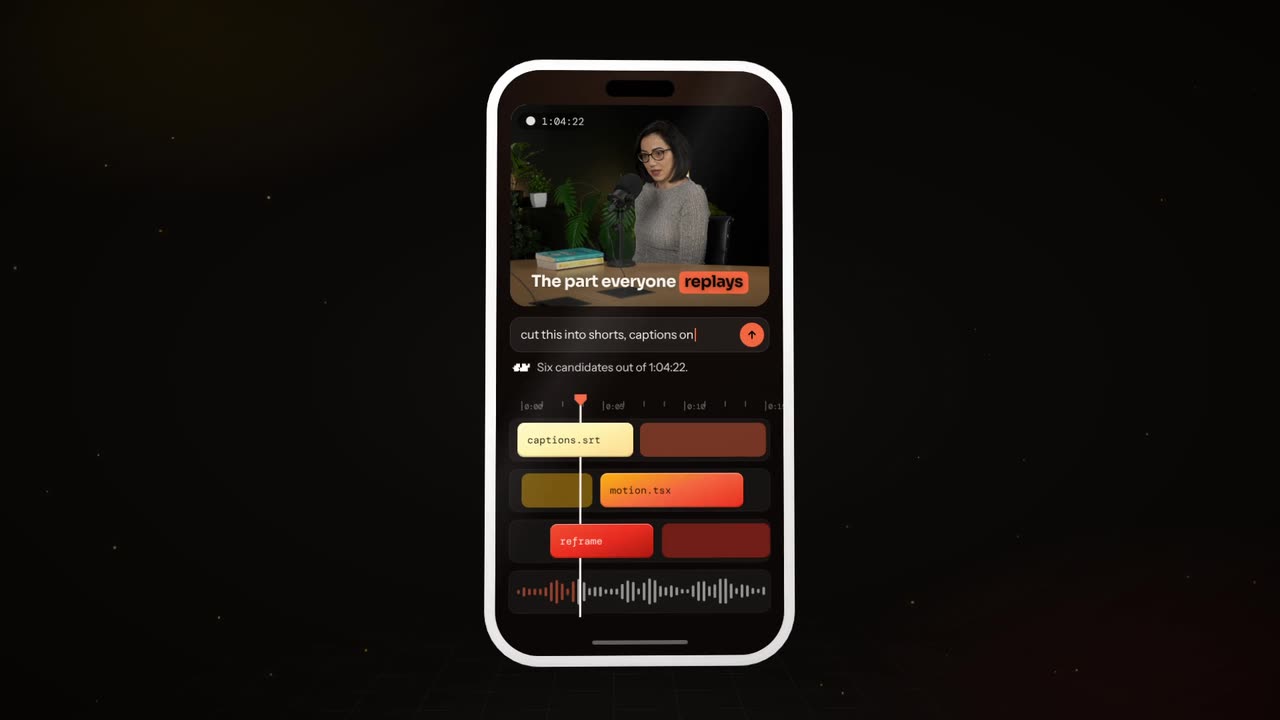
Tell Otto what you want in plain words. It cuts, captions and animates the video for you.