To make an animated infographic video, list five to eight facts in the order you want them told, give each an icon and a short label, and choose one layout and one accent colour. Have each block build in sequence, timed to a narrator or captions, then end on a full frame that holds every fact together.
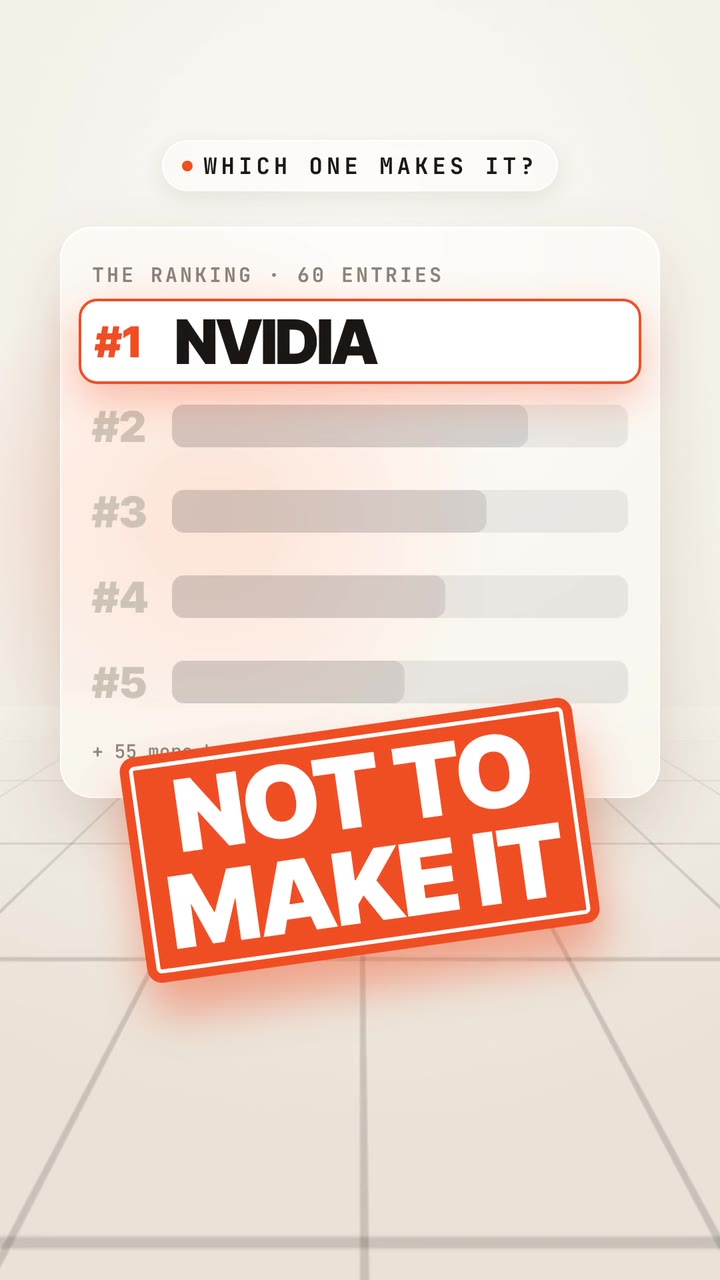
Real outputs from the Videotto template gallery.
Animated infographic sizes and lengths by platform
Decide the format first, because the layout depends on it. A vertical flow that works at 9:16 falls apart at 16:9.
| Where it runs | Aspect | Resolution | Comfortable length |
|---|---|---|---|
| TikTok, Reels, Shorts | 9:16 | 1080x1920 | 30 to 60 seconds |
| Instagram or LinkedIn feed | 1:1 or 4:5 | 1080x1080 or 1080x1350 | 20 to 45 seconds |
| YouTube, presentations, websites | 16:9 | 1920x1080 | 60 to 120 seconds |
Shorts and Reels both accept videos up to 3 minutes, but an infographic rarely needs that. A useful rule is about five to seven seconds per fact, so six facts plus an opening and a closing frame land near 45 seconds.
What an animated infographic is made of
A good infographic looks calm even when it carries a lot. Structure does the work, not decoration. These are the pieces you control.
- Layout. A vertical flow for 9:16 and step by step topics, a grid of four or six tiles for 1:1 comparisons, or hub and spokes for "everything that affects X" topics. Name one.
- Icons. Simple flat or line icons, all in the same style. Line icons next to 3D icons look borrowed.
- Type. A bold headline, big figures and small labels. Labels should be at least a third of the figure's size so they read on a phone.
- Colour. A neutral base with one or two accents. Group related facts by colour so the eye links them.
- Motion. Blocks slide or draw in, arrows grow between cause and effect, numbers count up. Each element arrives on its own.
- Sound. A narrator for longer pieces, soft music with small clicks or pops for short ones.
Worked example: a 40 second infographic on home water use
An illustration of how the timing fits together, with placeholder figures. Replace them with numbers from your own source. Six facts, a vertical flow, off white background, navy text, orange accent.
| Time | Block that builds | Narration (short) |
|---|---|---|
| 0:00 to 0:04 | Headline: Where does your water go? | Question read aloud |
| 0:04 to 0:10 | Shower icon, figure counts up | Fact one |
| 0:10 to 0:16 | Toilet icon, figure counts up | Fact two |
| 0:16 to 0:22 | Tap icon, arrow from shower block | Fact three, linked to one |
| 0:22 to 0:28 | Washing machine icon | Fact four |
| 0:28 to 0:34 | Garden hose icon, orange highlight | The surprising fact |
| 0:34 to 0:40 | Camera pulls back to full poster | One line takeaway |
The surprising fact is placed fifth on purpose, so there is a reason to keep watching, and the pull back at the end gives viewers a frame worth screenshotting. Built by hand in a design tool and an editor, a piece like this typically takes a few hours. From a prompt, the first draft comes back in one go and the rest is a few minutes of follow ups and fact checking.
Animated infographic prompt for Otto
Adapted from real requests Videotto users sent to Otto. Keep the facts numbered in the order you want them told.
Make a 40 second animated infographic video, vertical 9:16.
Topic: [your topic]. Facts, in this order:
1. [fact, figure, icon idea]
2. [fact, figure, icon idea]
3. [fact, figure, icon idea]
Clean broadcast style infographic: off white background, navy text, one orange accent.
Simple line icons in one style. Each block builds in order, arrows draw between related facts, figures count up.
A calm AI narrator reads each fact as it appears. Small captions at the bottom.
End by pulling back to show the full infographic for three seconds. Keep every number exactly as given.
Quick infographic prompt variations
- "Turn these five facts into an animated infographic for Instagram."
- "Use short full screen infographic slides for the key data, then return to the speaker."
- "Make the icons flat, no gradients, and keep the layout centred."
- "Add soft pops when each icon lands."
How to make an animated infographic in five steps
- Collect and order the facts. Five to eight facts is plenty. Lead with the question or the surprise, group related facts, and save the punchline for near the end.
- Give each fact a label and an icon idea. "Water, a drop icon, 70 percent" is enough. Labels of three to six words read best.
- Choose layout and look. Vertical flow, grid or hub. Background colour, one accent, one icon style. Upload your logo if you want brand colours taken from it.
- Add the voice or captions. Ask for an AI voice to read the facts, or captions only for sound off viewing.
- Check every figure on the last frame. Pause on the full poster and compare each number with your source before you post.
Fixing common animated infographic problems
| Problem | Fix |
|---|---|
| Everything appears in the first second | Ask for each block to build in order, one per fact |
| Labels unreadable on a phone | Bigger labels, fewer words, more space between blocks |
| Icons look mismatched | Ask for one icon style, for example "flat line icons only" |
| A figure changed during the build | Add "keep every number exactly as given" and recheck |
| It feels long | Cut to five facts or split into two videos |
| Already have a static infographic | Upload the image and ask for its parts to build in order |
FAQ
What is the difference between an infographic and an animated infographic video?
An infographic is a single static image that shows all its facts at once, and readers choose their own path through it. An animated infographic video reveals the same facts in a fixed order, usually with motion, narration or captions. That control over order makes it better at telling a story, while the static version is better for reference and printing.
How long should an animated infographic video be?
An animated infographic video for social media usually works best at 30 to 60 seconds, which fits five to eight facts at about five to seven seconds each. Explainers on YouTube or a website can run 60 to 120 seconds. If you have more than ten facts, split the topic into a short series rather than one long video.
Can I make an animated infographic in Canva or PowerPoint?
You can make a simple animated infographic in Canva or PowerPoint by applying entrance animations to each element and exporting as video. Both work for basic builds. Precise timing to a voiceover, counting numbers and drawn arrows take more manual effort there, and complex sequences are often easier in After Effects or with a prompt based editor.
Where can I find reliable data for an infographic video?
Reliable data for an infographic video usually comes from your own records, government statistics offices, international bodies such as the World Bank or UN agencies, and peer reviewed research. Note the source and the year for every figure. Show a short source line on the final frame, because viewers screenshot infographics and share them without context.
What makes an infographic video easy to understand?
An infographic video is easy to understand when each fact arrives on its own, labels are short, and the order builds an argument. Consistent colours for related facts, one icon style and generous spacing help a lot. Ending on a full frame that shows every fact together lets viewers check what they just watched.
Make your next video with Otto
Tell Otto what you want in plain words. It cuts, captions and animates the video for you.