An AI video editor for clippers turns long campaign footage into vertical clips that follow the brief. You paste a YouTube link or upload the file, paste the campaign rules, and ask for a number of 30 to 60 second clips with a hook, big captions and the brand name. Then you review, keep the best and post.
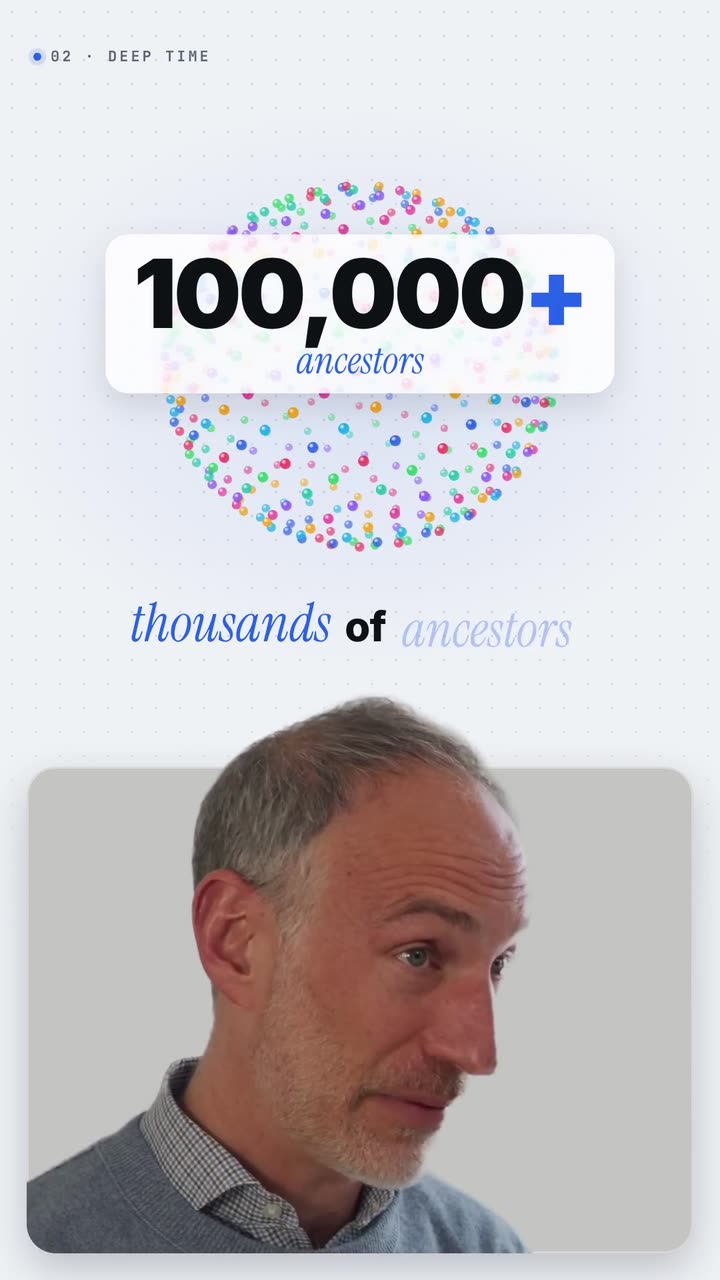
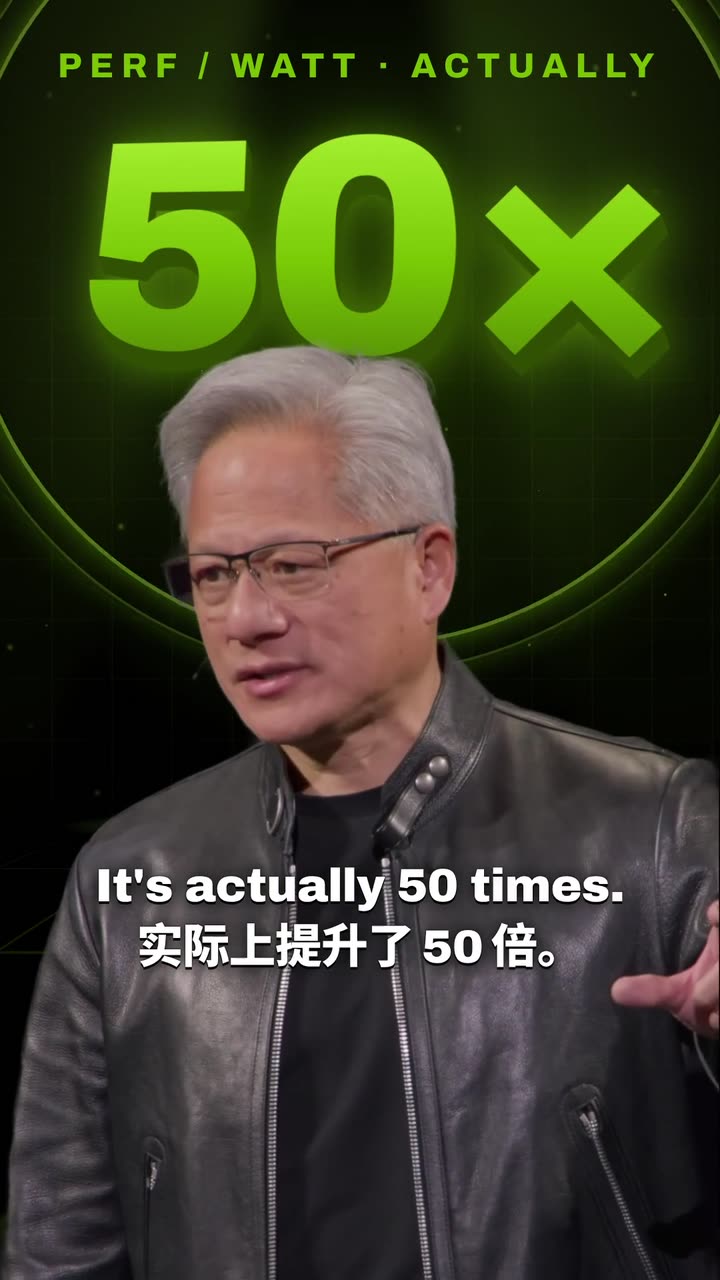
Real outputs from the Videotto template gallery.
Where an AI video editor saves clippers time
Clippers earn on approved clips, so the useful number is time per approved clip. In a timeline editor such as CapCut or Premiere Pro, a single clip from a long stream typically takes 30 to 45 minutes once you count the scrubbing. Most of that time is mechanical work an AI video editor can do from a sentence.
Only clip content you have the rights or campaign permission to use. Campaigns tell you which videos you may clip, where you may post and what each clip must include. Everything below assumes you are working inside one.
Typical time per clip, rough estimates
| Step | By hand in CapCut or Premiere Pro | With an AI video editor |
|---|---|---|
| Find the moment in a 2 hour stream | Roughly 15 to 25 minutes of scrubbing | Ask for a number of moments, then review |
| Cut and reframe to 9:16 (1080 x 1920) | About 5 to 10 minutes | Part of the prompt |
| Captions with key words highlighted | About 10 minutes, including fixes | Part of the prompt |
| Hook text and brand mention | A few minutes | Taken from the brief you paste |
| Title and hashtags | About 5 minutes | Asked for in the same chat |
Your time then goes into writing the prompt once per campaign and reviewing each clip, typically a few minutes per clip.
Paste the campaign brief into the prompt
The best clippers paste the brief straight into the prompt. Before you do, pull out the five things a reviewer will check: the theme, the clip length, the text that must appear, the platforms you may post on and anything that is banned. If it is written down, the editor can follow it. Fill in the brackets and keep the rules the campaign actually sets.
Real briefs often add one more rule: every clip must mention the brand in the caption, spelled exactly right. Copy the spelling from the brief into your prompt so it is never guessed.
[paste the YouTube link or upload the campaign video]
Create 5 vertical 9:16 clips, each 30 to 45 seconds.
Campaign theme: [theme]. Audience: [who the campaign targets].
Pick moments that fit the theme: a strong opinion, a surprising fact, an emotional story or clear advice.
Each clip must make sense on its own, with a clear beginning, peak and ending. Never cut mid sentence.
Skip intros, small talk and long setup.
Open with a hook of at most 8 words taken from the clip. No misleading claims.
Big engaging captions in [language]. Put [brand name] in the on screen text.
“Each clip must be understandable on its own, with a clear beginning, peak and ending. Never cut mid sentence. Do not change the meaning of what the speaker says.”
A real Otto request, Lightly edited
How campaigns on one clipping platform are set up and paid.
Worked example: one stream, eight clips
Here is an example of how a clipper might work through a single campaign. The footage and numbers are illustrative, not a real campaign.
- The input. A 2 hour 10 minute podcast stream supplied by the campaign. The brief asks for 30 to 45 second vertical clips, the show name in the on screen text, and posts on TikTok and YouTube Shorts only.
- The prompt. The brief prompt above, with the theme filled in and the count raised to 8 clips. It takes about 5 minutes to write and works for every stream in the campaign.
- The review. Watching 8 clips of about 40 seconds takes under 10 minutes. In this example 6 are kept. One is dropped because it opens on "like I said", and one because it covers the same story as a stronger clip.
- One revision. Clip 3 has the right moment but a soft opening, so the follow-up is: "Start clip 3 on the line about quitting his job, and make that line the hook text."
- Titles and posting. Titles and hashtags come from the same chat. The 6 clips are spread over three days, two a day, so each one gets its own chance in the feed.
By hand, six finished clips would typically be an afternoon of work. Here the hands-on time is closer to 30 to 45 minutes.
Clip styles clippers use to stand out
For open campaigns on a show or a streamer, the job is finding moments that work without context. Name the kind of moment you want. "Funny or awkward clips" gets better picks than "best moments".
[paste the YouTube link]
Find the 8 clips with the most viral potential, 30 to 60 seconds each.
Focus on funny or awkward moments, unexpected reactions and hot takes.
Open on the most exciting second. Cut any "like and subscribe" from the original audio.
9:16, keep whoever is talking in frame.
Big engaging captions, key words highlighted.
The moment types that travel, with more prompts.
Styled explainer shorts
When ten clippers post the same moment, the one with a distinct look wins the scroll. Ask for a named style, like an old science book on cream paper or a black mission control screen.
[paste the YouTube link]
Clip the strongest 45 seconds into a 9:16 short in the style of an old science book.
Aged cream paper, italic serif captions with key words in deep red,
and fine line drawings that draw in as the speaker explains each idea.
Cut the speaker out over the page. Start on the most surprising line.
Titles and hashtags for clipper posts
A clip still needs a title that makes people tap and a post caption that fits the platform. Ask for these after the edit, in the same chat, so the AI already knows what each clip is about. YouTube allows titles up to 100 characters, but short titles read better on a phone, so aim for under 60.
For each clip you made, write:
1. A short title in [language], under 60 characters, curiosity first, nothing misleading.
2. A post caption of one or two lines.
3. 5 hashtags that fit the topic and the campaign.
How clipping platforms pay clippers
Most paid clipping runs through campaign marketplaces such as Whop and ContentRewards. A creator or brand posts a campaign with a budget, a rate per 1,000 views, the footage you may use and the rules. You post clips on your own accounts, submit the links, and get paid on the views that count after review.
Read the fine print first: many campaigns set a minimum view count before a clip earns, a cap per clip and a list of allowed platforms.
Choosing bounties and working the rules.
Why clippers get clips rejected
- Skipping the brief. Missing the brand mention, the wrong length or the wrong topic gets a clip rejected however good it is. Paste the rules into the prompt.
- Changing what the speaker meant. A cut that flips the meaning of a sentence is misleading and breaks most campaign rules. Ask for complete thoughts.
- Clipping without permission. Only clip footage you have the rights or campaign permission to use, and post where the campaign allows.
- Ten copies of one clip. Ask for different moments so every post gets its own chance.
- Small captions. Most people scroll muted. Make captions big and high contrast, and keep them above the bottom fifth of the frame where app buttons sit.
FAQ
How long should a clip be for a clipping campaign?
A clip for a clipping campaign should be whatever length the brief sets, and most briefs ask for somewhere between 15 and 60 seconds. If the brief is silent, 30 to 45 seconds leaves room for a setup and a payoff without losing people.
What resolution and aspect ratio should clips be?
Clips for TikTok, Instagram Reels and YouTube Shorts should be vertical 9:16, exported at 1080 x 1920 pixels. That fills a phone screen without black bars. If the source is a wide 16:9 stream, reframe it so the speaker or the action stays in shot rather than using a fixed center crop.
Can you make money clipping without your own content?
Yes, you can make money clipping without your own content, because campaigns supply the footage. You join a campaign, clip the videos it allows, post the clips on your own accounts and get paid per view. What you need is accounts that can get views and the discipline to follow each campaign's rules.
Is it legal to clip other creators' videos?
Clipping other creators' videos is only safe with permission. Clip videos from campaigns you joined, or from creators who openly allow clipping, and follow their rules on platforms and credit. Reposting someone's footage without permission can get clips taken down and accounts penalised, even if the edit is your own.
How long does it take to edit one short clip by hand?
Editing one short clip by hand typically takes 30 to 45 minutes when you start from a long video. That time covers finding the moment, cutting it, reframing to 9:16, adding and checking captions, and writing a title. Experienced clippers with saved templates in CapCut or Premiere Pro get faster, but captions and reframing still take a good share of each clip.
Paste the brief, get the clips
Drop the campaign video and its rules into Otto and use the prompt above.