To become a clipper, join pay per view clipping campaigns on platforms like Whop Content Rewards, read each brief closely, and clip only footage the campaign gives you. Post vertical 9:16 clips with a hook and captions on your own pages, submit the links, and get paid for approved views at the rate the campaign sets.

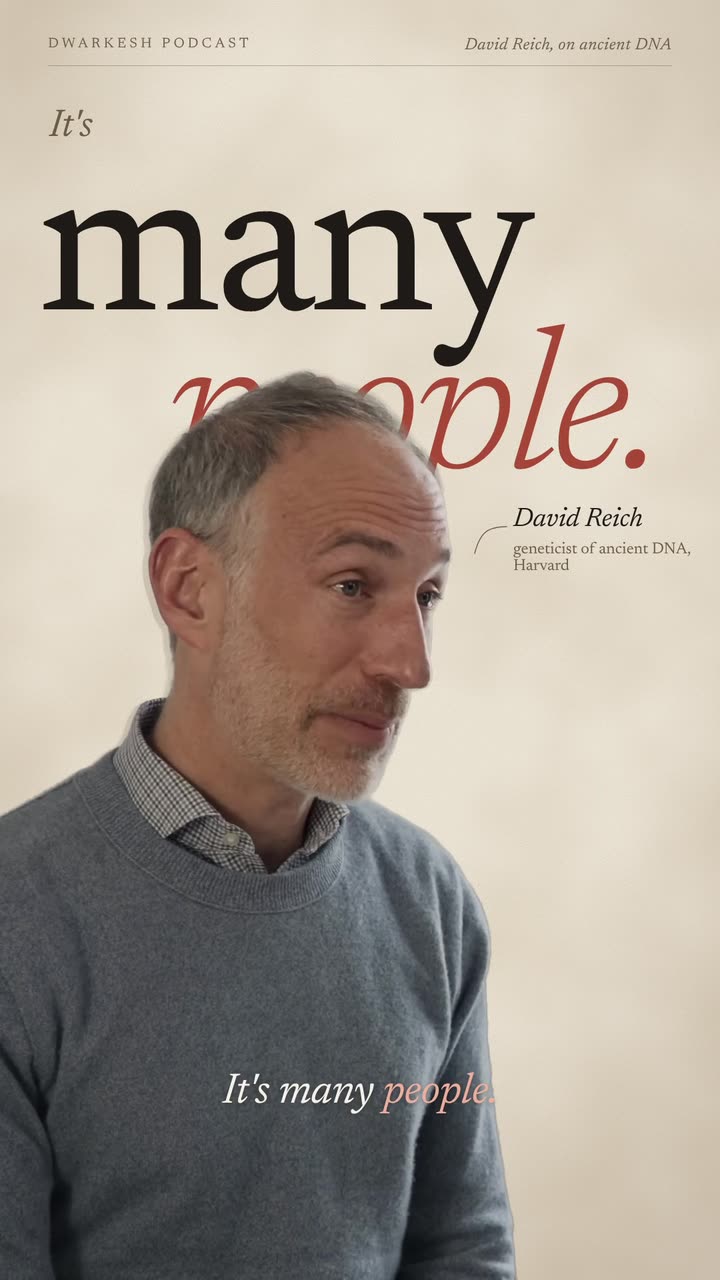
Real outputs from the Videotto template gallery.
What does a clipper do?
A clipper watches long videos, finds the moments that work on their own, and cuts them into 15 to 60 second vertical clips for TikTok, Instagram Reels and YouTube Shorts. Every clip is a small ad for the full video, and the people who own the content pay for the reach.
The clippers who stick with it treat it like a job: one or two niches, a steady posting schedule, and every brief read twice.
How do clippers get paid per view?
A campaign is an offer from a creator or brand: clip our content, post it, and we pay you for the views your posts get. Every campaign sets its own rules, so there is no standard rate and no guaranteed income.
- The rate is set per campaign, usually quoted as an amount per 1,000 views.
- The budget is limited. When it runs out, the campaign ends, even if your clip keeps getting views.
- Approval comes first. A clip that breaks the rules is rejected and earns nothing.
- Audience rules are common. Some campaigns only count views from certain countries and ask for proof from your analytics.
The math is simple once you know the rate. If a campaign paid $1 per 1,000 views (a round number for the example, not a typical rate), a clip with 40,000 approved views would earn $40. Most new clippers get many clips in the low thousands of views and a few that break out, so income is uneven week to week.
Where to find clipping campaigns
Campaigns are listed on clipping marketplaces and run directly by some creators. Whop Content Rewards and ContentRewards.com are two of the better known marketplaces, and some streamers and podcasts run their own programs through a Discord server or an application form.
Whichever you use, the campaign listing is your permission to use the footage. If a listing asks you to pay to join, promises a fixed income, or does not say how views are verified, skip it.
How to become a clipper in 6 steps
- Pick one or two niches. Podcasts, gaming, sport, business or comedy. Pages that stay on one topic build an audience the next campaign can use.
- Set up your pages. Create accounts on the platforms the campaigns pay for, with a clear name and bio for the niche.
- Join campaigns you have permission for. Use marketplaces or creator programs where the owner invites clippers.
- Read the brief, then clip. Note the content source, length, audio, tags and banned items before you cut anything.
- Post, submit and track. Post the clip, submit the link the way the campaign asks, and keep a simple sheet of what got approved and how it did.
- Repeat what works. Look at which moments and hooks got views, and make more of those.
Speed matters because campaign budgets run out. Cutting one clip by hand in CapCut or Premiere Pro (finding the moment, trimming, reframing to 9:16 and timing captions) typically takes 20 to 40 minutes. With an AI editor doing the cutting and captions, the hands-on part is mostly review, often around 5 minutes a clip.
Reading a clipping campaign brief
Most rejected clips break a rule that was written in the brief. Check these parts every time, and turn each one into a line of your prompt.
| Part of the brief | What it means | What to tell Otto |
|---|---|---|
| Content source | Only use the footage the campaign provides | "Use only footage from the provided video" |
| Length | A minimum or maximum clip length | "Make each clip longer than the minimum" |
| Audio | Sometimes only the official audio is allowed | "Don't add any music or sounds" |
| Branding and tags | Tag the official account, no other logos | "No logos except the ones required" |
| Value | No random moments with a fake reaction caption | "Pick moments that make sense on their own" |
| Audience | Views must come from certain regions | Nothing to edit. Post on pages with the right audience |
Example: from campaign brief to five clips
This is a made up example to show the flow, not a real campaign. A business podcast posts a brief: clip our latest 48 minute episode, 9:16 only, 20 to 60 seconds, official audio only, tag the show, and only views from the US, UK and Canada count.
- Minute 0 to 5: read and translate the brief. You copy the rules into your prompt word for word: source video only, no added music, 20 to 60 seconds, captions on.
- Minute 5 to 10: prompt. Paste the episode link and the brief into Otto and ask for 5 clips on different topics, each opening on the strongest line.
- Minute 10 to 35: review. Watch all 5 clips. Drop one that needs too much context, ask for a replacement, and fix the spelling of the guest's company.
- Over the next 3 days: post and submit. Post one or two clips a day on your business page, tag the show, and submit each link with a screenshot of your audience countries if the campaign asks.
Roughly 35 minutes of work for five campaign ready clips, where cutting them by hand would typically take two to three hours.
Clipping rights and campaign rules
Only clip content you own, or content a campaign gives you permission to use. Reposting someone else's show without permission can get your posts taken down and your pages banned, and it will not get paid.
Campaigns also ban bought views, bots and engagement groups, and some ban hiding likes or comments. Breaking those rules can get you removed from the campaign entirely. Real views from real people are the only kind that count.
Clipper prompts to paste into Otto
Clippers often paste the whole campaign brief into Otto with the link. This prompt is adapted from real ones.
Here is the campaign brief: [paste the brief]
Source video: [YouTube link or uploaded file]
Create 5 vertical 9:16 clips, 30 to 45 seconds each.
Pick moments that fit the campaign theme: strong opinions, surprising facts, emotional stories.
Use only footage from the provided video. No other logos, footage or audio.
Open each clip on the most interesting line, with a text hook from the first frame.
Add big engaging captions synced to the speech.
One idea per clip, and end on a complete thought.
Shorter clipper prompts people use
- "Create 5 vertical short clips from this video. Campaign theme: [theme]. Target audience: [audience]."
- "Find the strongest 30 to 60 second clips. Each clip must make sense on its own."
“Start mid conversation at the good part. No intros, no slow lead-ins, no dead air. One idea per clip.”
A real Otto request, Lightly edited
Why clipping submissions get rejected
- Posts that add no value. A random moment with "I can't believe this happened" on top is the classic rejection. Pick a moment with a point.
- Ignoring the audio rule. If the brief says official audio only, adding a trending song gets the clip rejected.
- Posting before the source is approved. Some briefs say not to post until the official footage is linked. Wait for it.
- Too short or too long. Check the length rule for every campaign. It changes from one to the next.
FAQ
Can you make money clipping with no followers?
Yes, you can make money clipping with no followers, because most campaigns pay for views on each clip rather than for the size of your page. New accounts can still reach people through TikTok, Reels and Shorts feeds, though the first weeks are usually slow.
How long does it take to get paid for clipping?
How long it takes to get paid for clipping depends on the campaign. Most review each submission first, then count views over a set window before paying out, so money usually arrives days or weeks after you post, not instantly. Check the payout schedule and minimum withdrawal on the campaign page before you start, since they differ between marketplaces.
Do you need editing software to start clipping?
You need some kind of editor to start clipping, but it does not have to be expensive. Many clippers start with free tools like CapCut, then move to an AI editor once volume matters, because cutting, reframing and captioning by hand is the slowest part. Whatever you use, it has to export clean 9:16 video at 1080 x 1920 with readable captions.
Is clipping a realistic full time job?
Clipping can become a full time job for a small number of people, but it is not a realistic starting expectation. Pay depends on campaign budgets, approval rates and views, all of which change week to week. Most people start clipping in their spare time, track earnings per hour for a month or two, and only then decide whether to scale up.
How many clips should a clipper post per day?
A clipper should post as many clips per day as they can keep good, which for most people is somewhere around one to five per page. Rushed clips that break the brief earn nothing, while a steady rhythm of approved clips builds both audience and income.
Make your next video with Otto
Tell Otto what you want in plain words. It cuts, captions and animates the video for you.