To clip a podcast into shorts, start from the full episode, pick moments that make sense without context, and cut each one to 30 to 60 seconds. Reframe to 9:16 on whoever is talking, put the strongest line in the first 3 seconds, add big engaging captions, then export every clip separately.
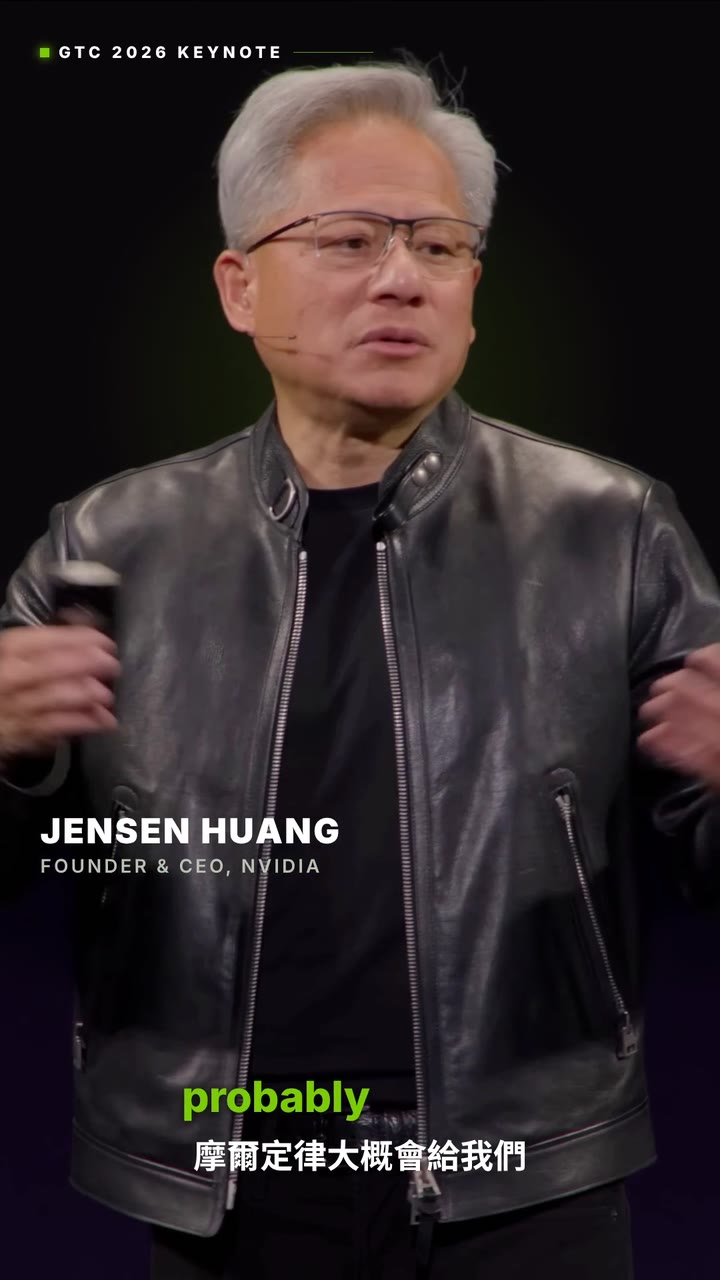
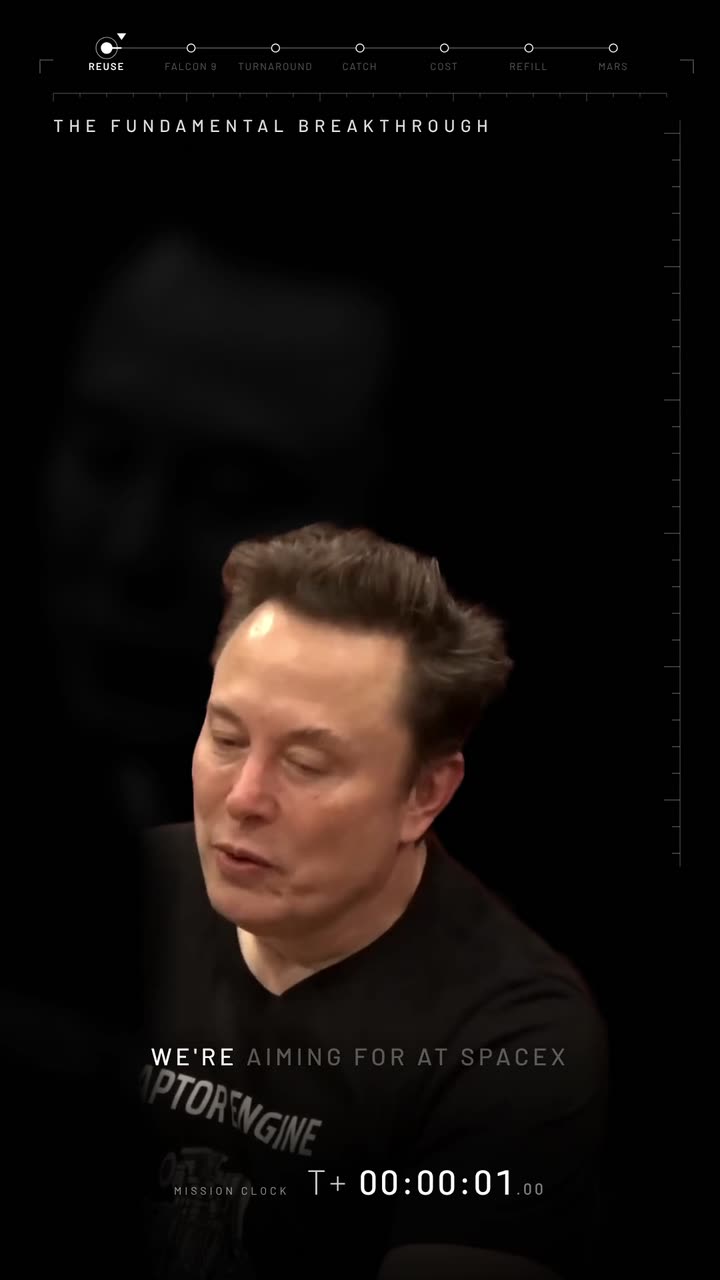
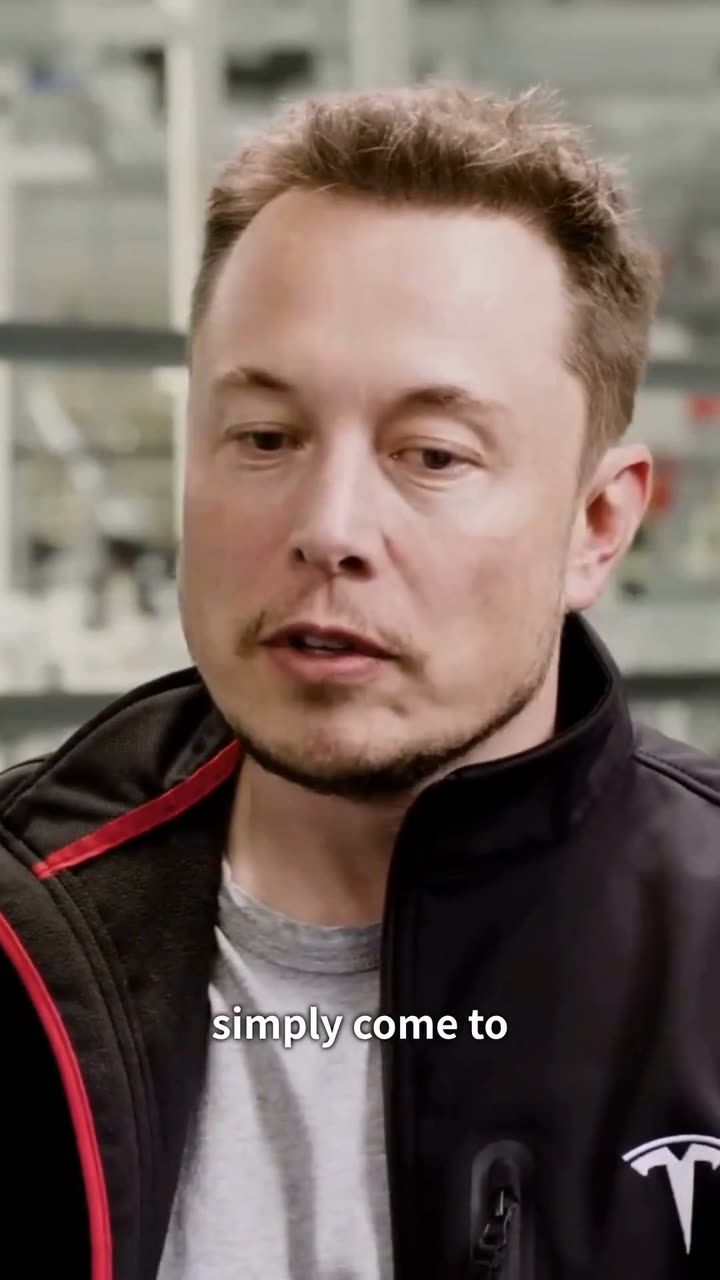
Real outputs from the Videotto template gallery.
Why podcast clips work
A podcast episode is an hour of people saying interesting things, but almost nobody finds a new show by pressing play on an hour. They find it through a 40 second clip in their feed. Clips are how a long conversation reaches people who have never heard of you.
We studied 1M+ videos made by 280,000+ users on Videotto, and turning long videos into shorts is the most common job by far. Podcasts are the best source for it: lots of talking, lots of opinions, and every episode holds many separate moments.
The workflow in 6 steps
The same order works for your own show or one you have permission to clip.
- Start from the full episode. Paste a YouTube link or upload the file. The whole episode gives the AI more strong moments to choose from.
- Say what you want out of it. Name the kind of moments (funny, controversial, a story, advice), how many clips and how long. "The best moments" works, but naming the type gets better picks.
- Make every clip stand alone. Each clip should start at the good part and end on a complete thought. If a moment needs five minutes of setup, skip it.
- Reframe to vertical on the speaker. Ask for 9:16 with the face of whoever is talking in frame. With two people, ask it to follow the speaker or show both.
- Add a hook and captions. Put the strongest line on screen in the first 3 seconds and add big engaging captions synced to the speech.
- Brand it and export. Add the show name or your handle, a short call to action at the end if you want one, and export each clip as its own file.
Which moments to pick
The test for every clip is simple: would someone who never saw the episode understand it and care? These are the moments that pass most often.
| Moment | What to listen for | How people ask for it |
|---|---|---|
| Strong opinion | A guest disagrees with common advice | "bold, thought provoking or controversial statements" |
| Surprising fact | A number or detail nobody expects | "surprising facts that create curiosity" |
| Story with an ending | A setup, a turn and a result | "a complete story, don't cut mid sentence" |
| Funny exchange | Laughter, a joke landing, banter | "funny moments and unexpected reactions" |
| Practical advice | A clear tip someone can use today | "the most useful advice, one idea per clip" |
One rule from a real campaign brief is worth copying: one idea per clip. If a moment makes two good points, that is two clips, not one long one.
A deeper look at the moment types that travel, with more prompts.
Framing two or more speakers
Most podcasts are filmed wide, in 16:9, with two or more people. A plain center crop to 9:16 cuts someone out. You have three good options, and you can name the one you want in the prompt.
- Follow the speaker. The crop moves to whoever is talking. Best for fast back and forth.
- Show both people. Stack the two speakers top and bottom, so reactions stay visible. Users ask for this as "keep both people in the shot".
- Stay on one person. For a monologue or a single guest answer, lock on that face and keep it centered.
Hooks, captions and branding
The first 3 seconds decide whether anyone watches the rest. Open on the line that makes people stop, with no intro, no fade in and no logo first. A short headline on screen, taken from what the speaker actually says, helps people decide fast. For ready-made openings, see our list of 30 hooks you can copy.
Captions matter because many people scroll with the sound off. Make them big, high contrast and placed in the middle of the frame, away from the buttons at the bottom. Then add your branding: the show name, your logo in a corner, or a call to action at the end pointing to the full episode.
Prompts that work
These are adapted from real requests Videotto users sent to Otto. Paste one with your link and change the numbers.
[your YouTube link or uploaded episode]
Find the best clips in my podcast. Make 6 clips, 30 to 60 seconds each.
Each clip covers a different topic, with no overlapping clips.
Each clip must make sense on its own and end on a complete thought.
Start at the good part: no intros, no slow lead-ins, no dead air.
Vertical 9:16, keep whoever is talking in frame.
Put the strongest line on screen as a hook in the first 3 seconds.
Add big engaging captions and the podcast name on screen.
Shorter versions people use
- "Find the best clips in my podcast. Make 5 clips."
- "Cut on the good parts with the best flow, and balance between the two people."
- "Clip this podcast and translate it from Arabic to English subtitles."
- "Add some trending edits and swoosh sound effects. There needs to be a CTA at the end."
“Pick moments with a strong opinion, a surprising fact or an emotional story. Each clip must make sense on its own without needing context from the full podcast.”
A real Otto request, Lightly edited
Length and format per platform
Most people post the same clip everywhere. These ranges are a good default.
| Platform | Clip length | Format |
|---|---|---|
| TikTok | 30 to 60 s | 9:16, captions in the middle third |
| Instagram Reels | 15 to 45 s | 9:16, text clear of the bottom buttons |
| YouTube Shorts | 30 to 60 s | 9:16, a clear title helps search |
Mistakes to avoid
- Opening on small talk. Cut "so, yeah" and the greeting. Start on the line that makes people stop.
- Cutting mid sentence. A clip that ends before the point lands feels like a mistake. Ask for complete thoughts.
- Losing the speaker. A static crop on a wide shot cuts people out. Ask for speaker tracking or a stacked layout.
- Five clips of the same point. Ask for different topics so every clip earns its own post.
- Clipping without rights. Clip your own show, or shows and campaigns that allow it.
FAQ
How many shorts can I get from one podcast episode?
It depends on the episode. A one hour conversation usually holds several moments that stand alone. Ask Otto for a number, and it picks the strongest ones and skips the rest.
How long should a podcast clip be?
Between 30 and 60 seconds works for most clips. Short enough to watch to the end, long enough for a point to land. A strong single line can be shorter.
Do I need to download the episode first?
No. Paste a YouTube link or upload the file, and Otto works from there.
Can I clip a podcast I don't own?
Only if you have permission, for example through a clipping campaign run by the show. Otherwise, clip your own episodes or shows that openly allow it.
Can the clips have captions in another language?
Yes. Videotto has users in 190 countries, and captions can be in the language of the episode, translated into another language, or both stacked together.
Make your next video with Otto
Tell Otto what you want in plain words. It cuts, captions and animates the video for you.