To make a quiz video, write five to ten questions with answers of one to three words. Show each question for about 2 seconds, run a 3 to 5 second countdown with ticking sounds, then reveal the answer for 2 seconds. Keep one layout for every question and end on a score prompt. Six questions fit in about 50 seconds.
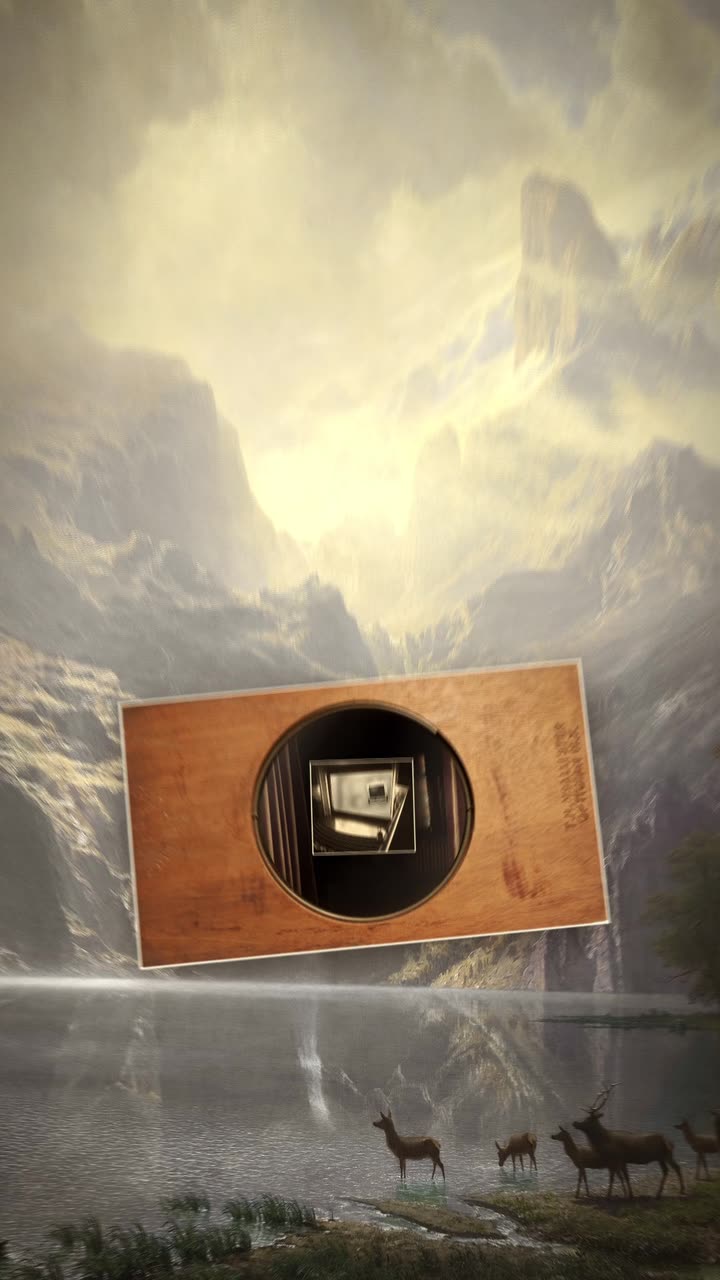
Real outputs from the Videotto template gallery.
How to make a quiz video in 6 steps
You can do this from nothing but a text list. No upload is needed, though you can add a logo or a background image if you have one.
- Write the questions and answers. Five to ten questions, each answerable in one to three words, each question under about 12 words. Check every answer yourself before you paste it.
- Pick the format. Open question with a reveal, multiple choice with four tiles, or true or false. One format per video keeps it easy to follow.
- Set the timing. About 2 seconds to read, 3 seconds of countdown for easy questions and 5 for hard ones, then 2 seconds on the answer. That is 7 to 9 seconds per question.
- Describe the look. Background, one accent colour, type style. A theme helps: "bold blue and white with water droplets" for a water quiz, chalkboard for a school quiz.
- Add sound and an optional voice. Ticks, a reveal sound and light music. Add an AI voice reading each question if you want it to work with the sound on, and allow a little more read time to match the voice.
- End with a score and a prompt to comment. "How many did you get? Comment your score" turns the last frame into engagement. Hold it for 3 seconds.
Quiz video prompt you can paste
Adapted from the way Videotto users brief Otto for game style videos. Paste it, then swap in your questions.
Make a 9:16 vertical trivia video, about 50 seconds, no footage, all motion graphics.
Topic: [your topic]. 6 questions:
1. [question] Answer: [answer]
2. [question] Answer: [answer]
(and so on)
STYLE: deep navy #14213D background, white oversized bold lettering, one accent #FCA311 for the correct answer.
EACH QUESTION:
0 to 2 s: question card slides up, "Question 1 of 6" small above it.
2 to 6 s: a ring timer drains around a big number counting 3, 2, 1, with subtle ticking.
6 to 8 s: the answer pops in with a satisfying ding and the accent colour.
END: "How many did you get? Comment your score" for 3 seconds.
SOUND: light upbeat music under everything, quieter during the countdown.
RESTRICTIONS: keep every answer exactly as given, same layout for every question, text clear of the bottom app buttons.
Shorter quiz video prompts
- "Display the question on screen, then add a countdown timer with subtle ticking sounds."
- "Reveal the answer with a satisfying pop or splash animation."
- "Keep enough time for viewers to guess without dragging."
- "Multiple choice, four tiles, the wrong ones fade out one by one."
- "Add an AI voice that reads each question in a friendly game show tone."
Example: a 6 question geography quiz video
Example input: a geography page wants a capital cities quiz that gets harder as it goes. The questions, with answers checked against an atlas:
1. Capital of Japan? Tokyo. 2. Capital of Canada? Ottawa. 3. Capital of Australia? Canberra. 4. Capital of Turkey? Ankara. 5. Capital of Brazil? Brasilia. 6. Capital of New Zealand? Wellington.
Questions 1 and 2 get a 3 second countdown, questions 3 to 6 get 5 seconds because most people guess the bigger city first. With a 3 second title card and a 3 second score card, the plan looks like this:
Example timing for a 6 question quiz
| Segment | Read | Countdown | Answer | Total |
|---|---|---|---|---|
| Title: "Only 1 in 6 questions is easy" | 3 s | none | none | 3 s |
| Questions 1 and 2 | 2 s each | 3 s each | 2 s each | 14 s |
| Questions 3 to 6 | 2 s each | 5 s each | 2 s each | 36 s |
| Score card | 3 s | none | none | 3 s |
That is 56 seconds in total, comfortably inside every short video limit. The title line is a deliberate hook rather than a fake statistic: it tells the viewer the game gets hard without claiming anything about other players. The answers on questions 3, 5 and 6 are the ones people tend to argue about, which is why the score card asks for comments.
Quiz video specs by platform
The same quiz can go everywhere if you plan the length and the safe area. These limits apply to uploads made in each app at the time of writing.
| Platform | Frame | Length that suits a quiz | Upload limit |
|---|---|---|---|
| TikTok | 9:16, 1080x1920 | 30 to 60 s, 5 to 7 questions | Up to 10 minutes |
| YouTube Shorts | 9:16, 1080x1920 | 30 to 60 s, 5 to 7 questions | Up to 3 minutes |
| Instagram Reels | 9:16, 1080x1920 | 30 to 60 s, 5 to 7 questions | Up to 3 minutes in the app |
| YouTube long form | 16:9, 1920x1080 | 5 to 15 minutes, 30 to 100 questions in rounds | Hours, depending on account |
On vertical platforms the bottom fifth and the right edge carry captions and buttons, so keep answer tiles in the middle of the frame.
Quiz video mistakes that spoil the game
- Questions too long to read. If it takes more than two seconds to read, viewers give up. Cut each question to one short line.
- A countdown that is too short. A timer nobody can beat feels unfair. Give at least three seconds, more for harder questions.
- Wrong answers. One wrong fact floods your comments. Check every answer and say "keep every answer exactly as given".
- A new layout per question. Changing the design every card breaks the rhythm. Keep one layout and change only the words.
- Revealing in the caption. Keep answers out of the title, the post caption and the first frame, or the game is over before it starts.
Quiz video formats to rotate
The same recipe covers many quiz shapes. Pick one that suits your niche and keep it as a series, so returning viewers know what to expect.
- Guess the answer. Open question, blank box, reveal. The simplest and the fastest to make.
- Multiple choice elimination. Four tiles, wrong ones fade out one at a time, building tension.
- True or false. Two big halves of the screen, one lights up. Good for myth busting in health, money or science niches.
- Guess from the picture. A generated image or an icon zooms out slowly from a close crop over the countdown.
- Level up. Questions get harder as the video goes, with a level bar along the top, so people stay for the last one.
Live quiz apps such as Kahoot are built for playing together in a room in real time, with phones as buzzers. A quiz video is different: it is a post anyone plays alone, at any time, so the pacing has to be built into the video itself.
FAQ
How long should the countdown be in a trivia video?
The countdown in a trivia video should usually be 3 seconds for easy questions and 5 seconds for hard ones. Shorter feels unfair because viewers are still reading, and longer than about 6 seconds makes people scroll away. Viewers can always pause, so it is better to keep the rhythm brisk and let keen players stop the video.
Where can I find trivia questions for quiz videos?
You can find trivia questions for quiz videos in your own niche knowledge first, then in reference sources you can verify, such as atlases, official statistics and encyclopedias. Write the questions in your own words rather than copying a published quiz book. Whatever the source, check each answer against a second source before it goes on screen.
How do quiz videos get more comments?
Quiz videos get more comments by giving viewers something to report or argue about. Ask for a score at the end, include one question with a surprising answer, and use a title like "Most people miss number 4" only if it is honest. Replying to score comments with the hardest question also brings people back to the post.
Should a quiz video show the score as it goes?
Whether a quiz video should show a score as it goes depends on the format. A running tally works when viewers play along in their heads and want to track points. For simple guess the answer quizzes, a single question counter such as "3 of 6" is cleaner, with the score left to the viewer at the end.
How do I make a quiz video in another language?
To make a quiz video in another language, write the questions and answers directly in that language, or translate them and have a native speaker check the wording. Answers that depend on spelling or local knowledge may need changing. Keep the same design and timing, but allow a little more read time for languages with longer words.
Make your next video with Otto
Tell Otto what you want in plain words. It cuts, captions and animates the video for you.