To make a text message conversation video, write a fictional chat of 12 to 20 messages between two names, then animate each bubble popping in on a generic phone style screen, with typing dots before the replies that matter. Vary the gaps between messages, add message ticks and quiet music, and end the video on the twist.
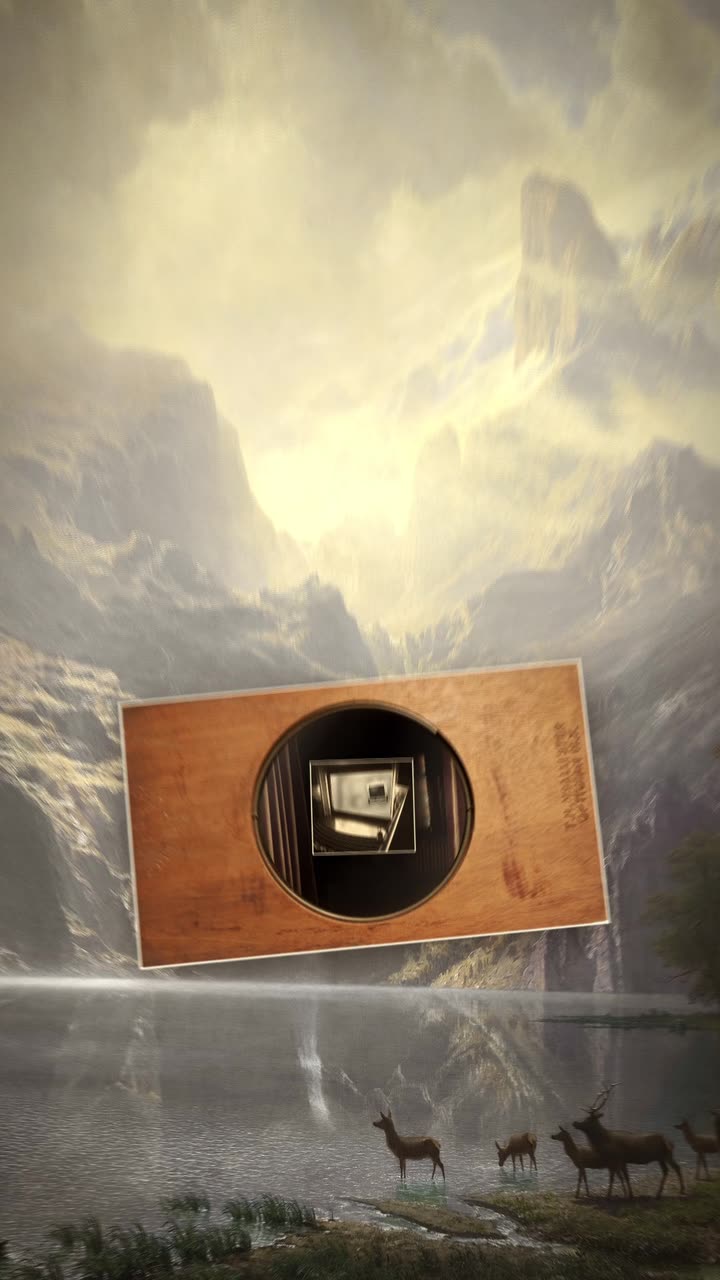
Real outputs from the Videotto template gallery.
Ways to make a fake text message video compared
There are four common routes. They differ mainly in how sharp the result looks and how much control you get over timing. The effort column is a typical estimate for a 40 second chat with about 16 messages, not a measured figure.
| Method | How it works | Trade off | Typical effort |
|---|---|---|---|
| Record a real phone | Type the chat between two of your own phones and screen record | Real UI and timing, but typos, notifications and privacy risks | 30 to 60 minutes plus retakes |
| Fake text generator sites and apps | Type messages, export images or a clip | Quick, but many mimic real app branding and limit timing control | 15 to 30 minutes, then editing |
| CapCut, Canva or Premiere Pro | Place each bubble as a layer, keyframe it in | Full control, but every bubble is manual work | 1.5 to 3 hours |
| Otto | Paste the chat script, describe the look and timing | Check every message against your script | A few minutes to brief plus a review |
Whichever route you choose, keep the screen generic: your own colours and no real app logos. The format is recognisable without copying anyone's design.
How to make a text message conversation video in 6 steps
- Write the chat as a script. Two names and a list of lines: "A: where are you?" Twelve to twenty messages is enough for a 30 to 60 second short.
- Open on tension. The first message should make the viewer ask what is going on. Skip the "hey, how are you".
- Mark the pauses. Write "(typing...)" or "(pause)" where you want suspense. That is where the viewer leans in. Two or three marked pauses are plenty.
- Pick the screen style. Dark or light mode, bubble colours and a contact name. A generic design keeps it clean and avoids real app branding.
- Add sound and an optional voice. Message ticks are enough. For a story with narration, ask for an AI voice between messages.
- Land the twist. Zoom on the last bubble, hold it for about 2 seconds, and end. A short caption like "part 2?" works for series.
Text message video prompt for Otto
Adapted from the way Videotto users brief Otto for faceless story shorts. Paste your own chat below.
Make a 40 second text message conversation video, 9:16 vertical. No footage, no people.
SCREEN: a generic dark mode phone chat, contact name "[name]" on top. No real app logos.
BUBBLES: mine on the right in blue #2F7BFF, theirs on the left in grey #3A3A3C. Large text.
CHAT SCRIPT (keep every message exactly as written):
Them: [message]
Me: [message]
Them: (typing...) [message]
[continue]
ANIMATION: each bubble pops in from its side, the chat scrolls up smoothly. Show typing dots for 1.5 seconds before every message marked (typing...).
TWIST: on the last message, the screen dims, zoom in on the bubble, hold 2 seconds.
SOUND: a soft tick on every message, quiet tense music, one low hit on the twist.
RESTRICTIONS: no bouncing, keep the camera still except the final zoom.
Short chat video prompts that also work
- "Turn this chat into a video with typing dots before every reply."
- "Light mode, green and grey bubbles, contact name on top."
- "Add a narrator voice between messages, like a story time."
- "Make the last message a cliffhanger and end on part 2."
- "Same chat, but in Spanish captions under each bubble."
Example: a 40 second fake text story
An invented example to show pacing. The input was a 16 message chat between "Mum" and "Me" about a missing birthday cake, with two lines marked (typing...). Notice how the gaps change with the tension.
| Time | Messages | Pace |
|---|---|---|
| 0 to 3 s | Mum: "Did you take the cake from the fridge??" | Opens cold, no greeting |
| 3 to 12 s | Four quick denials and questions back and forth | Fast, under half a second between bubbles |
| 12 to 24 s | Six messages: the dog, the neighbour, the receipt | Normal, about one second apart |
| 24 to 27 s | Typing dots appear, stop, appear again | Slow, the first real pause |
| 27 to 36 s | Mum: "Then who is eating it in the garden?" and three panicked replies | Speeds up again |
| 36 to 40 s | Typing dots, then Me: "...grandma." Screen dims, zoom, hold | The twist, then end |
At 16 messages over 40 seconds, the average is about 2.5 seconds per bubble, which is comfortable to read even for longer messages.
The look of a chat story video
Viewers read along as if it were their own phone, so the design should get out of the way. The suspense lives in the gaps between messages, which is why timing appears in this table next to the visual choices.
| Element | What works | Why |
|---|---|---|
| Layout | A generic chat screen filling most of the 1080x1920 frame | Bigger bubbles, readable text |
| Bubbles | Two colours, one per side, rounded | Instantly shows who is talking |
| Type | A clean system style sans serif | Familiar, fast to read |
| Motion | Bubbles pop in from their side, the chat scrolls up | Feels like a live conversation |
| Timing | Quick bursts, then a long pause before the key reply | Pauses create the suspense |
| Sound | A send and receive tick, a low hit on the twist | Marks each message without music doing the work |
Text message video mistakes
- Real people's chats. Never post someone's private messages. Write your own fictional chat or use one with clear permission and no real names.
- Too many messages. Forty bubbles in a minute is unreadable. Cut to the messages that move the story.
- Text too small. A full phone screenshot shrinks the text. Fill the frame with the chat and make bubbles large.
- Typing dots everywhere. If every message has typing dots, the suspense disappears and the video drags. Use them two or three times.
- The twist in the middle. Once the surprise lands, end the video. Anything after it loses the viewer.
FAQ
Are fake text message videos allowed on TikTok?
Fake text message videos are a common format on TikTok, and fictional stories are generally fine as long as they do not mislead people about real events, harass real people or break other community guidelines. Avoid using real names or real screenshots. Some creators add a short "fictional story" note in the caption, which keeps expectations clear.
How do you make the typing bubble animation in a text video?
The typing bubble animation in a text video is three small dots inside a bubble that pulse in sequence, usually for 1 to 2 seconds before the message replaces it. In a manual editor you animate each dot's opacity or scale in a staggered loop. In a prompt, simply ask for typing dots before the marked messages and say how long they should show.
How long should a text message story video be?
A text message story video usually works best between 30 and 60 seconds, which fits roughly 12 to 24 messages. Longer stories hold attention better when split into parts that each end on a cliffhanger. On TikTok and YouTube Shorts, a series also gives viewers a reason to follow for the next part.
How do I write a good fake text story?
To write a good fake text story, start in the middle of a problem, give each person a clear goal, and plan the twist before writing anything else. Keep messages short, the way people really text, and use lowercase and typos sparingly for character. Read the chat aloud: if a message does not raise a question or answer one, cut it.
Make your next video with Otto
Tell Otto what you want in plain words. It cuts, captions and animates the video for you.