To make a whiteboard animation, write a short script with one idea per sentence, plan one simple drawing for each, and have black line sketches draw themselves on a white background in time with the narration. Use one accent colour for circles and arrows, add short hand written labels, and end on the full board as a summary.
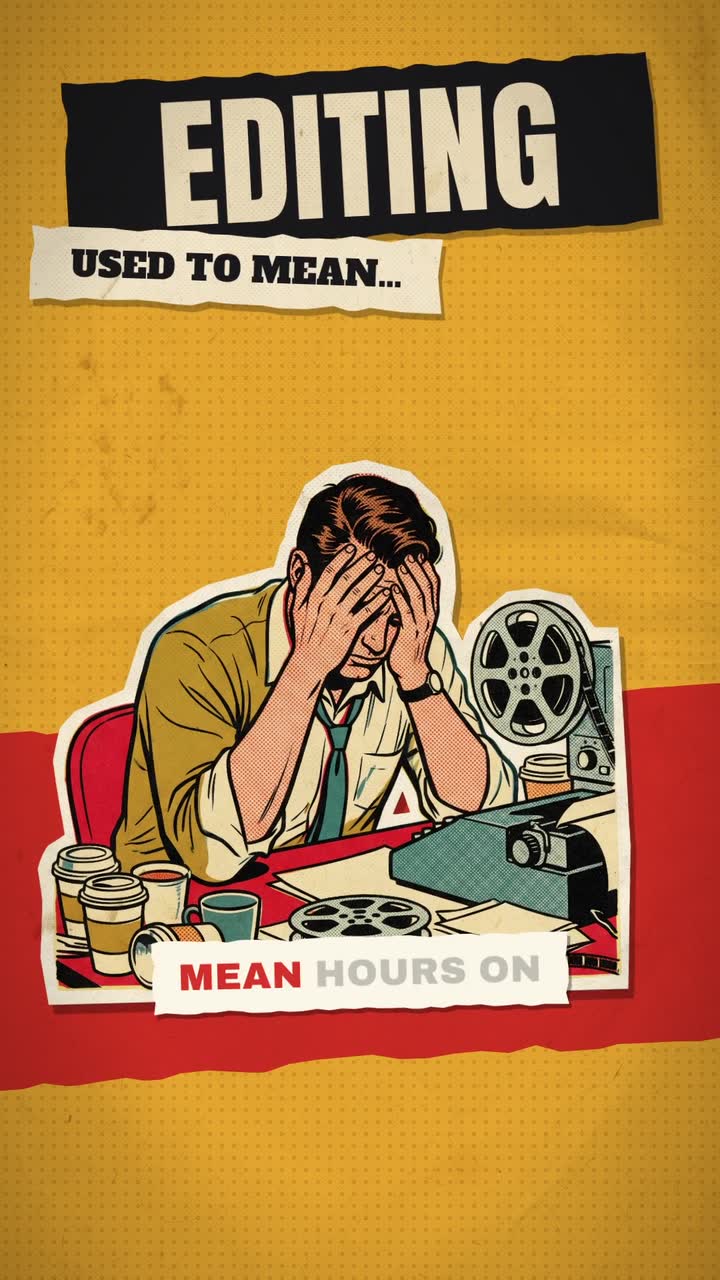
Real outputs from the Videotto template gallery.
Worked example: a 40 second whiteboard animation
Start with what the finished thing looks like. This is an illustration, not a real client video: a coach explaining compound interest in four drawings on one board.
| Time | Narration | What gets drawn |
|---|---|---|
| 0 to 5 s | "Why does money grow faster the longer you leave it?" | A coin, then a question mark in red |
| 5 to 14 s | "Put 100 in, earn 10% and you have 110." | A jar, the number 100, an arrow to 110 |
| 14 to 23 s | "Next year you earn 10% on 110, not on 100." | A second jar, slightly bigger, labelled 121 |
| 23 to 33 s | "Each year the growth grows too." | A curve that bends upward across the board |
| 33 to 40 s | "Time does the heavy lifting." | A clock beside the curve, the whole board circled in red |
About 75 words of narration, five drawings, one accent colour. Every sketch is simple enough to finish in 3 to 6 seconds, and the last frame works as a summary someone could screenshot.
Why whiteboard animation holds attention
Each line on the board is a small question, and the finished sketch is the answer. Viewers stay to see what the drawing turns into. That is why the drawing should never get ahead of the narration. If the picture is finished before the sentence starts, the curiosity is gone.
Use that pull on purpose. Start drawing a shape a moment before you name it, so viewers guess and then hear they were right. Save the accent colour for the conclusion of each idea: a red circle around the answer, an arrow pointing at the result. And keep drawings to the level of a quick sketch. A detailed drawing takes too long to appear and too long to read.
Whiteboard animation prompt for Otto
Adapted from real requests Videotto users sent to Otto. Paste your script and keep the last line so nothing photographic sneaks in.
Make a whiteboard sketch animation, vertical 9:16, about 45 seconds.
Script: [paste your script]
Clean white board background. Simple black line drawings that draw themselves as each sentence is spoken.
Hand written labels next to each drawing. Red marker for circles, underlines and arrows.
Build one board, then pull back to show the full board at the end.
Calm teacher voice. Soft marker sounds while drawing, very light music.
No realistic images, no photos, everything drawn.
Shorter whiteboard prompts
- "Explain this concept with fine line drawings that draw in as I talk."
- "Turn my talking head lesson into a whiteboard explainer with me in the corner."
- "Draw a simple flow chart of the five steps."
- "Circle the key word in red when I say it."
Whiteboard animation layouts by use case
The same drawing style can be arranged four ways. Pick the one that matches what you are explaining.
- The single board, for frameworks. Every drawing adds to one board and the video ends on the full summary. Good for a 3 or 4 part model. Keep it to five or six drawings on a 9:16 frame.
- The pan, for stories. The camera slides to empty space for each new idea, like walking along a long whiteboard. Good for anything told in order.
- The flow chart, for processes. Boxes and arrows that grow from top to bottom on vertical video, left to right on 16:9. Good for onboarding and how things work.
- The split board, for before and after. A line divides the board, the problem on one side and the fix on the other. Good for sales explainers.
- Face in the corner, for coaches. You on camera in a small corner box while the drawings fill the rest. Keeps the personal connection of a talking head.
Whiteboard animation specs and tools compared
Typical numbers for a short: 30 to 60 seconds, 1080x1920 for 9:16 or 1920x1080 for YouTube, 4 to 8 drawings, 3 to 6 seconds of drawing time each, and labels of one to four words. A narrator at a teaching pace says about 130 to 150 words a minute.
| Tool | How it works | Typical time for 45 seconds |
|---|---|---|
| VideoScribe | Desktop and web app with a library of drawable images and a hand that draws them | Roughly 1 to 3 hours once you know it |
| Doodly | Drag and drop whiteboard scenes from an image library | Roughly 1 to 3 hours |
| After Effects | Hand drawn or traced paths revealed with stroke animation | A day or more, full control |
| Draw it yourself on camera | Film a real whiteboard or an iPad drawing, speed it up | Roughly 2 to 4 hours plus setup |
| Otto | Paste the script and describe the drawings | A first draft from one prompt, then a few minutes of changes |
The dedicated whiteboard apps are a good fit if you make this one style every week and like picking images from a library. Drawing it yourself has the most character but the most retakes.
Whiteboard animation fixes
- Fix: drawings that take too long. If a sketch is still drawing after its sentence ends, simplify it. A house is a square and a triangle.
- Fix: text everywhere. Labels, not paragraphs. The voice carries the explanation and the board carries the structure.
- Fix: drawing out of sync. Each drawing should finish just as its sentence does. Ask for the timing to follow the voiceover, then check with sound on.
- Fix: a cluttered board. Pan to fresh space or wipe the board before it gets crowded. Six drawings is a sensible ceiling for a phone screen.
FAQ
What is the difference between whiteboard animation and doodle video?
Whiteboard animation and doodle video usually mean the same thing: line drawings that appear as if sketched by hand while a narrator explains. Some people use doodle video for looser, more playful drawings and whiteboard animation for cleaner teaching diagrams, but the technique, a drawing revealed stroke by stroke in time with the voice, is identical.
Is VideoScribe free?
VideoScribe is not free for full use. It is a paid subscription product that has offered a free trial, and the trial versions have typically added a watermark or limited exports. Check the current plans on the VideoScribe site before you commit, because pricing and trial terms for software like this change from time to time.
How do you make a whiteboard animation in PowerPoint?
You can make a simple whiteboard animation in PowerPoint by placing line drawings on a white slide and applying the Wipe entrance animation to each one, timed to start after the previous one. Add your narration with Record, then export the slides as a video. It will not look hand drawn, but it gives a clean step by step reveal.
How long should a whiteboard animation video be?
A whiteboard animation video works best at 30 to 60 seconds for social media and 2 to 5 minutes for a lesson or a product explainer on a website. Beyond that, split the content into chapters with a fresh board for each. Viewers follow the drawing closely, so long boards become tiring faster than talking head video.
Do whiteboard animations work for vertical video?
Whiteboard animations work for vertical video if you design for the tall frame. Stack drawings top to bottom instead of left to right, keep five or six drawings per board, and leave the bottom 15% clear of labels because app buttons cover it. Large, simple sketches stay readable on a phone where detailed ones blur together.
Make your next video with Otto
Tell Otto what you want in plain words. It cuts, captions and animates the video for you.