An AI video editor for coaches cuts long lessons and webinars into short clips, removes pauses and mistakes from talking head recordings, adds diagrams and captions, and builds highlight reels and course promos. You upload a file or paste a YouTube link, describe your audience and the look, and review the edit instead of building it.
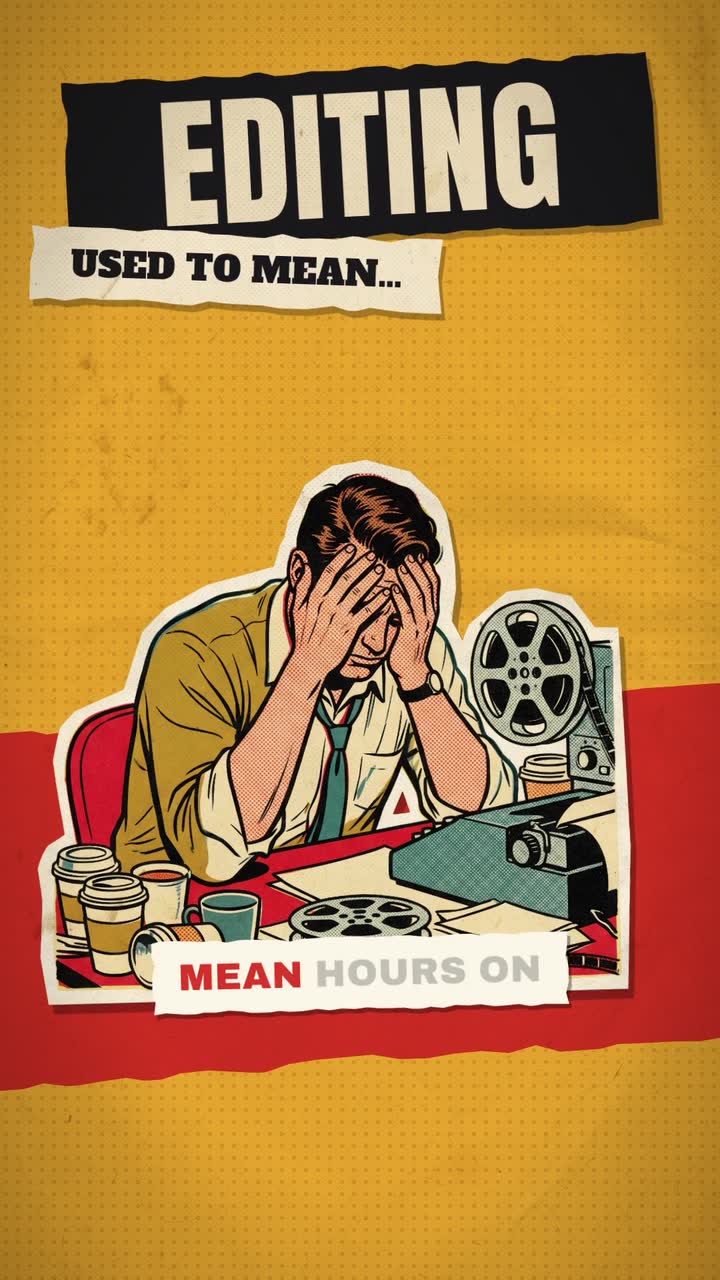

Real outputs from the Videotto template gallery.
What coaches should post each week
In our study of 1M+ videos by 280,000+ users on Videotto, coaches, teachers and course creators are one of the largest groups after creators and clippers. Their requests are some of the most specific we see, because they know exactly who they are talking to. Most of what they make falls into five formats.
| Format | Made from | Length | A sensible rhythm |
|---|---|---|---|
| Lesson clips | A webinar, class or podcast | 30 to 60 s, 9:16 | 3 to 5 a week |
| Talking head reel | A phone recording of you | 30 to 90 s, 9:16 | 1 to 2 a week |
| Explainer lesson | You, plus diagrams and key words | 2 to 5 min, 16:9 | 1 a week or fortnight |
| Event highlights | Phone clips and photos from a workshop | 45 to 90 s | After each event |
| Course promo | Clips, slides and a script | 30 to 60 s, 9:16 and 16:9 | Before each launch or cohort |
The rhythm column is a starting point, not a rule. Posting three solid clips a week for three months does more than posting daily for two weeks and stopping.
A weekly coaching video workflow, with times
The coaches who post every day rarely record every day. They record one long session and turn it into many pieces. Here is how a week built on one 60 minute webinar typically breaks down. The manual column assumes CapCut or Premiere Pro, and all times are rough estimates.
| Step | By hand | With an AI editor |
|---|---|---|
| Find 6 standalone teaching moments in 60 minutes | 60 to 90 min of scrubbing | Ask for them, then skim the picks: 10 min |
| Cut, reframe to 9:16 and caption 6 clips | 2 to 3 hours | Part of the same request, review 15 min |
| Motion graphics on the best clip | 45 to 90 min | One prompt, review 10 min |
| A 45 second promo for the next webinar | 1 to 2 hours | One prompt, review 10 min |
| Total for the week | Roughly 5 to 7 hours | Roughly 1 hour |
Keep the same caption style and colours across everything, so your audience recognises you in the feed before they hear you.
The same method works for lessons and webinars.
Example: one coaching webinar, seven posts
An illustration written for this guide, not a customer story. A business coach runs a 60 minute webinar called "Pricing your first offer" and wants a week of content from it.
- Monday to Friday: five lesson clips. Each 35 to 55 seconds, one idea per clip: why hourly pricing caps income, the three tier offer, a story about a client who doubled her price, the most common objection and how to answer it, and one strong opinion. Each opens on its best line, not "so, as I was saying".
- Wednesday: the hero reel. The three tier offer clip gets motion graphics: three boxes that build as she names each tier, with the price in each box.
- Sunday: the promo. The webinar's first 90 seconds, where she states the promise, becomes a 45 second promo for next month's session, with the date and sign up link on the end card.
One recording, seven posts, and every clip makes sense to someone who never saw the webinar. That last point matters most: if a clip starts with "as I said earlier", it will not work alone.
Prompts for every coaching video format
Lesson clips from a long video
Adapted from real requests Videotto users sent to Otto. One hour of teaching usually holds many standalone moments: a clear tip, a story, a strong opinion.
[paste a YouTube link or upload your lesson]
Find the 6 best teaching moments for [your audience].
Each clip 30 to 60 seconds, one idea per clip, and it must make sense on its own.
Start each clip on the strongest line. 9:16, follow the speaker.
Big captions with key words highlighted.
Talking head reels that teach
Remove the pauses and mistakes, punch in a little on key lines, add a few text callouts. Real requests often say "keep my natural delivery", which is worth copying.
[upload your video]
Edit this into a premium 9:16 talking head reel for [audience].
Start on frame one with me already speaking. No logo intro.
Remove long pauses, mistakes and repeated takes, but keep my natural delivery.
Subtle punch in on the key lines and short text callouts for each point.
Big captions. Keep my face visible.
Explainer lessons with diagrams
For conceptual lessons, a few diagrams do more than more talking. A look many educators like is the old science book: cream paper, fine line drawings, one deep red accent.
[upload your lesson]
Edit this as a calm educational lesson in the style of an antique illustrated science book.
Aged cream paper, dark ink, fine line illustrations that draw in as I explain, deep red accents.
Remove mistakes and breath sounds. Keep the complete lesson.
Italic serif captions with key words in red.
Event highlights and course promos
Workshops produce hours of phone clips, and promos need a clear promise, proof and a next step. Write the key lines yourself and let the editor build around them.
- "Add motion graphics to video. Make it smooth and don't rush the animation. Keep the face visible."
- "Match the reference video I attached: its motion graphics, pacing, framing and effects."
- "Use that framework again for this one, with my new footage."
[upload all your clips and photos]
Make a 60 second highlight video of the day in time order: instructions, sharing, cheering, reactions.
Keep the original audio on the best moments, music underneath the rest.
End with [date and name of the next event].

Then make a 45 second promo for [course] for [audience].
Key lines: [promise], [what they learn], [proof], [call to action].
Clean motion graphics and an AI voiceover. 9:16 and 16:9 versions.
AI video editor vs editing coaching videos by hand
Each option suits a different coach. The comparison is about the work, not a ranking.
| Option | What it does well | What it asks of you |
|---|---|---|
| CapCut | Free, auto captions, templates, quick phone edits | You find the moments and cut each clip yourself |
| Descript | Edit video by editing the transcript, filler word removal | You still pick clips and design graphics |
| Premiere Pro | Full control over every frame | Skill and several hours per week |
| A freelance editor | Judgement and taste, no time from you | Budget, briefing and turnaround time |
| Otto in Videotto | Finds moments, cuts, captions, graphics and promos from a description | Clear prompts and a review of each result |
Where coaching videos lose their audience
- Slow openings. Skip the greeting and the logo. The first 3 seconds should be the point.
- Graphics on every sentence. Use them for the two or three key ideas only, so they still mean something.
- A new look every week. One style for your channel makes you recognisable. Reuse the same framework each time.
- Posting students without consent. Get the consent your school or organisation requires before posting videos of students or clients, especially minors.
FAQ
How long should coaching videos be on Instagram and TikTok?
Coaching videos on Instagram and TikTok work best at 30 to 60 seconds for a single tip and up to about 90 seconds for a short story with a lesson. Both apps allow longer uploads, but a clip that teaches one idea and ends is easier to finish and share. Save longer lessons for YouTube.
Will posting free clips from my course hurt sales?
Posting free clips from your course rarely hurts sales, because a 45 second clip shows how you teach without replacing the structure, practice and support people pay for. Clip the ideas and stories, not the full method or worksheets. Many coaches find free clips are what convince people the paid version is worth it.
Do coaches need to show their face in videos?
Coaches do not strictly need to show their face, but most find it builds trust faster, since people buy coaching from a person. If you prefer not to, a voiceover with diagrams, slides or screen recordings works well for skill based topics. You can also mix the two, with your face for stories and diagrams for frameworks.
What equipment do I need to record coaching videos?
To record coaching videos you need less equipment than you might think: a recent phone, a clip on microphone and a window facing you for light. Audio matters more than picture, so the microphone is the best first purchase. Record webinars in your video call tool at the highest quality it offers.
How do I add subtitles to coaching videos in another language?
To add subtitles to coaching videos in another language, caption the video in its spoken language first, then ask for a second caption track or translated captions. Videotto has users in 190 countries, and captions can be in the language of the video. Have a fluent speaker check key terms before you post.
Make your next video with Otto
Tell Otto what you want in plain words. It cuts, captions and animates the video for you.