To make sermon clips with an AI video editor, upload the service recording or paste its YouTube link, ask for 5 to 8 self contained moments of 30 to 60 seconds, require complete Bible verses, and request 9:16 with large captions and quiet music. Review each clip for context, then schedule one a day.
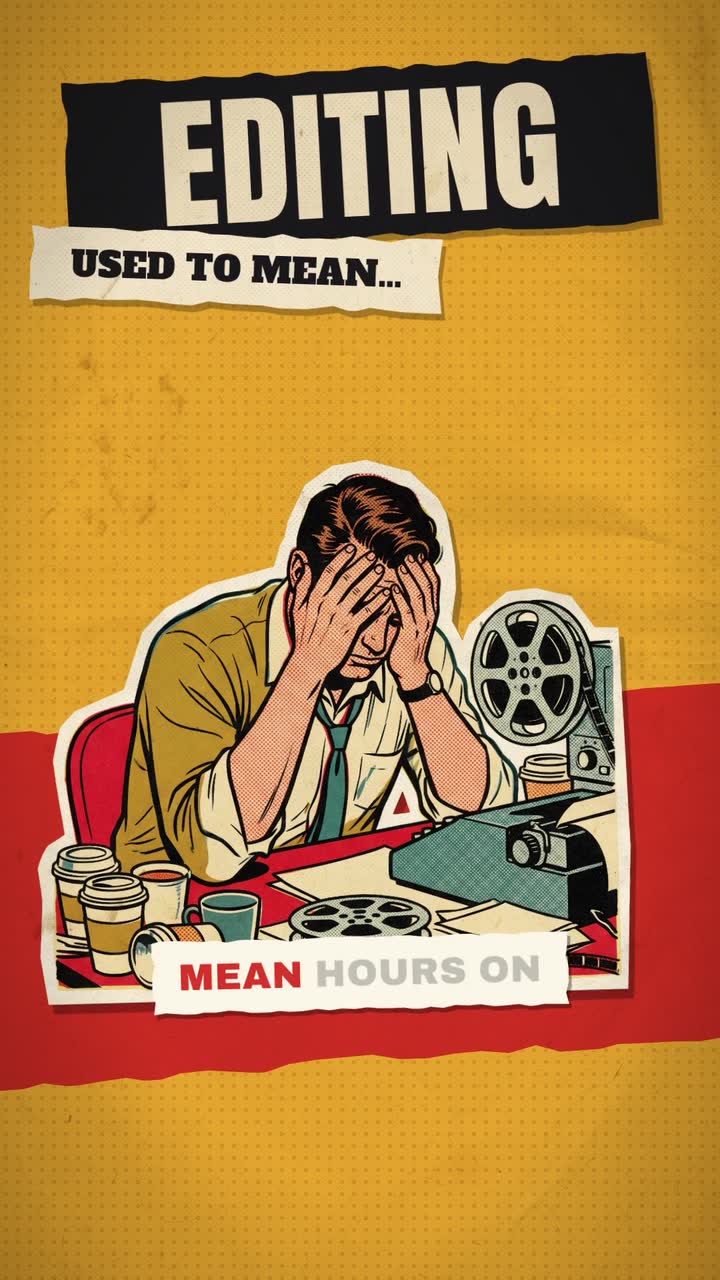
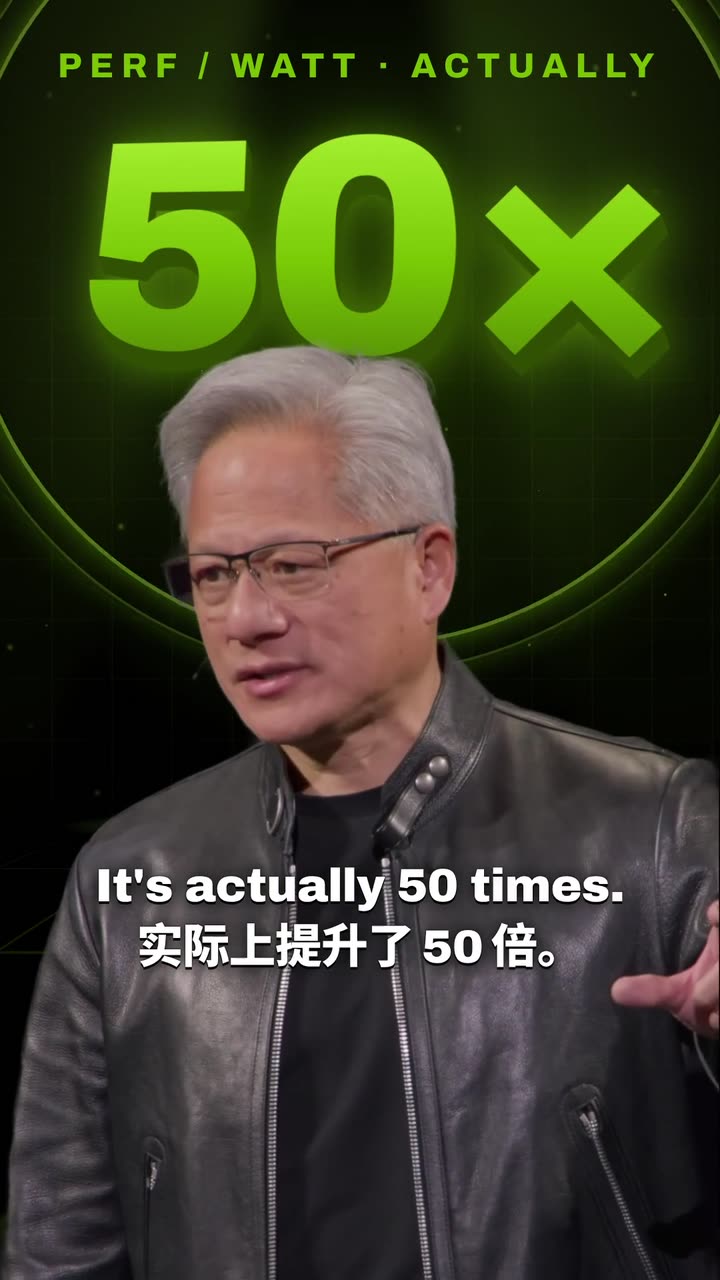
Real outputs from the Videotto template gallery.
What a church can post from one sermon
A typical sermon of 30 to 45 minutes contains roughly 4,500 to 6,500 spoken words. Within that there are usually several moments that make sense on their own: a challenge, a comfort, a story with a lesson. Add the testimonies, readings and podcast conversations many churches already record, and one week gives plenty to post.
Church video types, lengths and frequency
| Video | Made from | Length | How often |
|---|---|---|---|
| Sermon clip | The service recording | 30 to 60 seconds | 4 to 6 a week |
| Testimony short | A member telling their story | 45 to 90 seconds | 1 or 2 a month |
| Verse video | A verse as text, read aloud | 15 to 25 seconds | 1 a week |
| Faith podcast clip | A discussion or interview | 30 to 60 seconds | 2 or 3 per episode |
| Service invitation | Clips from last week, time and place | 10 to 15 seconds | Every Saturday |
A sermon clip schedule for one volunteer
This plan assumes one volunteer with no editing experience. Times are rough estimates for the editing and review; doing the same by hand in CapCut or Premiere Pro usually takes 20 to 40 minutes per captioned clip, so a week of six clips can mean an evening or two.
- Sunday afternoon (about 30 minutes): paste the service link, ask for 6 clips, watch each one in full and drop any that lose their context.
- Monday to Friday (5 minutes a day): post one clip with a title taken from its main point.
- Wednesday (about 10 minutes): a verse video from the main passage of the sermon.
- Saturday (about 10 minutes): a 15 second invitation with the service time, address and a few seconds from last week.
Keep the same caption style, colours and end card every week. People begin to recognise your church's clips in their feed, and the volunteer stops making design decisions every Sunday.
Worked example: one sermon, six clips
Example: a 38 minute sermon on Psalm 23, recorded on a single camera with a lapel mic. The volunteer pastes the link and asks for six clips with complete verses. A good result might look like this:
- Clip 1, 42 seconds: "You are not walking alone". Opens on the line itself, includes verse 4 read in full, ends on the pastor's next sentence rather than mid thought.
- Clip 2, 55 seconds: the story of the hospital visit. A complete story with a beginning, a turn and a lesson. Music is kept very low under the voice.
- Clips 3 to 5, 30 to 50 seconds each. One practical point per clip, each starting on a sentence that makes sense without the rest of the sermon.
- Clip 6, 20 seconds: verse video. Psalm 23:1 to 3 on screen line by line over calm footage, using the exact wording the church reads from.
The review step matters most here. Watch every clip from start to finish and ask: would the pastor be comfortable if this were the only thing someone heard from him this year? If not, drop it or ask for a longer cut.
Sermon clip prompts for services, testimonies and verses
Adapted from real requests Videotto users sent to Otto. The first is the one most churches use every week.
Testimony: "Make a 60 second 9:16 testimony short. Keep the story in order: where they were, what changed, where they are now. Clean the audio. Add emotional but inspiring music that rises at the turning point. Big captions."
Verse video: "Make a 20 second 9:16 verse video. Verse: [exact text and reference]. Calm nature footage, the verse appearing line by line as it is read. Warm AI voice, soft music, elegant serif text."
Faith podcast: "Turn this into up to 8 clips: testimonies, emotional moments and practical teaching. 9:16 with subtitles. Keep both hosts in shot when they talk together."
[paste a YouTube link to the service]
Find the 6 strongest moments from this sermon. One point per clip, 30 to 60 seconds, 9:16.
Always include the complete Bible verse when one is quoted. Never cut a verse in half.
Start each clip on a line that hooks, follow the speaker.
Big engaging captions, gentle music underneath. Suggest a title from the main point.
Caption size, placement and accuracy.
Church video tools compared
Churches tend to choose between four routes. Each is reasonable; the right one depends on who is doing the work and how many clips you want.
| Route | Good for | What it asks of the team |
|---|---|---|
| CapCut (free) | Full control over each clip, good caption templates | Scrubbing the sermon by hand, about 20 to 40 minutes per clip |
| Premiere Pro or DaVinci Resolve | A trained media team with a branded look | Editing skill and a capable computer |
| Descript | Editing by deleting words in the transcript | Finding the moments yourself, then cutting from text |
| Otto in Videotto | Finding moments and cutting, framing and captioning them from one prompt | Writing the request and reviewing every clip for context |
Useful for faith podcasts and recorded discussions.
Sermon clip mistakes that change the meaning
- Half a verse or half a point. A verse cut short, or a point without its conclusion, can say something the preacher never meant. Keep both whole.
- Music louder than the message. Keep music well under the voice, or leave it out for teaching clips.
- Flashy effects. Fast zooms and loud sound effects feel out of place for most congregations. Calm, clean edits age better.
- Clipping other ministries without permission. Clip your own services, or ask the ministry first before posting theirs.
FAQ
How long should sermon clips be for Instagram and TikTok?
Sermon clips for Instagram Reels and TikTok usually work best at 30 to 60 seconds. That is long enough for one complete point or a full verse with its explanation. Stories and testimonies can run to 90 seconds. Both platforms allow longer uploads, but a clip that tries to carry two points tends to lose viewers halfway.
Can churches use worship songs in sermon clips?
Churches should check their licences before using worship songs in sermon clips. A church streaming licence, such as one from CCLI, covers specific uses of covered songs, and social platforms have their own music rules. The safest options are clips without background songs, royalty free instrumental music, or music your own worship team wrote.
What is the easiest way for a small church to start posting sermon clips?
The easiest way for a small church to start posting sermon clips is to record the sermon on one steady camera with a clip-on microphone, upload it the same day, and post one 30 to 60 second clip daily. Keep one caption style and end card, and let a single volunteer own it for a month.
How do you add captions to a sermon in another language?
To add captions to a sermon in another language, first create accurate captions in the language spoken, then translate them and show the translation underneath or as a separate version. Check names, places and quoted verses by hand, and use the wording of an established Bible translation in the target language rather than a fresh machine translation.
Does this approach work for mosques, temples and other faiths?
The same approach works for any faith that records talks, recitations or study sessions. Ask for complete quotations, readings or recitations, choose music or silence to suit the tradition, and review each clip for context. Many communities prefer no music at all, which is a simple instruction to include in the request.
Make your next video with Otto
Tell Otto what you want in plain words. It cuts, captions and animates the video for you.