To make a countdown video, decide what appears at zero, pick a length (10 seconds for a teaser, 3 to 5 inside another video), and animate big bold numbers ticking down with a sound on each. Let the music build, tighten the frame for the last three numbers, and land the reveal exactly on zero.
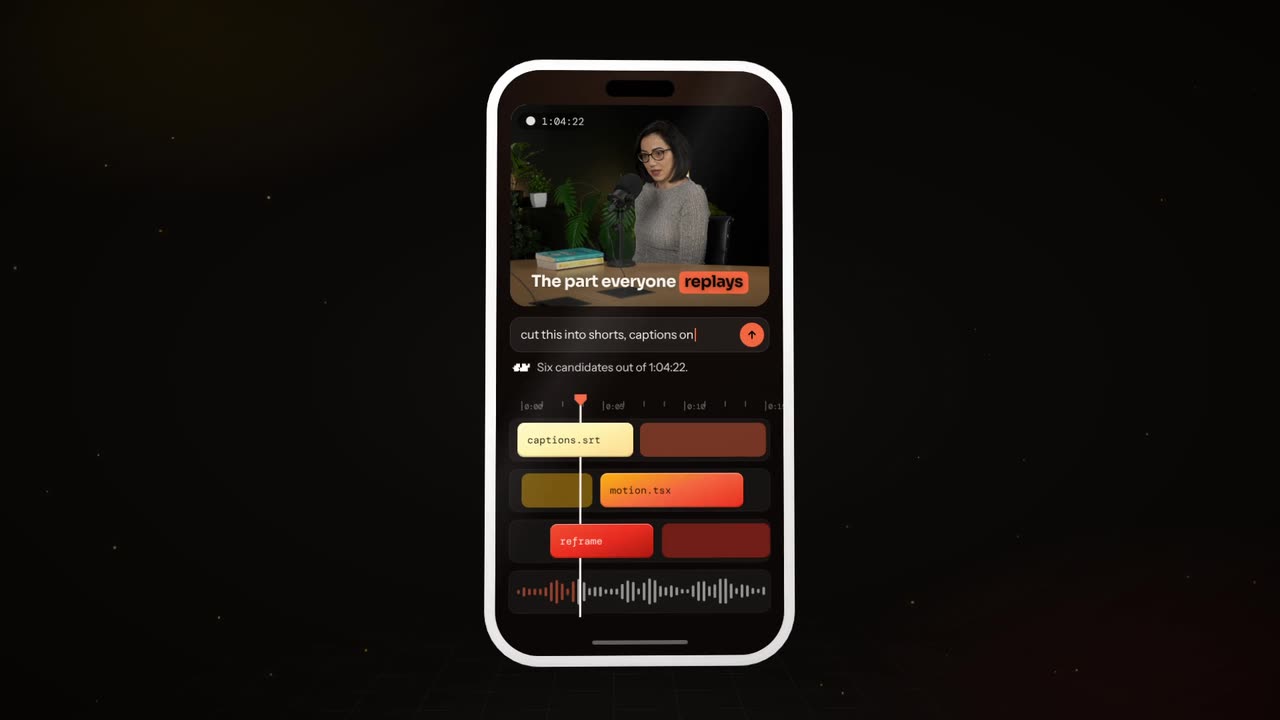
Real outputs from the Videotto template gallery.
Countdown video timing maths
A countdown is only satisfying if the numbers, the ticks and the music agree. Do the arithmetic before you design anything.
- One number per second is the default. A 10 to 1 countdown with a 2 second reveal is a 12 second video.
- Match the tempo. At 120 BPM one beat is 0.5 seconds, so a number every two beats lands exactly on each second. At 100 BPM one beat is 0.6 seconds, so a number per beat gives a slightly faster 6 second count from 10.
- Speed up the end. Dropping the last three numbers to 0.75 seconds each adds tension without breaking the rhythm, if the music changes there too.
- Silence before zero. Half a second of quiet between "1" and the reveal makes it land harder.
- Hold the reveal. 2 seconds minimum, 3 if there is a date or price to read.
- Daily countdowns. For "5 days to go" posts, use one design and change only the number, so followers recognise the series.
What makes a countdown teaser look right
A countdown is tension, then release. Everything before zero builds, and zero pays it off.
| Element | What it looks like | How to ask for it |
|---|---|---|
| Numbers | Huge, bold, centred, one at a time | "huge bold numbers in the centre" |
| Motion | Numbers punch in, flip, shatter or slide | "each number punches in and shatters" |
| Build | Faster ticks, tighter frame, rising light | "speed up and tighten near the end" |
| Sound | A tick or hit per number, rising music | "a deep hit on every number" |
| Zero | The reveal: product, date, logo, live | "at zero, the product appears with a flash" |
| Colour | Dark base, accent that grows brighter | "black, the accent grows brighter each number" |
Match the style to the event: clean and premium (a flip clock, a thin serif) for tech, beauty and fashion, loud and hype (shattering numbers, heavy bass) for games, drops and sports, bright and playful for kids and holidays.
Countdown video prompt for Otto
Adapted from real requests Videotto users sent to Otto. Fill in what the countdown is for and what appears at zero.
Make a 10 second countdown teaser for [launch or event], vertical 9:16.
Huge bold numbers from 10 to 1 in the centre, each one punching in with a deep hit.
Black background. The [accent colour] glow grows brighter with each number.
Speed up slightly and tighten the frame for the last three numbers. Music that builds.
At zero: a flash, then [the reveal: product, date, logo], held for two seconds.
Small text at the bottom: [date or "starts now"].
Shorter countdown prompts
- "When I say three, two, one, add a countdown timer synced to my words with subtle ticking sounds."
- "Make a looping countdown for my stream starting screen."
- "Countdown to the sale, then reveal the discount."
- "Flip clock style numbers, premium and calm."
How to make a countdown video in 6 steps
- Pick the reveal. What happens at zero? A product silhouette, a date, a discount, a video starting. If zero shows something vague, the tension is wasted.
- Pick the length. Ten seconds is the classic teaser. Three to five works inside other videos. Longer loops only make sense on stream starting screens.
- Choose the style. Premium, hype or playful, matched to the event and your brand colours.
- Describe the numbers. Size, font and how each one enters and leaves. Keep them inside the centre of the frame, clear of the top and bottom 15% on 9:16.
- Add the build. Rising music, ticks that get louder and a frame that tightens for the last three numbers.
- Land the reveal and say when. Exactly on zero, with a sound hit. For launches and sales, show the date or "starts now".
For a countdown inside a talking video, have the numbers appear exactly as you say them. If you say "three, two, one", each number should pop on the word with a subtle tick, and the reveal should land the moment you finish. It feels like the graphics are listening to you.
Worked example: a 12 second launch countdown teaser
An illustration for a fictional sneaker drop, posted three days before release, set to a 120 BPM track so each number lands every two beats.
| Time | On screen | Sound |
|---|---|---|
| 0 to 7 s | 10 to 4, one number per second, white on black, a faint orange glow growing | Deep hit on each number, music building |
| 7 to 9.25 s | 3, 2, 1 at 0.75 s each, frame tightening, glow at full orange | Hits get louder, a riser |
| 9.25 to 9.75 s | Black frame | Silence |
| 9.75 to 12 s | Flash, then the shoe silhouette and "Friday 10:00" | Bass drop, held to the end |
The video shows a silhouette, not the full product, because the job of a teaser is to make people come back on Friday. On release day, the same countdown can end on the full product and "out now".
Countdown video tools compared
Typical effort for a 10 to 12 second branded teaser.
| Tool | Good for | Typical time |
|---|---|---|
| Canva | Countdown templates in your brand colours | Roughly 20 to 40 minutes, limited sync to music |
| CapCut | Number animations cut to a beat with markers | Roughly 30 to 60 minutes |
| After Effects | Custom number effects, shatters and camera moves | Roughly 2 to 4 hours |
| OBS countdown plugins | Live timers on a stream starting screen | Setup once, then reusable |
| Otto | A finished teaser from one description | One prompt, then a few minutes of follow up changes |
Whichever you use, two mistakes ruin most countdowns: numbers that do not land on the ticks, and counting for too long. Thirty seconds of counting tests patience. Ten is enough.
FAQ
How many days before a launch should I start a countdown?
Most brands start a launch countdown three to seven days before release, posting one short video a day with the number of days left. Longer runs work for big launches with an existing audience, but a small account risks people losing interest. Always end the series with a launch day post that shows the full product and where to buy.
How do I make a countdown timer for an Instagram Story?
To make a countdown timer for an Instagram Story, add the Countdown sticker, name the event and set the end date and time. Followers can tap to get a reminder when it ends. You can place the sticker on top of an animated countdown video, which gives you both the visual teaser and the built in reminder.
What music works for a countdown video?
Music for a countdown video should build steadily, with a clear beat you can land numbers on and a drop or hit at zero. Trailer style risers suit premium launches, heavy bass suits drops and gaming, and bright pop suits sales and holidays. Use music you have licensed, especially for an advert.
How do I add a countdown to a YouTube premiere?
When you schedule a YouTube Premiere, YouTube shows its own countdown before the video starts, and creators can choose a countdown theme in YouTube Studio for supported premieres. You can also make the first seconds of the video itself a countdown, so the transition from the waiting room into the video feels deliberate.
Should a countdown video show the product?
A countdown video should usually hint at the product rather than show it fully, when it is posted before launch. A silhouette, a close up detail or the box is enough to make people curious. On launch day, the countdown can end on the full product, the price and where to buy, which turns the teaser into the announcement.
Make your next video with Otto
Tell Otto what you want in plain words. It cuts, captions and animates the video for you.