To make an Apple style launch film, place your product alone on a clean black or white stage and plan five to seven slow shots: a tease, the reveal, three feature close ups, a hero shot and the name. Add one line of large type per feature, sound effects on every move, music that builds, and a held final frame.
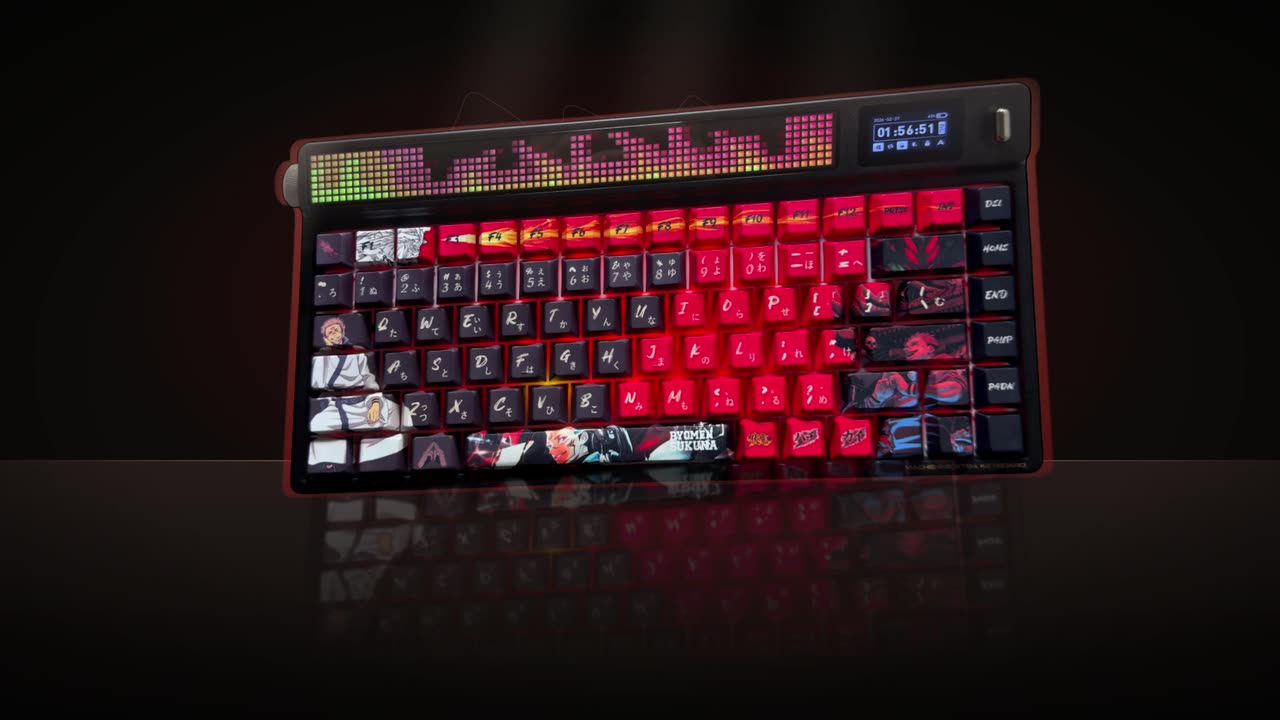
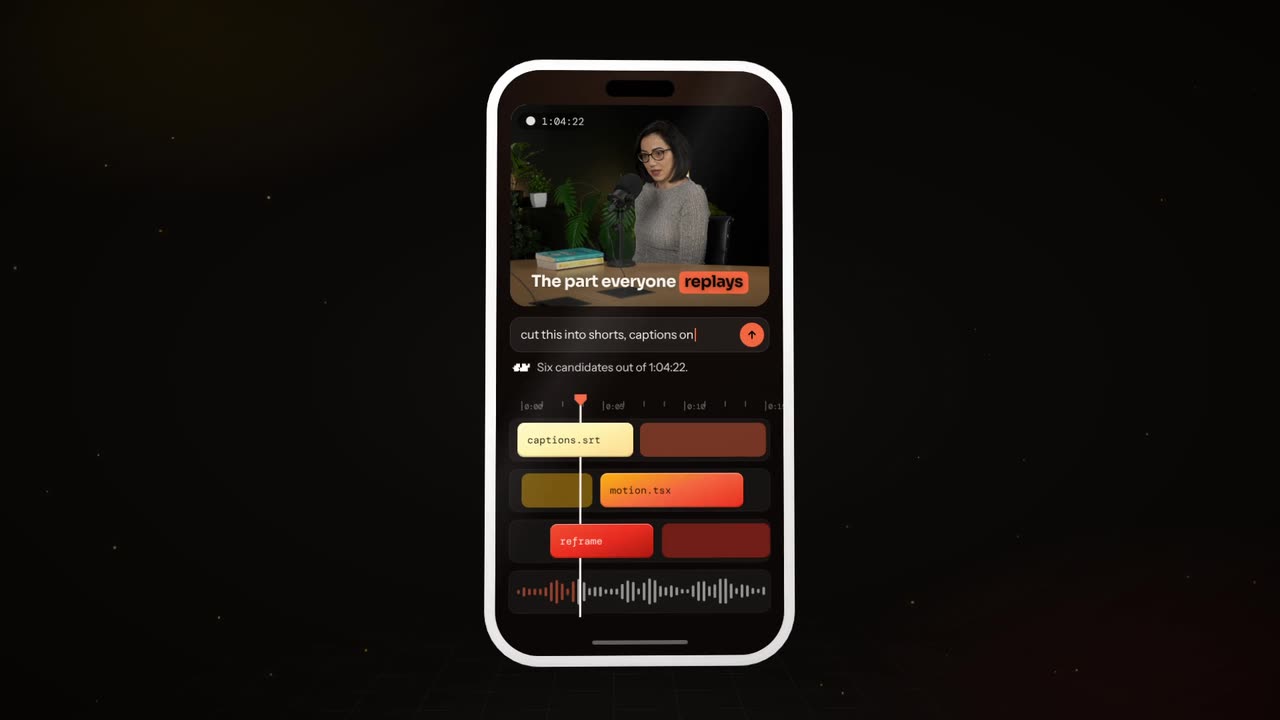
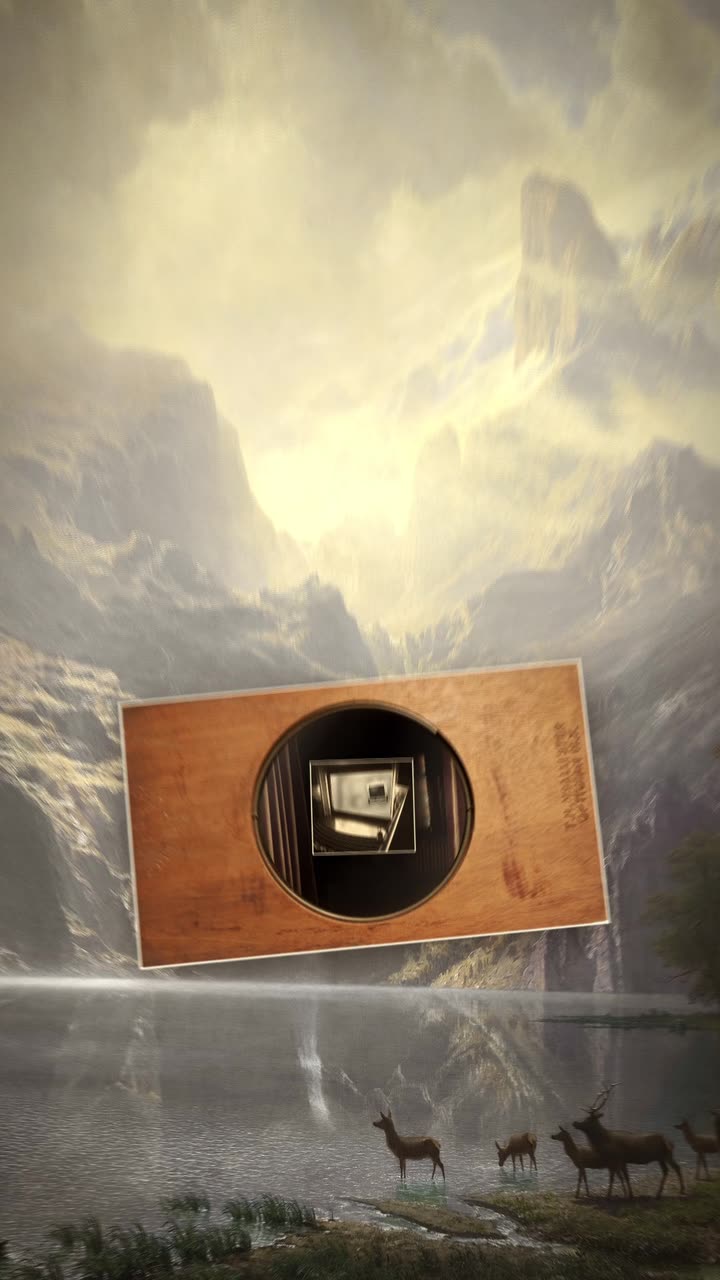
Real outputs from the Videotto template gallery.
Launch film timing: the maths before the shots
Minimal films feel slow, but they are tightly counted. Work out the numbers first and the edit almost writes itself.
- Length. 30 to 60 seconds for the main film, plus a 15 second cut for social.
- Shots. Five to seven. At 30 seconds that is 4 to 6 seconds per shot, which feels deliberate rather than slow.
- Features. Three, never more. Each gets one shot and one line.
- Words on screen. One to four per line. "Thinner. Quieter. Yours." is a whole script.
- Camera speed. A full orbit of the product should take 8 seconds or more. Anything faster starts to feel like an advert.
- End hold. 2 to 3 seconds on the name and logo, often after a beat of silence.
- Formats. 16:9 at 1920x1080 for your site and YouTube, 9:16 at 1080x1920 for Reels and TikTok, ideally framed so the product sits in the centre third of both.
The style elements of a minimal launch film
Premium comes from what you leave out. These are the elements that carry the look.
| Element | Keep it like this | Avoid |
|---|---|---|
| Stage | Pure black or white, soft studio light, a gentle floor reflection | Gradients, particles, patterns |
| Camera | Slow orbits, glides and push ins | Fast cuts, whip pans, shakes |
| Type | One clean sans or serif, large, lots of space around it | Several fonts, effects on the text |
| Colour | The product's own colours, nothing else | Brand colours fighting the product |
| Sound | A precise click, hum or whoosh on every move | Generic stock swooshes on everything |
| Music | Sparse, builds to the reveal, drops away for the name | A loud track from the first frame |
Sound deserves extra attention. With so little on screen, every effect gets noticed, so a switch should sound like a switch and a camera move should have a soft air sound under it. A beat of silence before the product name makes it land harder than any effect.
Apple style launch film prompt for Otto
Adapted from real requests Videotto users sent to Otto. Fill in the brackets and upload clean product photos first.
Make a premium 30 second launch film for [product], 16:9, in a minimal tech launch style.
Use the product images I uploaded. Show the product alone on a clean black stage with soft studio light.
Shots: a tease of light along the edge, the reveal turning slowly, macro close ups on [feature 1], [feature 2], [feature 3], a hero shot, then the name.
One short line of large clean type per feature: [line 1], [line 2], [line 3].
Slow camera orbits and glides only. No fast cuts, no flashy transitions.
Cinematic music that builds to the reveal, precise sound effects on every move.
End on [product name] and my logo, held for two seconds.
Shorter launch film prompts
- "Make a launch video for my app in 9:16, add my logo and show the dashboard."
- "Premium serif type, cinematic music, brand end card."
- "Keep it minimal: one product, one line, one move per shot."
- "Make a 15 second cut of the same film for Reels."
How to make a launch film in 6 steps
- Bring the product. Upload clean product photos on a plain background, a 3D style render, or describe it for Otto to generate. For an app, use real screenshots at full resolution.
- Pick three features. Not ten. Choose the three a buyer would mention to a friend. The rest belongs on the website.
- Write the lines. Short and confident, one to four words each. Read them aloud. If a line needs a comma, it is too long.
- Plan the shots. Tease, reveal, feature one, feature two, feature three, hero shot, name. Slow moves throughout.
- Set the sound. Ask for music that builds and a matching effect for each move and click, then silence before the name.
- Check the product is accurate. The product on screen must look exactly like the real one. If a generated detail changes a button, port or logo, ask for it to be fixed or use your photo instead.
Worked example: a 30 second launch film for a speaker
An illustration of the shot list in practice, for a fictional wireless speaker with three features: battery life, sound and size.
| Time | Shot | Type on screen | Sound |
|---|---|---|---|
| 0 to 4 s | Darkness, a line of light runs along the top edge | None | Low hum |
| 4 to 9 s | Reveal, the speaker turns slowly on a black floor | None | Music opens up |
| 9 to 14 s | Macro on the charging port, a light pulses | "24 hours." | Soft click |
| 14 to 19 s | Push in on the fabric grille, it ripples | "Room filling." | Bass thump |
| 19 to 24 s | A hand lifts it, scale shown against the palm | "Pocket sized." | Air whoosh |
| 24 to 27 s | Hero angle, held still | None | Music peaks, then stops |
| 27 to 30 s | Black frame | Product name and logo | Silence |
Seven shots, seven words of feature copy, and roughly 4 seconds per shot. The 15 second social cut keeps the reveal, one feature and the name.
Launch film tools compared
Typical effort estimates for a 30 second film from product photos or a model.
| Route | Best for | Typical time |
|---|---|---|
| Studio shoot with a motion control rig | Real products with reflective surfaces | Days, plus a crew |
| Blender or Cinema 4D | Full control of light, materials and camera | Several days if you start from a model |
| After Effects with 2.5D photo moves | Photo based films with parallax | Roughly 1 to 2 days |
| Rotato or similar mockup apps | App launches on a 3D phone or laptop | Roughly 1 to 3 hours |
| Otto | A first cut from photos and a shot list | One prompt, then a few minutes of follow up changes |
If the film runs in a paid campaign for months, a proper 3D or studio version can be worth it. For a launch post, a waitlist page or a pitch deck, a fast version you can redo after feedback usually serves better.
FAQ
What font does Apple use in its launch videos?
Apple uses its own San Francisco typeface family across products and most marketing, and older films used Myriad. You cannot use San Francisco for your own branding outside Apple platform work under its licence, so pick a clean alternative such as Inter, Helvetica Now or a refined serif, and keep it to one family with two weights at most.
How do you film a product on a black background?
To film a product on a black background, use black velvet or a dark backdrop well behind the product, light only the product with soft side lights, and keep light off the backdrop. Expose for the product so the background falls to pure black. A glossy black acrylic sheet underneath gives the soft reflection seen in launch films.
How long should a product launch video be?
A product launch video should usually run 30 to 60 seconds for the main film, with a 15 second cut for social feeds and ads. A longer keynote style walkthrough can follow on YouTube for people who want detail. The main film is for feeling, not specifications, so shorter tends to be stronger.
Should a launch film have a voiceover?
A launch film usually does not need a voiceover, because type and sound design carry the message and keep it calm. A single spoken line near the end can work, especially from a founder. If you add narration throughout, keep it under 60 words for 30 seconds so the shots still have space.
What music works for a minimal product launch video?
Music for a minimal product launch video is usually sparse electronic or piano that starts quietly, builds to the reveal and drops away before the final frame. Use a track you have licensed for commercial use, since launch films are adverts. Avoid songs with lyrics under on screen text, because they compete with the words.
Make your next video with Otto
Tell Otto what you want in plain words. It cuts, captions and animates the video for you.