To make a promo video with AI, upload a product photo, your clips or a screen recording and describe the ad: who it is for, the one benefit, the length and the format. Show the product within 2 seconds, show it in use, add bold text, music and your logo, and end on one call to action.
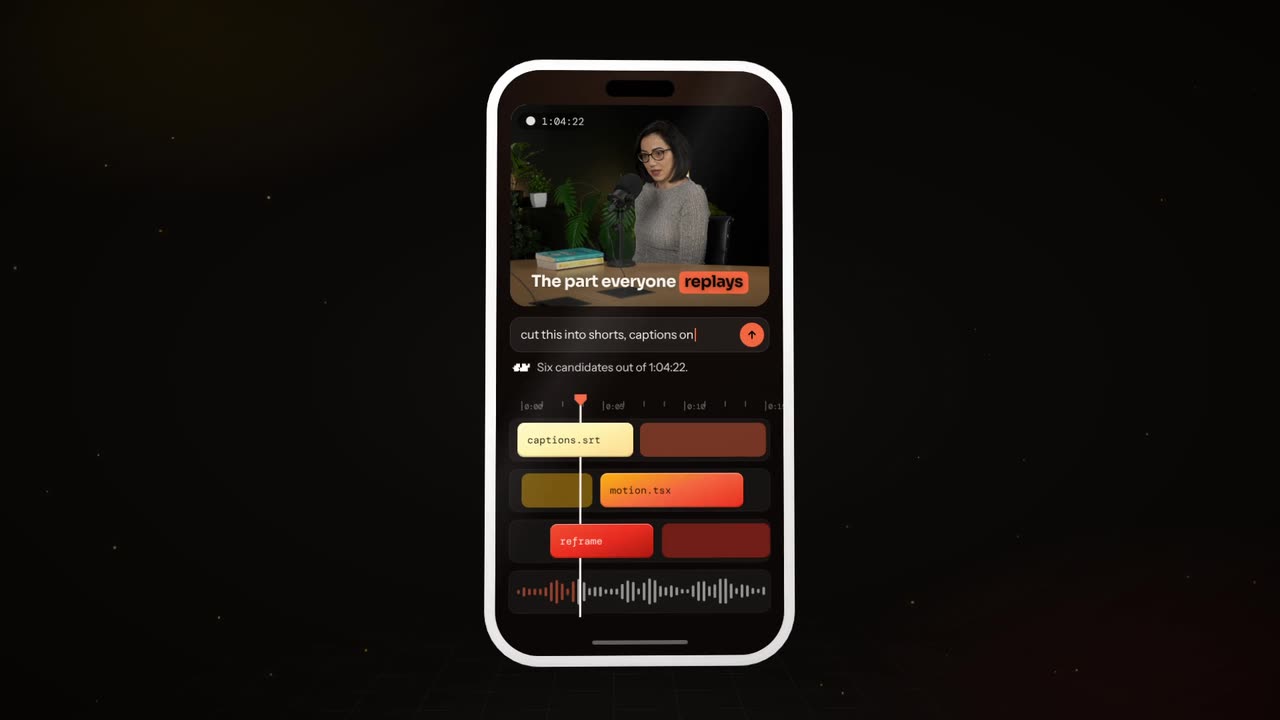
Real outputs from the Videotto template gallery.
Why most promo videos get skipped
People do not watch ads, they watch whatever stops their thumb. When a promo underperforms, the cause is usually one of these, and each has a simple fix.
- The logo comes first. Nobody stays for a logo animation. Open on the product in motion or the problem it solves, and save the logo for the last 3 seconds.
- Five benefits in 20 seconds. Every extra message weakens the first one. Pick the benefit that matters most to this audience and make a second ad for the next.
- The product is hard to see. Wide shots and busy backgrounds hide it. Use close ups, and if you upload a product photo, say it must stay exactly as it is.
- Text under the app buttons. On a 9:16 ad the bottom 15 to 20% and the right edge are covered. Keep text and the call to action in the middle of the frame.
- Claims you cannot back. Only put results, prices or offers on screen that are true today.
We studied 1M+ videos made by 280,000+ users on Videotto. Promo requests come from every kind of business, from sneaker brands and software founders to restaurants and salons. The ones that turn out best name the audience and the single thing the product does for them. One product, one benefit, one action.
The 4 part promo video structure
Almost every good short promo follows the same four beats. Give each one a time range in the prompt and the edit will follow it.
A 20 second promo, beat by beat
| Beat | Time | What happens |
|---|---|---|
| Hook | 0 to 2 s | The product in motion, a bold claim, or the problem it solves |
| Show | 2 to 10 s | The product being used, close up, from more than one angle |
| Proof | 10 to 17 s | The key benefit as on screen text, a before and after, or a feature callout |
| Action | Last 3 to 5 s | Logo, offer and one call to action |
For a 15 second ad, compress the middle. For a 45 second launch film, give the show and proof beats more room but keep the hook and the end just as short. On screen text should be readable in the time it is shown: roughly 3 to 7 words per card, held for at least 2 seconds.
What you need to start a promo video
You do not need a film crew. Any one of these is enough.
- A product photo. Upload it as the exact product reference and ask for scenes built around it: the product turning, close ups, text callouts. Best for physical products and e-commerce.
- Your own clips. Phone footage of the product, the shop or a customer result. Upload them all and say which shot is the hook. Ideal for local business reels with your offer and opening hours on screen.
- A screen recording. For apps and software, record the flow once and ask for it to be cut to the three moments that matter, zoomed on each click and labelled.
- A talking head. A founder or owner explaining the offer, with B-roll and text over it.
- Nothing yet. Describe the product and the mood, and build from generated images, stock footage and motion graphics.
When you have no footage at all, only an idea.
Testing promo video variations and branding
The first version of an ad is a guess. The fastest way to learn is to make two or three versions that change one thing, usually the opening, and see which one people watch. Ask for it directly: "Make 2 variations with different openings." Keep the rest the same, so you know what made the difference. Good things to vary: the first line of text, the first shot, the claim and the call to action. Not everything at once.
For branding, upload your logo and say where it goes. A small logo in a corner throughout, or a clean end card with logo and call to action, is usually enough. Give brand colours as hex codes if you have them, and ask for the logo to be used unchanged.
A promo video prompt for Otto
Adapted from real requests Videotto users sent to Otto. Replace the product, audience and offer with yours.
[upload your product photo or clips]
Make a 20 second vertical 9:16 promo video for [product], for [audience].
Use the uploaded image as the exact product reference. Do not change the product.
0 to 2 s: a strong visual hook with the product in motion.
2 to 10 s: close ups of the product in use, smooth camera moves.
10 to 17 s: the main benefit as bold on screen text: [one benefit].
17 to 20 s: my logo and the call to action: [call to action].
Premium, clean style, upbeat music. Make 2 variations with different openings.
Shorter promo video requests people send
- "Make a launch video for my product in 9:16, and add the logo attached."
- "Cut my uploaded clips into a 20 second vertical Reels ad. Use only my footage. Make 2 variations with different openings."
- "Turn this gameplay footage into an energetic promotional video. Start with the most exciting moment as a strong hook."
- "Create a premium, cinematic 40 second Instagram Reel for my restaurant from all the uploaded clips."
A worked promo video example
Example (illustrative, not a customer story). A small shop sells a ceramic travel mug that keeps coffee hot for hours. The input is one product photo on a white background and the line "for commuters who hate cold coffee". The prompt above is pasted with that product, that audience, the benefit "still hot at your desk" and the call to action "Shop the mug, link in bio".
Example: two 20 second versions, same middle and end
| Beat | Version A | Version B |
|---|---|---|
| Hook, 0 to 2 s | Steam rising from the mug, text "Still hot at 11am" | A paper cup tipping over, text "Done with cold coffee?" |
| Show, 2 to 10 s | The mug turning, lid close up, a pour | Same |
| Proof, 10 to 17 s | "Double wall ceramic" and "Fits car cup holders" | Same |
| Action, 17 to 20 s | Logo and "Shop the mug, link in bio" | Same |
Only the hook differs, so whichever version holds viewers longer tells the shop which message to lead with. The owner's time: roughly 15 minutes to write the prompt, review both versions and ask for the text to be one size larger.
Promo video and ad specs by platform
Export at the platform's frame instead of letting it crop yours. These are the common starting points; check each ad manager for its current rules.
| Placement | Aspect ratio | Resolution | Common length |
|---|---|---|---|
| TikTok and TikTok ads | 9:16 | 1080 x 1920 | 15 to 30 s |
| Instagram and Facebook Reels, Stories | 9:16 | 1080 x 1920 | 15 to 30 s |
| Instagram and Facebook feed | 4:5 or 1:1 | 1080 x 1350 or 1080 x 1080 | 15 to 30 s |
| YouTube Shorts | 9:16 | 1080 x 1920 | 15 to 45 s |
| Website hero or YouTube | 16:9 | 1920 x 1080 | 30 to 60 s launch film |
If one edit has to serve several placements, ask for the 9:16 version first and a 4:5 or 16:9 version from the same edit, with the text repositioned rather than cropped off.
Ideas for what to promote next once the first ad is live.
Every guide in this series
- How to Turn a Product Photo into a Promo VideoTurn a single product photo into a short promo or launch video: what shots you can get from one image, how to keep the product exact, and the prompts sellers send to Otto.
- How to Make Video Ads for Meta and TikTokMake short video ads for Facebook, Instagram and TikTok from your own footage or product photos: the structure that works, ad formats, testing hooks, and the prompts users send to Otto.
- How to Make an App Demo VideoMake an app or software demo video from a screen recording or screenshots: zooms on the important clicks, callouts, a clean device frame, voiceover and captions. Structure, steps and the prompts founders send to Otto.
FAQ
What is the difference between a promo video and a video ad?
A promo video is any short video that promotes a product, event or offer, posted on your own channels or website. A video ad is a promo video you pay to show to people who do not follow you, usually through Meta, TikTok or YouTube ads. The same edit often serves both, with the paid version cut tighter and tested in several variations.
How many ad variations should I test on Meta or TikTok?
For Meta or TikTok, testing 2 to 5 ad variations at a time is a common starting point for a small budget. Change one element per variation, most often the first 2 seconds, so you can tell what made the difference. Testing too many versions at once spreads a small budget so thin that none of them get enough views to compare.
Can I use any song in a promo video?
You cannot use any song in a promo video, because commercial use needs a licence, and a popular track in your ad can get it muted or rejected. Use royalty free music you have rights to, music made for the video, or a platform's commercial library, such as TikTok's Commercial Music Library for business accounts or Meta's Sound Collection.
Should a promo video have subtitles or text on screen?
A promo video should have on screen text or subtitles, because most people scroll social feeds with the sound off and decide in the first seconds. Put the key benefit and the call to action in large text, a few words per card, away from the bottom of the frame. If the ad has a voiceover, add synced captions as well.
What is a good call to action for a promo video?
A good call to action for a promo video is one specific next step that matches where the ad runs, such as "Shop now, link in bio", "Book your first class" or "Download free on iOS". Show it as text for at least 2 to 3 seconds at the end, say it out loud if there is a voice, and use only one per video.
Turn a product photo into an ad today
Paste the prompt above into Otto with your photo or clips.