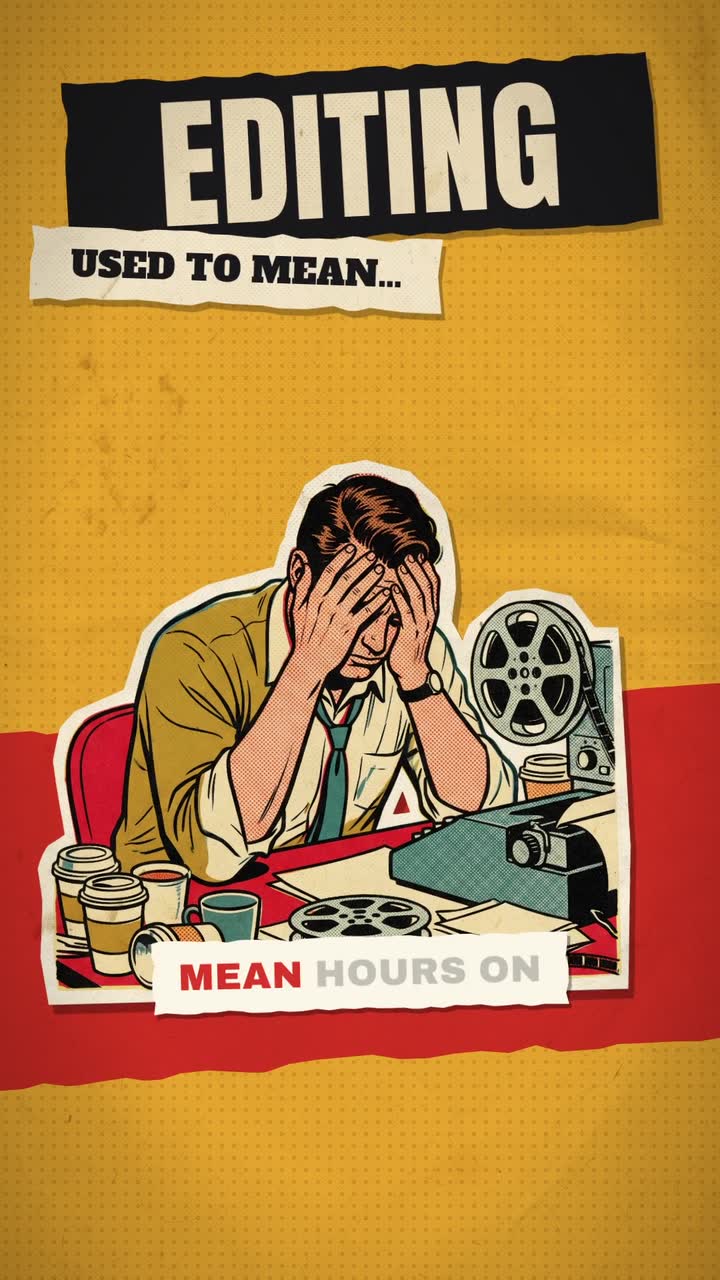
To make a glitch or retro VHS edit, choose one era and add a light base texture of scan lines, grain and slight colour bleed. Save strong glitches, like a 4 to 8 frame RGB split or static burst, for beat drops, cuts and the hook word. Keep captions clean on top of the effect so they stay readable.

Real outputs from the Videotto template gallery.
Glitch and VHS intensity: how much is too much
The difference between a stylish retro edit and an unwatchable one is mostly a matter of dose. These are sensible starting levels for a 30 second short.
| Level | Base texture | Glitches | Good for |
|---|---|---|---|
| Subtle | Light grain, faint scan lines, no warp | 2 to 3 in 30 s, 4 frames each | Brands, talking heads, product posts |
| Medium | Scan lines, colour bleed, soft blur | One per cut or beat drop, 4 to 8 frames | Throwbacks, music, lifestyle |
| Heavy | Tracking bars, warp, strong bleed | Every bar of music, up to 12 frames | Hype edits, gaming, music video breaks |
| Chaos | Datamosh, pixel sorting, frame drops | Continuous for 1 to 2 seconds at a time | A single moment, never a whole video |
At 30 frames per second, 4 frames is about 0.13 seconds, which is enough to register as a hit. Glitches longer than half a second start to feel like a real playback fault. And at 120 BPM a bar of 4 beats is 2 seconds, so "a glitch every bar" means about 15 in 30 seconds, which is a lot. Most edits sit at subtle or medium.
Glitch, VHS or CRT: the three retro looks
People use these words loosely, but they are three different looks. Pick one as the base so the edit feels intentional.
- VHS. Soft, warm and nostalgic. Colour bleed, tracking lines, faded blacks and a date stamp. Good for memories, throwbacks and music.
- Glitch. Sharp and digital. RGB splits, slices shifting sideways, pixel blocks and data noise. Good for tech, gaming and hype edits.
- CRT. A curved old television with visible lines and a glow, often with 4:3 content inside a 9:16 or 16:9 frame. Good for commentary and "something on TV" framing.
Type and sound finish the look: blocky pixel or 80s chrome titles, a REC dot, tape hiss under synth music, and a static burst on every glitch. A VHS base with digital glitches on the beat is a common mix. A video that is equally all three tends to look like a filter pack.
Glitch and VHS edit prompt for Otto
Adapted from real requests Videotto users sent to Otto. Upload your footage, paste this, and change the era if you want something other than VHS.
Give this video a retro VHS look, vertical 9:16.
Base texture: scan lines, light grain, slight colour bleed and a soft blur. Keep faces and text readable.
Add an RGB split glitch on each beat drop and a quick static burst on every cut.
Titles in blocky 80s type. A blinking REC dot and a date in the corner.
Synth music, tape hiss under it, static sound on each glitch.
Large captions in a clean white font, sitting on top of the effect so they stay readable.
Shorter glitch and VHS prompts
- "Add a glitch transition between these two clips."
- "Sync the beat drop with a flash transition."
- "Make the title glitch on screen when I say the word."
- "Put the whole thing inside an old CRT television."
How to make a retro VHS edit in 6 steps
- Choose the era. 80s home video, 90s camcorder, early internet or broken digital. Each has its own texture and type.
- Bring the content. Upload your footage, or ask for motion graphics only, like titles and shapes, for an intro or logo sting.
- Set the base texture. Scan lines, grain and colour bleed at a level where faces and on screen text still read on a phone.
- Mark the glitch moments. Beat drops, cuts and the hook word. Glitches are punctuation, not the sentence.
- Add retro type. Titles in blocky or chrome type, a timestamp, a REC dot. Keep captions in a clean font above the effect.
- Add the sound. Synth music, tape hiss under it, a static burst on each glitch. The sound sells the glitch as much as the picture.
Worked example: a 30 second VHS throwback edit
An illustration at the medium level: a café's tenth anniversary post built from old photos and new clips, with music at 120 BPM.
| Time | On screen | Effect |
|---|---|---|
| 0 to 2 s | Blue VHS screen, "PLAY" in blocky type | Static burst into the first clip |
| 2 to 10 s | Opening day photos, date stamp "2016" | Base texture only, REC dot blinking |
| 10 s | Cut to the first menu board | 6 frame RGB split on the beat |
| 10 to 20 s | Regulars and staff over the years | Base texture, one tracking bar rolls at 16 s |
| 20 s | Beat drop, cut to today | 8 frame glitch and static sound |
| 20 to 27 s | Today's café, clean footage with light grain | Texture eases off to subtle |
| 27 to 30 s | "10 years. Thank you." and logo | Logo glitches in, holds clean |
Three strong glitches in 30 seconds, all on cuts or the drop, and the texture eases as the story reaches the present. That arc, heavy past to clean present, is what keeps the effect meaningful.
Glitch and VHS tools compared
Typical effort for the 30 second edit above, assuming the clips are already chosen.
| Tool | How you get the look | Typical time |
|---|---|---|
| CapCut | Built in VHS, glitch and retro effects and filters dragged onto clips | Roughly 30 to 60 minutes |
| Premiere Pro | Stacked effects or third party glitch plugins and overlays | Roughly 1 to 2 hours |
| After Effects | Channel shifts, displacement and noise built by hand, or plugins | Roughly 2 to 4 hours, most control |
| DaVinci Resolve | Its Analog Damage effect plus grain and colour work | Roughly 1 to 2 hours |
| VHS camera apps | Record or import through a retro filter on your phone | Minutes, but little control over timing |
| Otto | Describe the era, texture and glitch moments in one prompt | A first draft, then a few minutes of follow up requests |
FAQ
How do you make a VHS effect in CapCut?
To make a VHS effect in CapCut, add your clip to the timeline, open Effects and search for VHS or retro, then drag one onto the clip and adjust its length. Add a film grain or retro filter on top, and a date stamp text layer in a blocky font. Keep the effect strength low on clips with faces or captions.
What is the difference between datamoshing and a glitch effect?
Datamoshing is a specific technique that removes keyframes from compressed video so motion from one clip smears into the next, creating melting, pixel dragging images. A glitch effect is a broader term for any simulated digital fault, such as RGB splits, slice shifts or pixel blocks. Datamoshing is heavier and harder to control, so it is usually kept to a single moment.
What font looks like an old VHS tape or camcorder date stamp?
A font that looks like an old VHS or camcorder date stamp is usually a blocky pixel or monospaced bitmap style, often called VCR or OSD style fonts. Several free fonts in this style exist on font sites, so check the licence before commercial use. White or yellow text with a slight glow and a faint drop shadow completes the look.
Do glitch effects cause problems for viewers with photosensitive epilepsy?
Glitch effects can cause problems for viewers with photosensitive epilepsy when they involve rapid flashing or strong red flashes. Accessibility guidelines advise against content that flashes more than three times in any one second. Keep strobing glitches brief, avoid full frame flashes, and add a warning if a section of the video flashes heavily.
What aspect ratio were VHS tapes?
VHS tapes were almost always 4:3, the shape of standard definition televisions, at a low resolution compared with modern video. To fake the look honestly in a 9:16 or 16:9 edit, place your footage in a 4:3 box with black bars or a CRT frame, soften it slightly, and add scan lines over the top.
Make your next video with Otto
Tell Otto what you want in plain words. It cuts, captions and animates the video for you.