To add sound effects and meme edits to a video, finish the cut first, then tie each effect to a moment: whooshes on zooms and transitions, pops on key words, a boom or record scratch on the punchline, and quick zooms or freeze frames on reactions. Keep effects quieter than the voice and leave a few seconds between them.

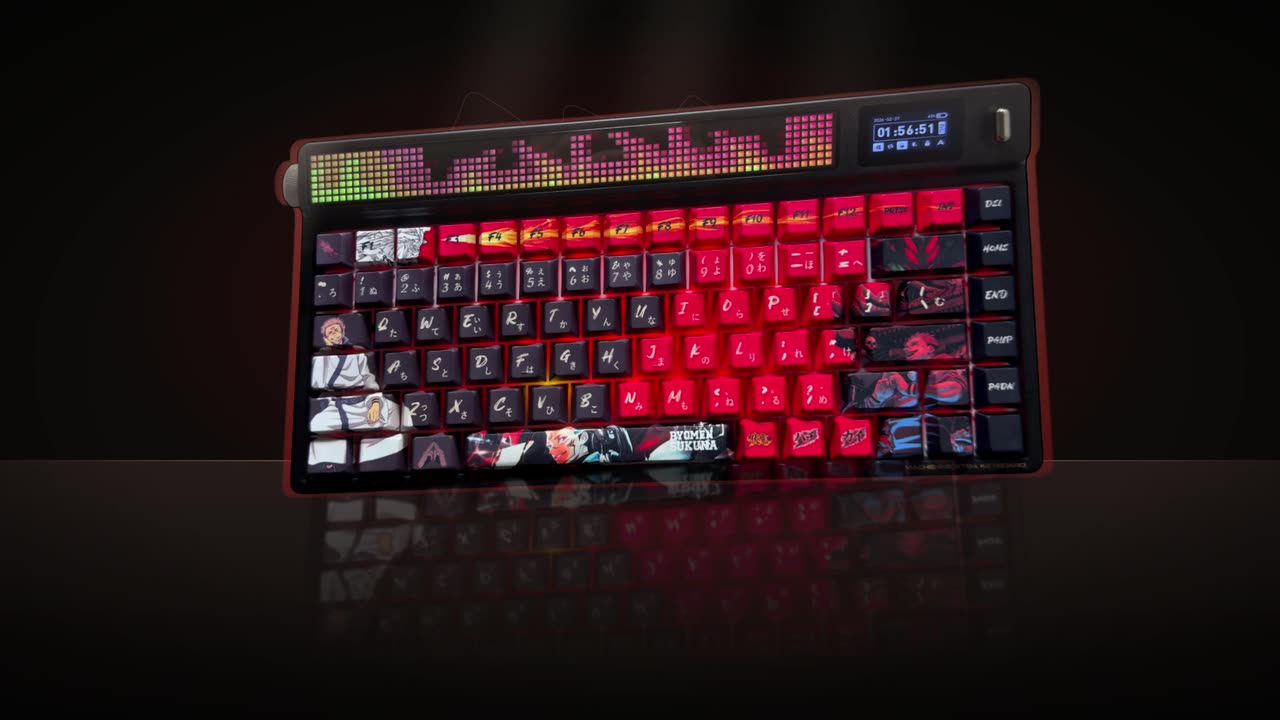
Real outputs from the Videotto template gallery.
A worked sound effects example: a 30 second funny clip
Example: a 30 second clip from a two person podcast, where one host admits he spent three hours assembling a desk that came with the wrong screws. The cut is already done. This is how the effects could be placed.
Example effects plan, 30 seconds
| Time | Moment | Sound | Visual |
|---|---|---|---|
| 0:00 to 0:02 | Hook line: "I lost a whole Saturday to a desk." | None, the line carries it | Caption pops in word by word |
| 0:04 | Cut to the second host's face | Soft whoosh | Quick slide in |
| 0:09 | "Three hours." | Soft pop | "3 HOURS" pops on screen |
| 0:14 | Long awkward pause | Crickets, very low | Slow zoom on his face, about 1.5 seconds |
| 0:18 | "...and they sent the wrong screws." | Deep bass boom | Punch in zoom to about 120%, light shake |
| 0:24 | Both hosts laughing | None, the laugh is the sound | Freeze frame with a caption |
That is four sound effects and six visual edits in 30 seconds, with at least 4 seconds between the effects. The biggest sound sits on the punchline, and the laugh gets no effect at all because real laughter is funnier than anything added on top. A version with an effect on every cut would have about 12, and the boom on the punchline would lose its weight.
Why sound effects and meme edits work
Sound tells the viewer something changed a moment before the eye catches it. A whoosh says "new scene", a pop says "this word matters", a hit says "that was the punchline". Meme edits do the same with pictures: a sudden zoom, a shake, a freeze frame, a reaction image. Every effect should mark a moment. If it marks nothing, cut it.
We studied 1M+ videos made by 280,000+ users on Videotto. Sound effects come up constantly, usually as an extra line in a clipping or talking head request: "add SFX", "add some trending edits and swoosh sound effects".
| Moment | Sound | Visual |
|---|---|---|
| Transition or new scene | Whoosh, swish or riser | Slide, whip or zoom |
| Key word or number | Soft pop or click | The word pops on screen |
| Punchline or reveal | Bass boom, hit or record scratch | Punch in zoom, shake |
| Awkward pause | Crickets, or sudden silence | Freeze frame, slow zoom on a face |
| Mistake or fail | Error buzz, cartoon fall | Replay, slow motion, a caption |
| Win or success | Ding, cheer, cash register | Confetti, glow, a big number |
Reaction images and stickers suit comedy and commentary. For explainers and business content, stay with whooshes, pops and clean zooms.
How many sound effects is too many
There is no exact number, but these limits keep sound effects working instead of wearing people out.
- Comedy and commentary: at most one effect every 3 to 5 seconds, and fewer in slower stretches.
- Explainers and business videos: roughly one every 8 to 15 seconds, mostly whooshes and pops.
- One loud effect per joke. Stacking a boom, a shake and a sticker on one moment kills the timing.
- Quieter than the voice. Nobody should miss a word because of an effect.
- Match the music. Effects that land off the beat feel random.
A sound effects prompt you can paste
Adapted from real requests Videotto users sent to Otto. Otto has a library of sound effects and places them for you, so say the tone and the moments.
For a calmer version, replace the funny moments line with "Keep it subtle and professional: whooshes and pops only, no meme effects." For a louder version, add "Make it chaotic and funny, with meme style reactions on the best moments."
[upload your video or paste a YouTube link]
Fully edit this video with zooms, sound effects and music.
Add subtle whooshes on my zooms and transitions, and soft pops on my key words.
On the funniest moments, add a quick punch in zoom and one fitting sound effect.
Do not put an effect on every cut. Leave space between them.
Keep every effect quieter than my voice, and add background music that fits.
Add big engaging captions with the key word highlighted.
Short sound effect requests people send
- "Add subtle whooshes on my zooms and pops on my keywords."
- "Clip this and add visual effects and SFX."
- "Find funny or awkward moments in this video and add sound effects."
- "Add some trending edits and swoosh sound effects. There needs to be a CTA at the end."
Adding sound effects in CapCut, Premiere Pro or Otto
The effects are the same everywhere. What changes is how much of the placing you do yourself. Times below are rough estimates for a 60 second clip with about ten effects.
| Tool | How effects get added | Typical time | Best for |
|---|---|---|---|
| CapCut | Built in sound library; drag each effect to its moment and set the volume | Roughly 15 to 30 minutes | Quick mobile edits, trending sounds |
| Premiere Pro | Import effects from a library such as Epidemic Sound or Artlist, place and mix by hand | Roughly 30 to 60 minutes | Full control, long videos |
| Otto | Describe the tone and moments in a prompt; effects are placed from its library and each lands on the timeline as its own item | Roughly 5 to 10 minutes of review | Many clips a week, consistent style |
Whichever tool you use, finish the cut before adding effects. If you add effects and then trim, they end up on the wrong moments and you place them twice.
FAQ
What is the vine boom sound effect?
The vine boom sound effect is a deep, booming bass hit that became a meme on Vine and later TikTok, used to give a dramatic or awkward moment extra weight. It works best on a single reveal or punchline. Many similar bass hits exist in licensed sound libraries, so you can get the same effect without relying on a clip of unclear origin.
Are meme sound effects copyright free?
Meme sound effects are not automatically copyright free. Many popular ones were cut from films, TV shows, songs or games, and their ownership is unclear even when they are shared everywhere. For monetised or business videos, use effects from a library that grants a licence, or record your own. Personal, non commercial posts carry less risk, but not none.
Where can I find free sound effects for videos?
You can find free sound effects for videos in the YouTube Audio Library, on Pixabay, and on Freesound, where clips carry Creative Commons licences that may require credit. CapCut also includes a built in sound library. Check the licence for each effect, especially for paid or sponsored content, and keep a note of where each sound came from.
What sound effects do YouTubers use for transitions?
The sound effects YouTubers use most for transitions are whooshes and swishes for fast cuts and slides, risers that build tension into a reveal, and short impacts or hits to land a new scene. Glitch sounds suit tech and gaming videos. Keep transition sounds short, under a second, and lower than the voice so they guide rather than distract.
Do sound effects matter if people watch on mute?
Sound effects matter less for people who watch on mute, which is why the visual half of each effect matters. Pair every important sound with something visible, such as a zoom, a shake or a word popping on screen, so the moment still lands without audio. Viewers who turn the sound on then get both, and the edit feels tighter.
Add rhythm and jokes in one sentence
Paste the prompt above into Otto with your video.