To make an animated logo reveal, upload a sharp SVG or transparent PNG and choose one style that suits the brand: a light sweep, a shape build, a 3D turn or a wordmark slam. Keep it to two to four seconds in your brand colours, add one matching sound, and hold the finished logo still for a second.
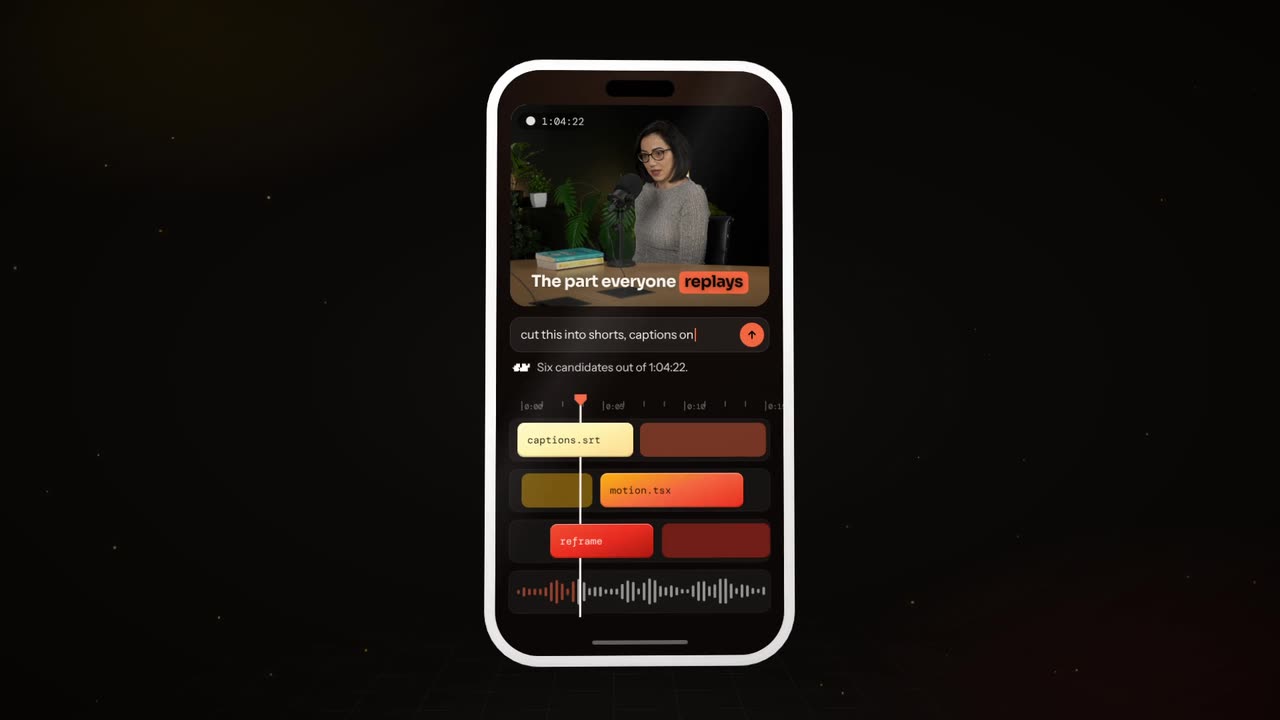
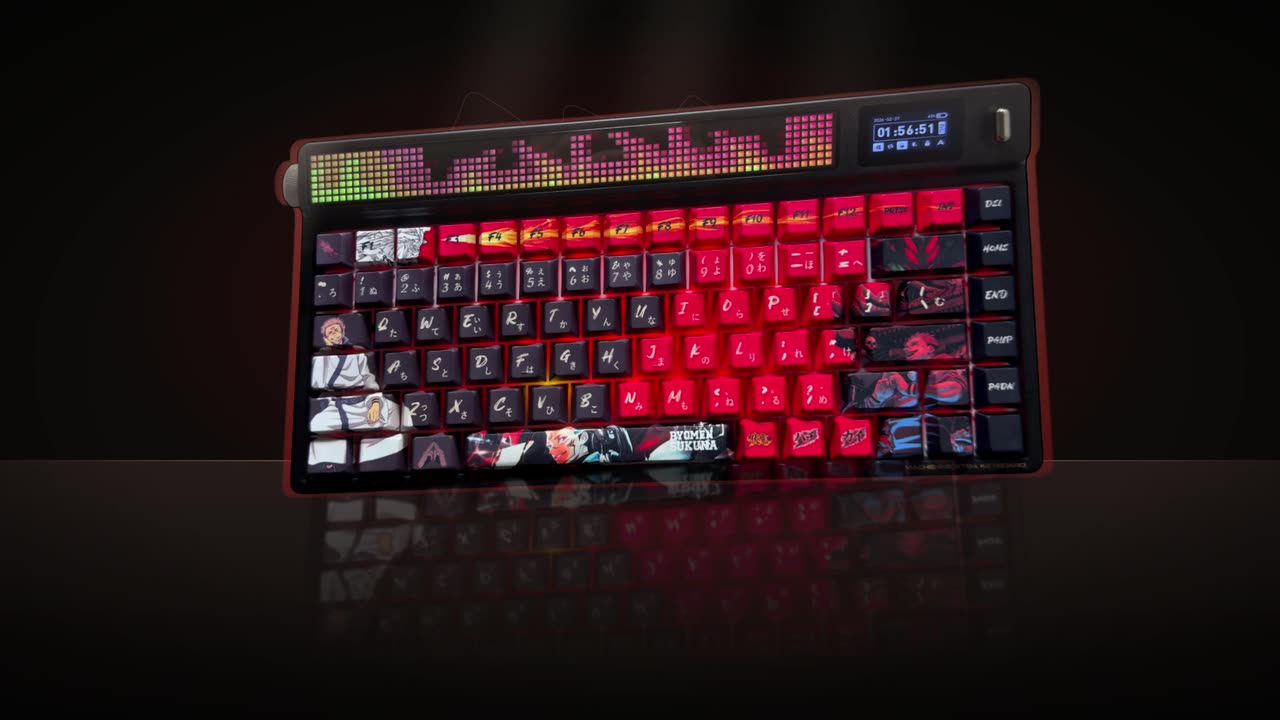
Real outputs from the Videotto template gallery.
Worked example: a 3 second logo reveal
An illustration for a fictional skincare brand with a simple circular mark and a wordmark beside it. The brand is calm and premium, so the reveal is a light sweep rather than a slam.
| Time | What happens | Sound |
|---|---|---|
| 0.0 to 0.5 s | Black frame, the mark is there but almost invisible, at 10% opacity | Soft air |
| 0.5 to 1.5 s | A thin streak of warm light sweeps left to right across the mark | Whoosh rising |
| 1.5 to 2.0 s | The mark lifts to full colour, the wordmark fades in beside it | Gentle chime |
| 2.0 to 3.0 s | Everything holds still, a faint glow settles | Chime tails off |
From that one master, three cuts: the full 3 seconds in 16:9 for YouTube and the website, the same in 9:16 with the logo a little larger, and a 1 second sting (just the sweep and the hold) for the end of shorts. One prompt, three files, used at the end of every video for a year.
Why a short logo reveal works
A reveal works because of repetition, not spectacle. The same two seconds, the same sound, at the end of every piece, is what turns a mark into something people recognise. That is why the hold at the end matters more than the move before it: the still logo is what registers.
It also works because it stays out of the way. In short form, the first seconds belong to the hook, so the reveal goes last, where it is the final thing people see. In a long YouTube video it can play once, quickly, after the hook. And the animation should move the logo, never redesign it. Shape, colours and proportions stay exactly as they are in your brand file.
Logo reveal prompt for Otto
Adapted from real requests Videotto users sent to Otto. Upload the logo first, then paste this and pick your background.
Animate this logo reveal from the logo I uploaded, 3 seconds, 16:9 and 9:16 versions.
Remove the white background. Keep the logo's shape and colours exactly as they are.
A light streak sweeps across the logo from left to right, then a soft glow settles.
Background: [black or brand colour].
One sound: a soft whoosh into a gentle chime as the light passes.
Hold the finished logo still for one second at the end.
Shorter logo animation prompts
- "Animate this logo reveal, light streak sweeping across it."
- "Rotate my logo in 3D and end facing the camera."
- "Wordmark slam with a deep hit, black background."
- "Make a one second version for the end of my shorts."
Logo reveal styles by brand type
A calm brand gets a calm reveal, a loud one gets a slam. Pick one style and stay with it.
- Light sweep, for premium, tech and beauty. A streak of light runs across the mark and a soft glow settles. Quiet and expensive looking.
- Shape build, for design studios and agencies. Lines or shapes assemble into the mark. Works best with geometric logos made of a few clear parts.
- 3D turn, for products, gaming and automotive. The logo rotates in depth and ends facing the camera. Give it a material, such as brushed metal or glass.
- Wordmark slam, for sports, media and bold brands. The name drops in hard with a deep hit and a small camera shake. Keep it under 2 seconds.
- Morph, for apps and creative tools. A simple shape, such as a dot or the app icon outline, morphs into the logo.
- Ink or liquid, for food, art and lifestyle. The mark forms from ink, paint or liquid. Softer and more organic, so allow 3 to 4 seconds.
Logo reveal specs and versions to export
| Version | Aspect and size | Length | Used for |
|---|---|---|---|
| Full reveal | 16:9, 1920x1080 | 2 to 4 s | YouTube, website, launch films, presentations |
| Vertical reveal | 9:16, 1080x1920 | 2 to 3 s | End of Reels, TikTok and Shorts ads |
| Square reveal | 1:1, 1080x1080 | 2 to 3 s | Feed posts and LinkedIn |
| Sting | Any | About 1 s | End of every short |
| Light background version | Any | Same | When your video ends on a bright frame |
Built by hand in After Effects, a polished light sweep with three exports typically takes an experienced designer a couple of hours, and a 3D or liquid reveal longer. Template sites and Canva have ready made reveals you drop a logo into, which is quick but common. Asking Otto gives a first version from one prompt, then a few minutes of changes to the timing or sound.
Logo reveal fixes
- Fix: the logo changed shape or colour. Ask for the mark to stay exactly as uploaded, then compare the final frame with your original file side by side.
- Fix: it feels slow. Cut it to 2 to 4 seconds. Eight second reveals get skipped every time.
- Fix: it opens the short. Move it to the end. Starting with a logo costs you the hook.
- Fix: the logo looks soft in motion. Upload an SVG or a PNG at least 2000 pixels wide. Motion makes blur more obvious, not less.
FAQ
What is the difference between a logo reveal and a logo sting?
A logo reveal and a logo sting differ mainly in length and purpose. A reveal is a full animation of two to four seconds or more, often used in launch films and longer videos. A sting is a very short version, around one second with a sound, built to end every short or ad without slowing it down.
What file format should a logo be in for animation?
A logo for animation should ideally be an SVG or another vector file, because it stays sharp at any size and its parts can be animated separately. If you only have a raster file, use a transparent PNG at least 2000 pixels wide. Avoid JPGs with a white box, since the background has to be removed first.
How do I export a logo animation with a transparent background?
To export a logo animation with a transparent background, render it in a format with an alpha channel, such as ProRes 4444 or QuickTime with PNG codec, or as a WebM with alpha for the web. Standard MP4 files cannot store transparency. If your editor only accepts MP4, export on black and use a screen blend.
Can I use a free logo animation template for a business?
You can use a free logo animation template for a business if its licence allows commercial use, so read the terms on the template site before you publish. Some free templates require credit or ban use in paid adverts. Keep in mind that popular templates appear on many channels, so your reveal may not feel unique.
Should a logo animation have music or a sound effect?
A logo animation usually works best with one short sound effect, such as a whoosh, chime or deep hit, matched to the motion. Full music rarely fits in two to four seconds. Use the same sound every time, because the audio becomes part of what people recognise, even when they are not looking at the screen.
Make your next video with Otto
Tell Otto what you want in plain words. It cuts, captions and animates the video for you.