To make a 3D product animation, upload sharp photos from several angles, describe its material and colours, and choose one main move such as a slow turntable or a camera orbit. Set it on a plain stage with soft studio light and a floor reflection, add a few precise sound effects, and hold the final angle for two seconds.
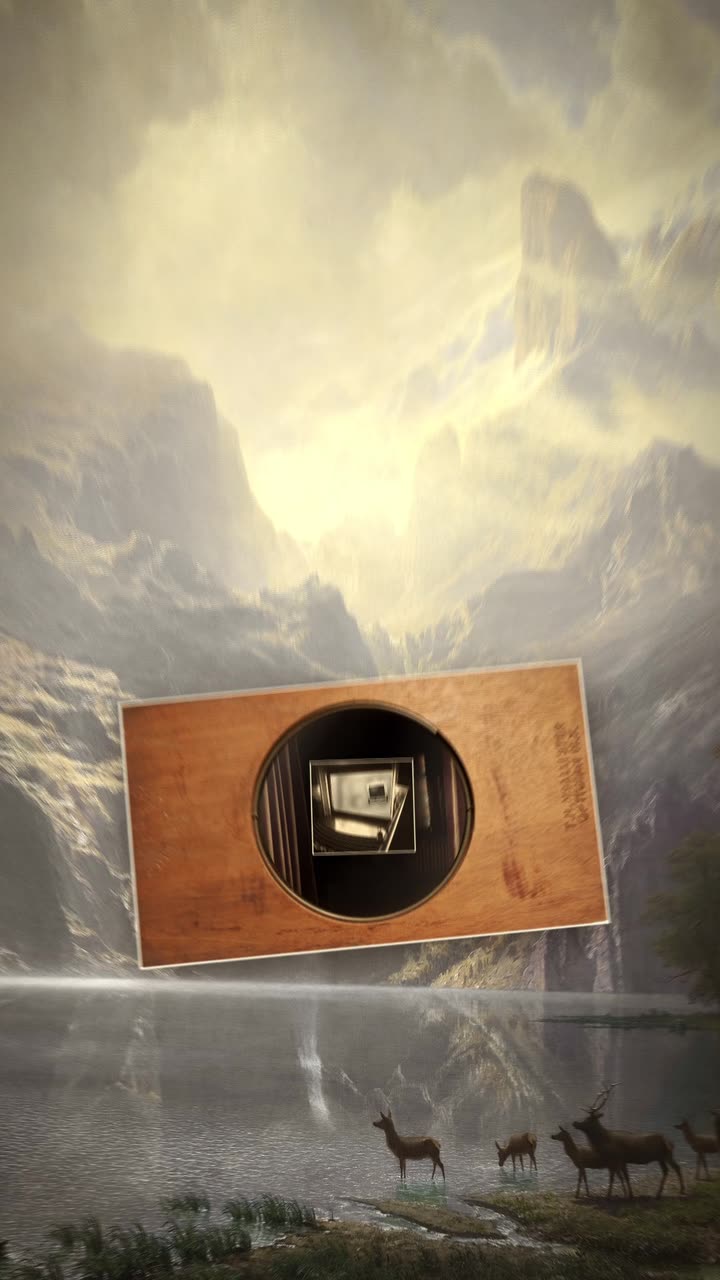
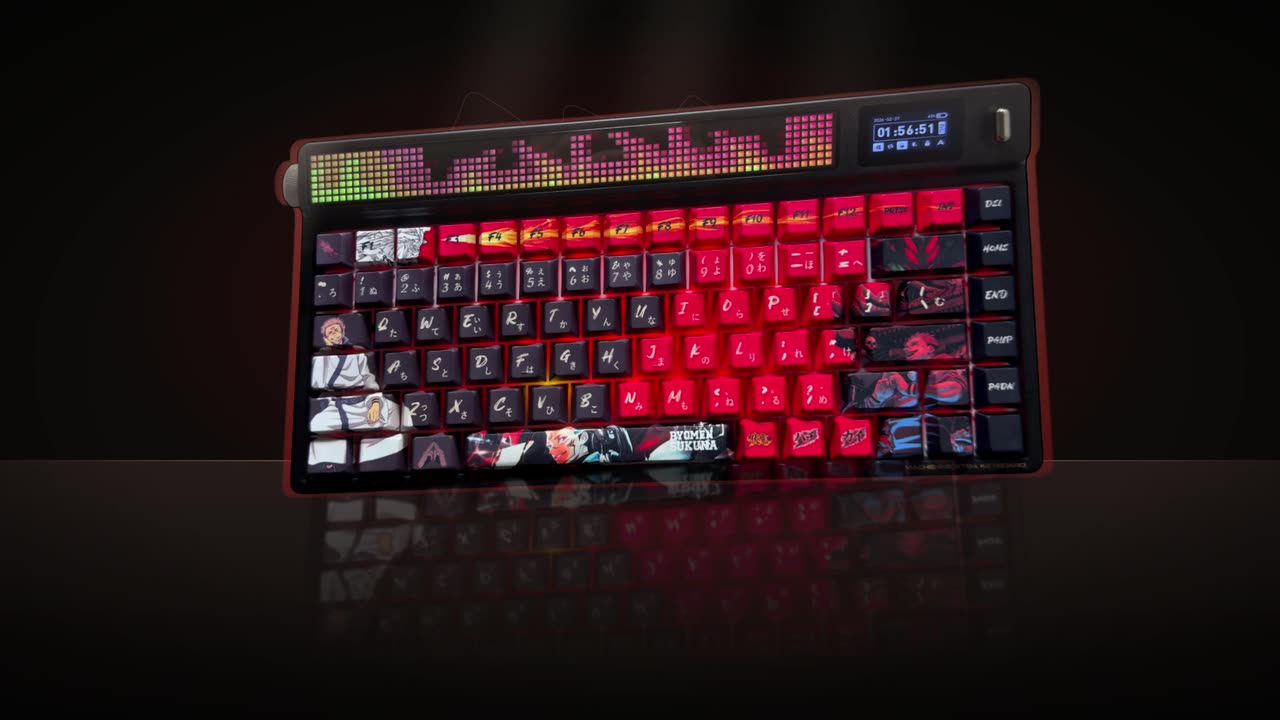
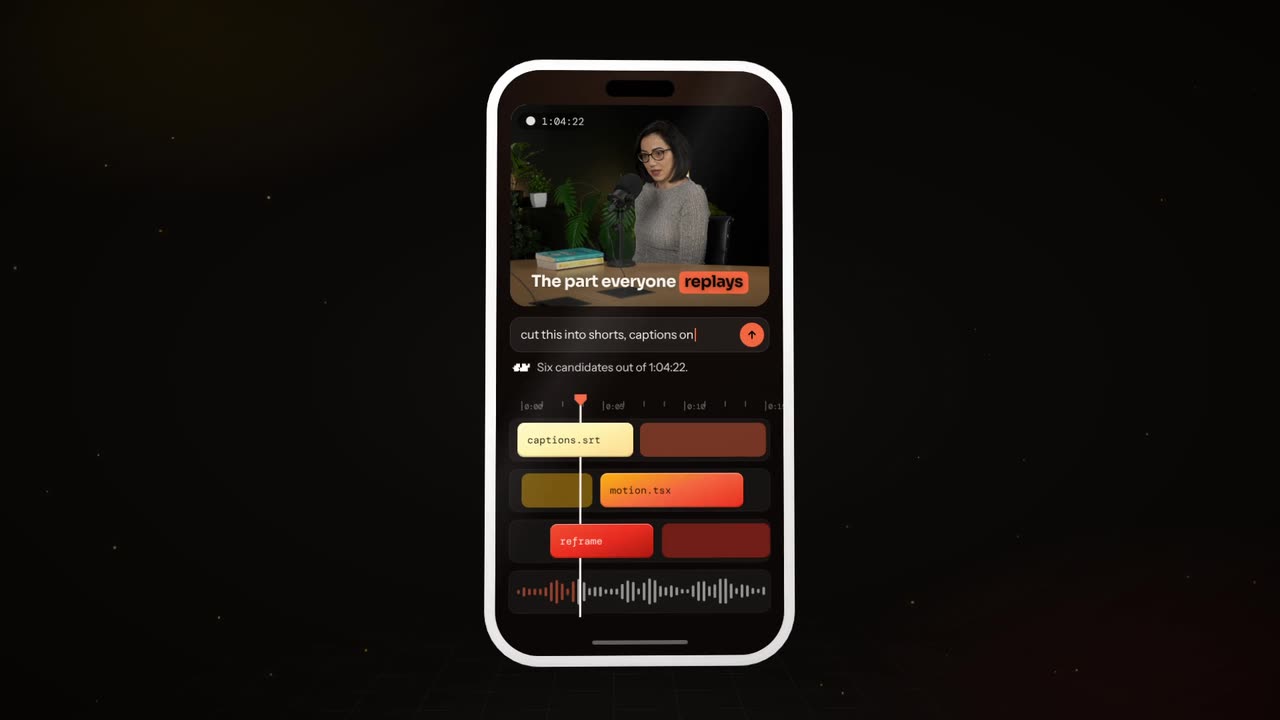
Real outputs from the Videotto template gallery.
3D product animation specs by placement
3D clips are short. Decide where it will play first, because that sets the length and how much room the product needs to turn.
| Placement | Aspect | Resolution | Typical length |
|---|---|---|---|
| Reels, TikTok, Shorts | 9:16 | 1080x1920 | 6 to 15 seconds |
| Product page loop | 1:1 or 4:5 | 1080x1080 or 1080x1350 | 6 to 10 seconds, seamless 360 |
| Website hero or YouTube | 16:9 | 1920x1080 | 10 to 20 seconds |
| Inside a launch film | Same as the film | Same as the film | 3 to 6 seconds per shot |
For vertical video, frame the product a little smaller than feels natural, about half the frame width, so it can turn without its edges leaving the frame. A full 360 degree turn reads as calm at 8 to 12 seconds.
What makes 3D look real: light, material and one move
- Material. Name it precisely: matte plastic, brushed aluminium, gloss ceramic, frosted glass. Say the colours. "Metal" alone gives you generic chrome.
- Light. A soft key light from one side, a fill on the other and a thin rim light to separate the edges from the background.
- Stage. A plain grey, black or white floor with a soft reflection. 3D needs space, and a plain stage makes the product look bigger.
- The move. Pick one. A turntable (the product turns in place), a hero orbit (the camera circles a still product), or a drop and settle (it falls into frame and lands with a soft shadow).
- Sound. A low whoosh on the turn and one deeper hit when it settles or when a title locks in. Three or four effects in 15 seconds is plenty.
An exploded view, where the product separates into its parts and snaps back, is the most eye catching move but also the hardest to get right. From outside photos alone, any inner parts are invented, so treat it as a stylised effect. For an accurate version, supply photos or renders of the real parts, or keep it to a simple product with a few obvious pieces such as a lid, a body and a base.
Worked example: a 15 second 3D product animation
An illustration for a fictional insulated water bottle, made from four photos (front, back, side, top) on a plain background.
| Time | What happens | Sound |
|---|---|---|
| 0 to 2 s | The bottle drops into frame and settles with a soft shadow | Low thud |
| 2 to 9 s | Slow turntable, half a turn, light sweeps the brushed steel | Soft air whoosh |
| 9 to 11 s | The lid lifts a few centimetres and floats, then lowers back | Gentle click |
| 11 to 13 s | 3D text "Cold for 24 hours" rises from the floor beside it | Deep hit as the letters lock |
| 13 to 15 s | Hold on the hero angle, logo bottom centre | Silence |
One main move, one small reveal (the lid instead of a full exploded view, because it is a part you can photograph) and four words of 3D text. Built in Blender from scratch, a shot like this typically takes a day or more including modelling. As a prompt, it is a first draft and a couple of follow up requests to match the material.
3D product animation prompt for Otto
Adapted from real requests Videotto users sent to Otto. Describe the material in your own words and keep the "exactly like the photos" line.
Make a 15 second 3D product animation, 9:16, from the product photos I uploaded.
The product turns slowly in soft studio light on a plain grey stage with a soft floor reflection.
Halfway through, a simple exploded view: the main parts separate, hold for a beat, then snap back together.
Material: [describe the material and colours]. Keep the product exactly like the photos.
Then 3D text: [your text] in thick brushed metal letters that rise one by one, a light sweep across them.
Cinematic whooshes on each move, a deep hit when the letters lock in.
Shorter 3D prompts, including 3D text
- "The board turning in 3D, the LED grid pulsing, keycaps pressing."
- "Make a 6 second 3D title of the word [text], glass with a blue glow."
- "3D copper coins tumble into a matte black wallet."
- "Rotate the logo in 3D and end facing the camera."
3D text works the same way as a product. Keep it to two or three words, choose one material (chrome and gold feel loud, glass feels modern, matte feels friendly), give the letters one entrance, then hold them still while the light moves so people can read them.
How to make a 3D product animation in 5 steps
- Shoot or gather sharp photos. Three to six angles on a plain background, evenly lit, at least 2000 pixels on the long side. More angles give the turn more to work with.
- Name the material and colours. Write them as you would for a product listing. Add the finish: matte, satin, gloss.
- Pick one main move. Turntable, hero orbit or drop and settle. Add a small reveal only if you can show the real part.
- Set the stage, light and sound. Plain stage, soft studio light with a rim light, and a few precise effects.
- Compare every angle with the real product. Generated details can drift. Check logos, buttons, ports and proportions against your photos before you publish.
Troubleshooting a 3D product animation
| Problem | Fix |
|---|---|
| The product changes shape or a logo warps | Upload more angles, ask to keep it exactly like the photos, or use a slower, smaller turn |
| It looks like cheap plastic | Describe the finish precisely and add a rim light and soft floor reflection |
| Everything is shiny | Keep one reflective material, make the rest matte |
| Detail blurs during the turn | Slow it to a full turn in 8 to 12 seconds |
| The product leaves the 9:16 frame | Frame it smaller, about half the width, before it turns |
FAQ
How much does a 3D product animation cost?
A 3D product animation from a freelancer or studio is usually priced per project, and the cost depends on whether a model exists, how complex the materials are and how many shots you need. Building an accurate model from scratch is often the biggest part. Ask for a quote that separates modelling, animation and revisions so you can compare offers fairly.
Can you make a 3D animation from a 2D product photo?
You can make a 3D style animation from a 2D product photo, but the hidden sides have to be inferred, so a single photo works best for small turns and parallax moves. For a full 360 degree turn, give three to six angles. For an exact digital twin, a proper 3D model or a photogrammetry scan is the reliable route.
What is the best free software for 3D product animation?
Blender is the best known free software for 3D product animation. It handles modelling, materials, lighting, camera animation and rendering in one program, and it has a large library of tutorials. The trade off is the learning curve, since a convincing product render usually takes a few weeks of practice to reach.
What frame rate should a 3D product animation use?
A 3D product animation for social media and the web usually uses 30 frames per second, while 24 frames per second gives a more cinematic feel for films and adverts. If you plan to slow part of it down, render at 60 so the slow motion stays smooth. Match the frame rate of any video you cut it into.
How do you make a seamless 360 product loop?
To make a seamless 360 product loop, rotate the product exactly 360 degrees at a constant speed, with no easing at the start or end, so the last frame matches the first. Keep the light and camera fixed. Eight to twelve seconds per turn looks calm on a product page and loops without a visible jump.
Make your next video with Otto
Tell Otto what you want in plain words. It cuts, captions and animates the video for you.