To make an animated math or science explainer, write a 120 to 200 word script that answers one question, split it into four to six beats, and give each beat one visual. Write equations on term by term and draw diagrams as each part is spoken, highlight the current term, add captions, and check every formula.
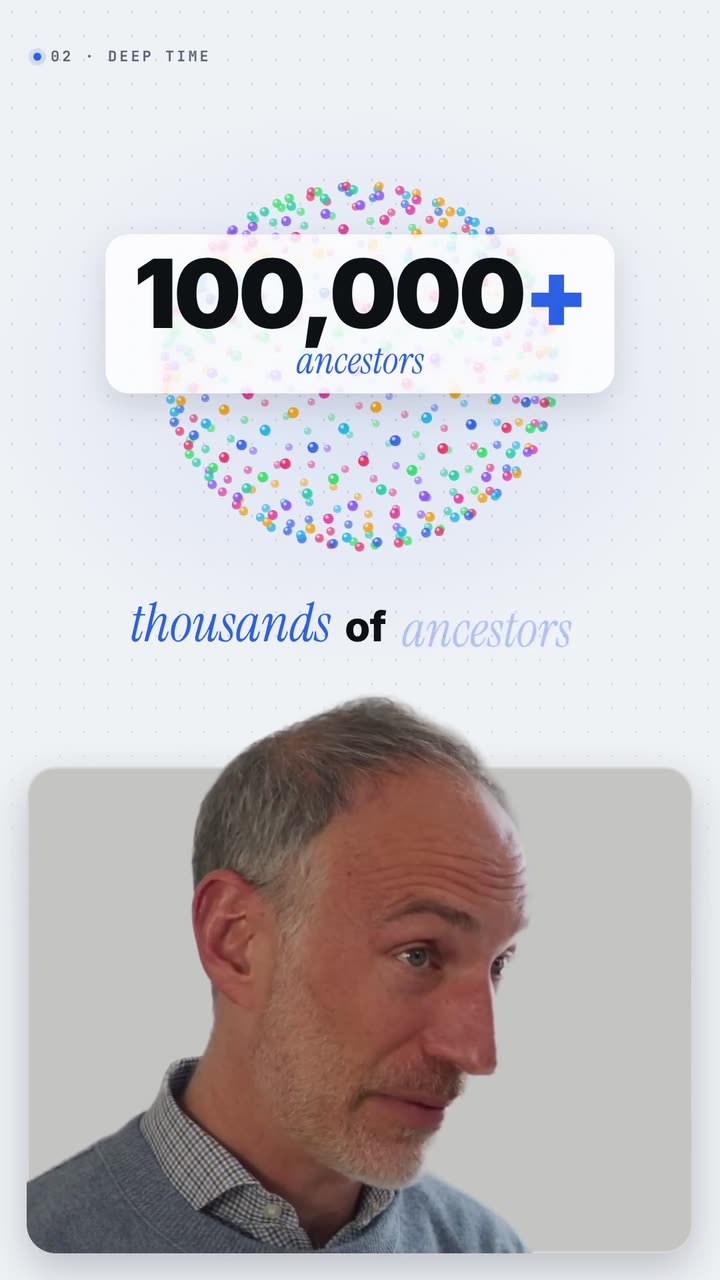
Real outputs from the Videotto template gallery.
When an animated math or science explainer works best
Animation earns its place when an idea has a shape: something that grows, moves, balances or breaks apart. If you would draw it on a napkin to explain it to a friend, that drawing is the scene. Typical uses:
- One idea shorts. "Why the sky is blue" or "what a derivative means" in 45 to 90 seconds, for TikTok, Reels and Shorts.
- Lesson segments. A 1 to 3 minute animated section inside a longer class video or online course, between talking head parts.
- Revision cards. A 20 to 30 second recap of one formula students can rewatch before an exam.
- Science communication. Explaining a result or a process to a general audience, where a diagram does more than a paragraph.
Two looks dominate the genre. A dark board: near black background, chalk white lines and formulas, one bright colour for the term being discussed. Or an old textbook page: aged cream paper, dark brown ink, fine line drawings and one deep red accent. Either works if the rules underneath stay the same: one idea on screen, one highlight colour, everything appearing when the voice says it.
Science explainer specs and timing
Narration sets the clock. A calm explaining voice runs at roughly 140 to 160 words per minute, so you can plan the length of the video from the length of the script.
| Item | Short (9:16) | Lesson segment (16:9) |
|---|---|---|
| Frame | 1080x1920 | 1920x1080 |
| Length | 45 to 90 seconds | 1 to 3 minutes |
| Script | 120 to 200 words | 150 to 450 words |
| Beats | 4 to 6, one visual each | 6 to 12, grouped into 2 or 3 parts |
| Per beat | 8 to 15 seconds | 10 to 20 seconds |
| Equation on screen | One line, large, centred | Up to three stacked lines |
| Captions | Large, bottom third, clear of app buttons | Bottom, smaller, optional |
For each new equation or label, leave at least a second of quiet after it lands before the voice moves on. Viewers need that moment to read a symbol, which takes longer than reading a word.
Math and science explainer prompt for Otto
Adapted from the way Videotto users brief Otto for calm, educational explainers. Replace the bracketed parts with your topic, script and equation.
Make a 9:16 vertical science explainer, about 60 seconds, all motion graphics.
Topic: [one question, for example "why the sky is blue"].
Narration: use an AI voice, calm and clear, reading this script: [paste script].
STYLE: aged cream paper #F3EBDD, dark brown ink lines, fine line illustrations, one deep red #9B2226 accent for the term being explained. Italic serif labels.
SEQUENCE (timed to the voice):
0 to 8 s: the question writes on in large serif.
8 to 25 s: a diagram draws in line by line as each part is named.
25 to 45 s: the key equation writes term by term: [your equation]. The term being spoken turns red.
45 to 60 s: earlier steps fade to grey, the one line answer sits in the centre.
CAPTIONS: large, readable captions in the bottom third, two lines at most, clear of the app buttons.
SOUND: soft music, very low under the voice.
RESTRICTIONS: keep every formula, number and unit exactly as given, no bouncing, keep the camera still.
Short science explainer prompts
- "Style of an antique illustrated science book, aged cream paper, deep red accents."
- "Write the equation term by term as I say it."
- "Draw the graph slowly, then mark the point where it crosses zero."
- "Fade the old steps to grey instead of removing them."
- "Fine line drawings that draw in as I explain each part."
Make a math explainer in 6 steps
- Pick one idea. One question per video, answered in 45 to 90 seconds. Two ideas half explained help nobody; split them into a series.
- Write the script in beats. Break the explanation into four to six beats. Each beat is one or two sentences and one visual. Read it aloud and time it.
- Add the voice. Upload your own narration, or ask for an AI voice to read the script. You can also clean up the audio of your own recording first. The voice sets the timing for everything else.
- Describe each visual. For each beat, name what draws: an equation, a graph, a labelled diagram, an arrow. Say what gets highlighted.
- Pick the look once. Dark board or old textbook page, one highlight colour. State it near the start of the prompt so every scene matches.
- Check every formula and label. Pause on each scene and compare it to your notes. A wrong sign, exponent or unit is the first thing viewers notice.
Example: the Pythagorean theorem in 60 seconds
Example input: a maths tutor wants a short that shows why a squared plus b squared equals c squared, using the classic picture of squares on the sides of a right triangle. The script is 150 words, which an AI voice reads in about a minute. The beats:
Example beats for a 60 second Pythagorean theorem short
| Time | Voice says | On screen |
|---|---|---|
| 0 to 8 s | "Why does a squared plus b squared equal c squared?" | The question writes on in serif |
| 8 to 20 s | "Take a right triangle with sides 3, 4 and 5." | The triangle draws in, sides labelled 3, 4, 5 |
| 20 to 34 s | "Build a square on each side." | Squares grow out of each side: 9, 16 and 25 small cells |
| 34 to 48 s | "The two small squares hold 9 and 16. Together, 25." | Cells from the two small squares slide into the big one and fill it |
| 48 to 60 s | "That is the theorem: a squared plus b squared equals c squared." | Earlier steps fade to grey; the equation writes term by term, the spoken term in red |
The 3, 4, 5 numbers keep the arithmetic easy and let the cell counts be exact, so the picture proves the example honestly. The tutor checks one thing before posting: that the cells in the final square add to exactly 25. The same prompt then gets a 16:9 version for the lesson page.
Fixing common science explainer problems
If you build these by hand, the usual tools are Manim, a Python library for programmatic math animation, GeoGebra or Desmos for interactive graphs and constructions you can screen record, or After Effects for full design control. They give precise results and take hours per minute of video for most people. Whichever route you take, these are the problems that show up most:
| Problem | What viewers experience | Fix |
|---|---|---|
| The whole diagram appears at once | Too much to read, no idea where to look | Build it piece by piece with the voice |
| Wrong sign, exponent or unit | Comments correcting you instead of learning | Say "keep every formula exactly as given" and check each frame |
| Everything highlighted | Nothing stands out | One accent colour, only on the current term |
| Visual arrives before the voice | Viewers read ahead and lose the thread | Ask for each element to appear when it is said, never before |
| Captions covering the equation | The key line is hidden | Captions in the bottom third, equation in the middle |
| Two ideas in one video | Neither is clear | Split them into a two part series |
FAQ
What software do math YouTubers use for animations?
Math YouTubers use a mix of software for animations. Manim, an open source Python library, is popular for precise equation and graph animation. GeoGebra and Desmos are common for interactive graphs, After Effects for designed motion, and simple screen recording of a tablet for handwritten lessons. Many creators combine two of these rather than relying on one.
How do you write a script for a science explainer video?
To write a script for a science explainer video, start with the question the viewer has, answer it in one sentence, then explain how you know in three to five short beats. Use an everyday example before any jargon. Read it aloud: at about 150 words per minute, a 60 second short needs roughly 150 words.
How long should an educational short video be?
An educational short video is usually best at 45 to 90 seconds, enough to explain one idea with an example. YouTube Shorts and Instagram Reels allow up to 3 minutes and TikTok longer, but shorts work best when they answer one question cleanly. Topics needing more time fit better as a series or a 16:9 lesson.
How do I check equations are correct in an animated video?
To check equations are correct in an animated video, pause on every frame where an equation finishes writing and compare it symbol by symbol with your source. Look at signs, exponents, subscripts, units and brackets, which are easy to lose in animation. Ask a colleague or student to watch it once too, since a fresh pair of eyes catches errors fast.
Make your next video with Otto
Tell Otto what you want in plain words. It cuts, captions and animates the video for you.