To make an animated recipe card video, write the recipe as an ingredient list with amounts and five to eight numbered steps. Animate a title card, then the ingredients one per second, then one card per step for 3 to 4 seconds with a timer where needed, and close on your dish photo. Aim for 30 to 45 seconds.
Real outputs from the Videotto template gallery.
Example: a 40 second recipe card video for garlic noodles
This is an illustrative example to show the pacing, not a customer video. The input recipe: garlic butter noodles, serves 2, 15 minutes. Six ingredients (200 g noodles, 3 tbsp butter, 6 garlic cloves, 2 tbsp soy sauce, 1 tbsp oyster sauce, 2 spring onions) and five steps. There is one phone photo of the finished bowl.
| Time | Card | Detail |
|---|---|---|
| 0 to 4 s | Title | "Garlic Butter Noodles" with "Serves 2, 15 min" underneath |
| 4 to 11 s | Ingredients | Six lines drop in about 1 second each, each with a small flat icon |
| 11 to 15 s | Step 1 | "Boil noodles 4 min" with a timer ring that fills |
| 15 to 19 s | Step 2 | "Melt butter, add minced garlic" |
| 19 to 23 s | Step 3 | "Cook garlic 1 min, until golden" with a timer |
| 23 to 27 s | Step 4 | "Add sauces and noodles, toss" |
| 27 to 31 s | Step 5 | "Top with spring onion" |
| 31 to 40 s | Dish | The photo, cut out from its background, floats over the title card and holds |
Every step is under eight words, which reads comfortably in 4 seconds. The 9 second hold at the end is deliberate: it is the frame people screenshot. If a step needs more words, split it in two rather than shrinking the text.
How to make a recipe card video in 6 steps
- Write the recipe tight. Dish name, servings, total time, ingredients with amounts, and five to eight short steps. Cut every word you do not need to cook.
- Pick the look. Cream and terracotta, bright and playful, dark and moody. Say it, or upload one of your posts to match.
- Decide the pace. About 1 second per ingredient and 3 to 4 seconds per step is a good default. Say the total length you want.
- Add your photo. Upload a photo of the finished dish. Otto can cut it out from the background and float it over the design for the final card.
- Add a voice if you want one. Record yourself reading the steps, or ask for an AI voice. The steps can appear as they are spoken. At around 150 words per minute, a 40 second card fits about 100 spoken words.
- Check every amount. Pause on the ingredient card and each step. A wrong amount is the one error people will comment on.
Recipe card video design choices
An animated recipe card is a reference that moves. People pause it, screenshot it and cook from it, so readability beats decoration every time.
| Choice | Go with | Because |
|---|---|---|
| Card order | Title, ingredients, one card per step, dish | Each screen is one thing to read |
| Type | A warm display font for titles, a clear sans for amounts | Amounts must be readable at a glance |
| Colour | Warm neutrals with one food colour as accent | Feels like a kitchen, not a spreadsheet |
| Icons | Simple flat icons for each ingredient and tool | Faster to scan than words alone |
| Motion | Items drop in, steps slide up, a timer ring fills | Shows order without a voice |
| Frame | 9:16 at 1080x1920, text kept in the middle two thirds | Clear of app buttons and captions |
A recipe card video prompt for Otto
Adapted from the way Videotto users brief Otto for animated cards. Paste your own recipe in the brackets.
Make a 40 second animated recipe card video for [dish name].
FORMAT: 9:16 vertical, full motion graphics, my dish photo at the end.
RECIPE:
Serves [2]. Total time [25 min].
Ingredients: [amount ingredient], [amount ingredient], ...
Steps: 1. [step] 2. [step] 3. [step] 4. [step] 5. [step]
STYLE: warm cream background, terracotta accent [#C8553D], soft paper texture, flat ingredient icons.
TYPE: friendly rounded display font for titles, clean sans for amounts.
ANIMATION SEQUENCE:
0 to 4 s: dish name and "Serves 2, 25 min" build in.
4 to 14 s: ingredient card, each line drops in with its icon, about 1 s each.
14 to 34 s: one card per step, big step number, a timer ring fills when the step has a time.
34 to 40 s: my dish photo, cut out, floats in over the title, hold.
SOUND: light upbeat track, a pop per ingredient, a timer ding at the end.
RESTRICTIONS: keep every amount exactly as written, readable with the sound off, no bouncing.
Shorter recipe card prompts
- "Turn this recipe into a 30 second animated card video, cozy kitchen colours."
- "Only the ingredient list as a 10 second animation I can put at the start of my cooking video."
- "Make the steps appear as I say them in my voiceover."
- "End on my restaurant logo and 'Order this dish today'."
Recipe card video tools compared
Food creators usually build these in one of the tools below. The times are rough estimates for a 40 second, six ingredient, five step card, not measured results.
| Tool | How the card gets made | Typical time | Watch out for |
|---|---|---|---|
| Canva | A recipe template, text swapped in, page animations | 30 to 45 minutes | Templates rarely reveal ingredients one by one |
| CapCut | Text layers timed by hand over a background, stickers for icons | 45 to 90 minutes | Retiming every layer when one step changes |
| After Effects | Custom cards, icons and timer rings, keyframed | 2 to 4 hours | Overkill for a weekly recipe post |
| Otto | The prompt above with the recipe pasted in | Around 10 to 15 minutes including a check of every amount | Still proofread amounts, as with any tool |
The card can also sit inside filmed content: a short ingredient overlay at the start of a cooking video, a one step technique card for daily posting, or a restaurant dish story that ends on how to order.
Recipe card video mistakes
- Wrong or missing amounts. Write amounts in the prompt exactly and check the card. Say "keep every amount exactly as written".
- Too much text per card. A long step on a phone is a wall. Split it into two steps or cut it down.
- Steps that fly past. People cook from these. Give each step enough time to read twice, or they will not finish the video.
- A dish photo that looks nothing like the dish. Use a real photo of what you made. Viewers trust a recipe that shows the real result.
FAQ
How long should a recipe video be for Instagram Reels or TikTok?
A recipe video for Instagram Reels or TikTok usually works best at 30 to 60 seconds. A recipe card version with five to eight steps fits in 30 to 45 seconds, while a filmed cooking video often needs closer to a minute. Both platforms allow longer uploads, but long recipes are easier to follow split into two posts.
Should I put the full recipe in the video or in the caption?
Put the full recipe in both the video and the caption when you can. The video lets people cook along and screenshot the ingredients, while the caption is searchable and easy to copy into a shopping list. On TikTok and Instagram, a caption with the full ingredient list also gives the post more text for search.
Can you copyright a recipe you post in a video?
A recipe's basic list of ingredients is generally not protected by copyright in the United States and many other countries, so others can cook and share the same dish. The way you express it can be protected: your written instructions, photos, design and video. Rewriting someone else's recipe in your own words and crediting them is the common courtesy.
Is a recipe card video better than a filmed cooking video?
A recipe card video is better when the goal is a clear, saveable reference, or when you cannot film in good light. A filmed cooking video is better for showing technique, texture and personality. Many food pages post both: the filmed version for reach and the recipe card version as a quick reference people can save and screenshot.
What font size is readable in a vertical recipe video?
In a vertical recipe video at 1080x1920, ingredient amounts and step text are usually readable at around 48 to 60 pixels tall or larger, with titles bigger still. Test by watching on an actual phone at arm's length. If you have to squint at an amount, it is too small, too long, or on screen too briefly.
Make your next video with Otto
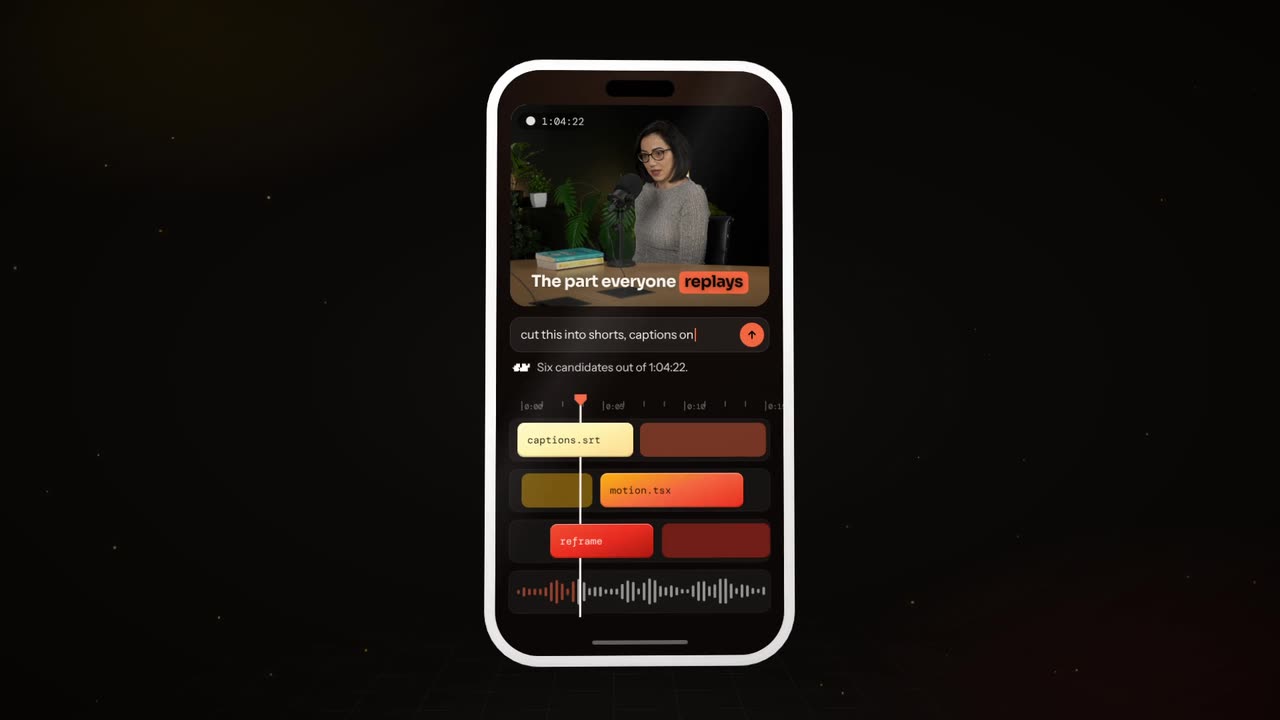
Tell Otto what you want in plain words. It cuts, captions and animates the video for you.