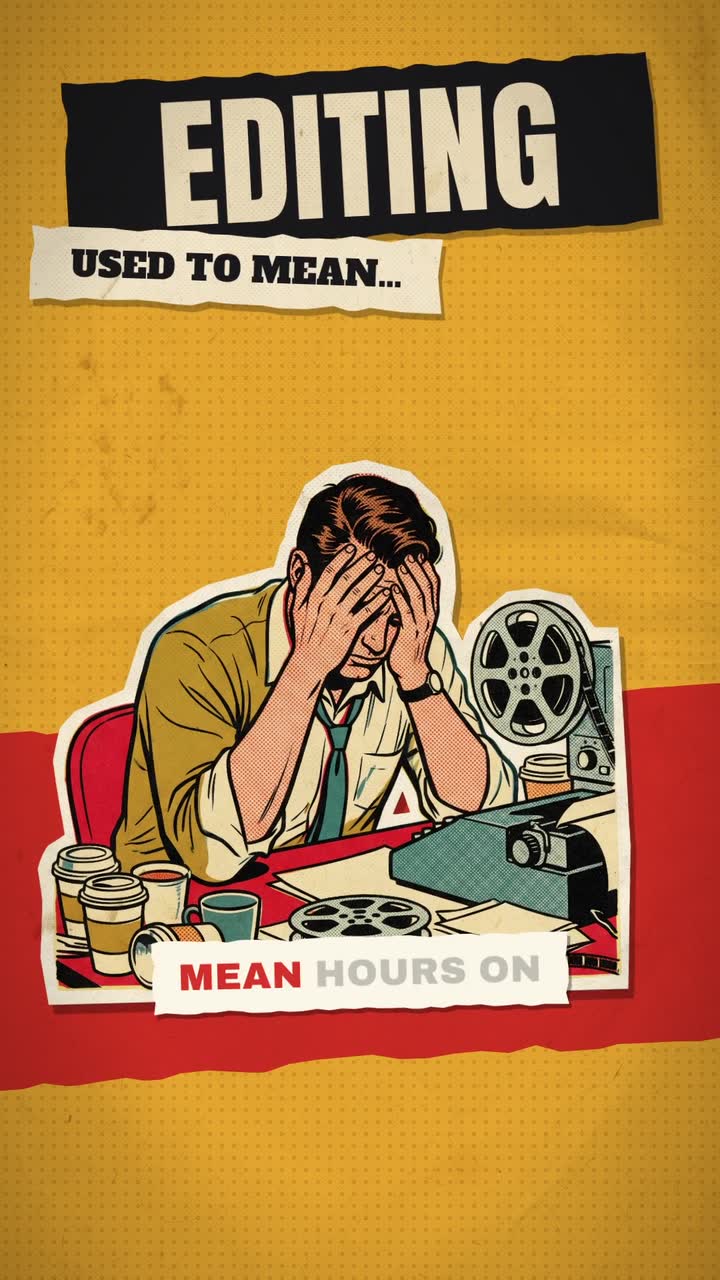
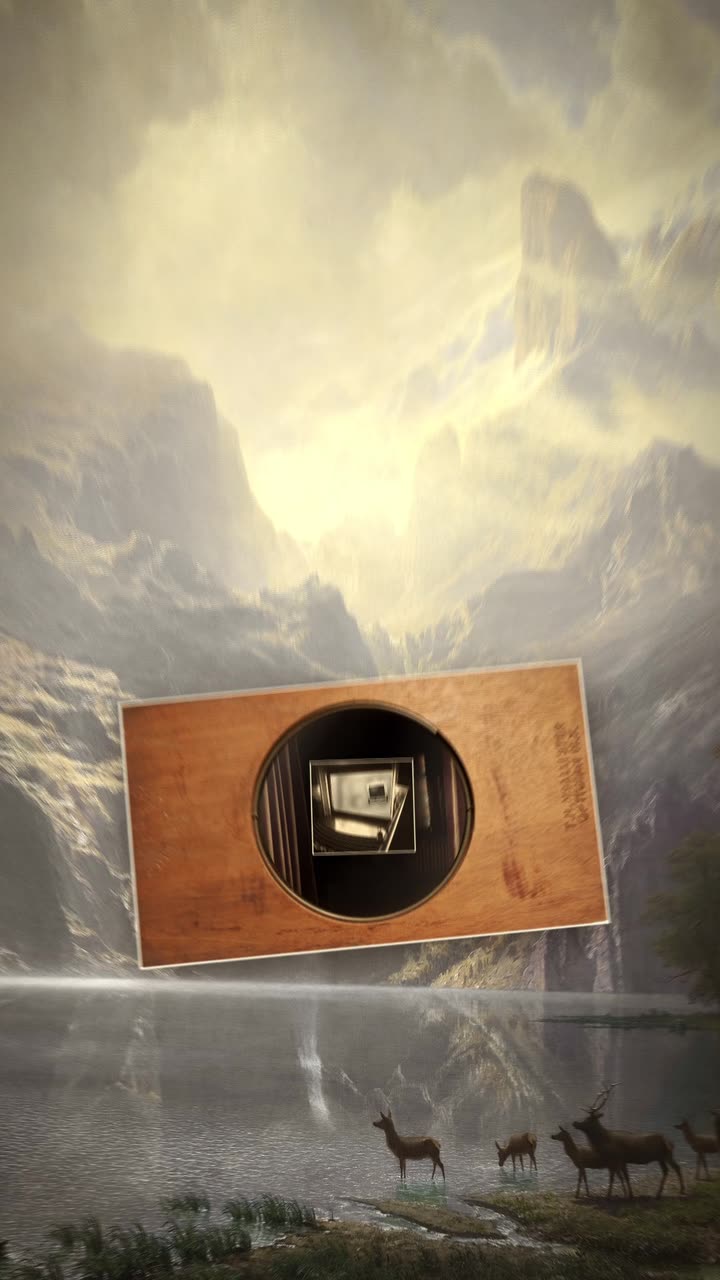
To make an animated quote video, choose a short quote you have the right to use, set it in one typeface that fits its mood on a calm background, and reveal it line by line or word by word. Colour one key word, add the author and your handle, and hold the full quote for three seconds.
Real outputs from the Videotto template gallery.
When an animated quote video is the right format
Quote videos work when the words can stand alone. They are a good fit for:
- Daily posting. A series in one look can be batched in an afternoon and scheduled for weeks.
- Your own lines. A sentence from your talk, podcast or book, which nobody else can post.
- Reflective accounts. Coaching, faith, wellbeing and creativity pages where people save and share.
They are a weaker fit when the point needs explaining. If the idea takes more than two sentences, it wants a short kinetic typography piece or a talking head clip instead. And a quote that only lands with the speaker's voice and face behind it is usually better as a captioned clip of that moment.
How to make an animated quote video in 6 steps
- Pick and check the quote. One or two sentences, ideally under 25 words. Check the exact wording and who really said it, because misattributed quotes are everywhere.
- Choose the mood. Calm and reflective, bold and motivating, or warm and personal. The mood picks the type and colour.
- Set the type and background. One typeface, one background, one accent colour. Keep the text inside the middle 80% of the frame.
- Pick the reveal. Line by line for longer quotes, word by word for short punchy ones, a soft fade for very calm ones.
- Decide on a voice. Music only, or an AI voice reading the quote slowly. A read quote needs about 2.5 words per second of screen time.
- Add your brand and hold. Your handle or logo small at the bottom, and hold the finished quote for 2 to 3 seconds so people can read it twice.
Type does most of the emotional work. A reflective line about patience or grief suits an elegant serif such as Playfair Display, Cormorant or Lora with generous spacing. A motivating line about discipline suits a heavy sans in capitals, like Montserrat Black, Anton or Bebas Neue. A warm, personal line suits a rounded face such as Nunito, or a handwritten script used for one word only. Cream, sand and muted greens feel calm, black with one bold colour feels intense, and pastels feel gentle.
Quote videos by hand vs with Otto
Typical effort for a batch of ten 12 second quote videos in one style.
| Route | What you do | Typical time for ten |
|---|---|---|
| Canva | Duplicate a template page, swap the text, set the animation per element | Roughly 1 to 2 hours |
| CapCut | Text templates and animations on a background clip, one project per quote | Roughly 1.5 to 3 hours |
| After Effects | Build one template with text animators, then render ten versions | Half a day for the template, then quick swaps |
| Otto | Paste ten quotes in one request and ask for one style | One prompt, then a few minutes of fixes |
Whatever the tool, the real time saver is a fixed layout. Same typeface, same position for the credit, same accent colour, and only the quote and perhaps the background colour change per theme. Viewers learn the look and stop on it.
Animated quote video prompt for Otto
Adapted from real requests Videotto users sent to Otto. Change the font description to match the mood of your quote.
Make an animated quote video, vertical 9:16, about 12 seconds.
Quote: "[your quote]"
Author: [name]
Elegant serif, large and centred on a warm cream paper background.
Reveal the quote line by line as a calm AI voice reads it. The key word [word] in deep red italic.
Author name small under the quote. My handle small at the bottom.
Soft piano underneath. Hold the full quote for three seconds at the end.
Shorter quote video prompts
- "Make ten quote videos from this list, all in the same style."
- "Bold white text on black, word by word, no music."
- "Pull the best line from my talk and make it a quote video."
- "Put the quote over a slow, blurred version of my video."
Worked example: a 12 second quote video
An illustration using a line a coach might write themselves: "Small steps every day beat big plans you never start." That is 10 words, short enough for a word by word read.
| Time | On screen | Sound |
|---|---|---|
| 0 to 1 s | Cream background, a faint paper texture | Piano starts |
| 1 to 4 s | "Small steps every day" | Voice reads it |
| 4 to 8 s | "beat big plans you never start." with "start" in deep red | Voice reads it, slight pause before "start" |
| 8 to 9 s | Author name fades in small underneath | Piano only |
| 9 to 12 s | Full quote held, handle at the bottom | Piano fades |
The quote is on screen in full for 4 seconds, long enough to read twice. Batch nine more lines in the same request and the series is done.
Checklist before posting a quote video
- The wording and the attribution are checked against a reliable source.
- You have the right to use the quote, or it is your own.
- One typeface, at most two weights, and one accent colour.
- Text contrast is high enough to read on a phone in sunlight.
- Nothing sits in the bottom 15% of a 9:16 frame, where app buttons are.
- The full quote holds for at least 2 seconds at the end.
- If footage plays behind the text, it is blurred or dimmed.
FAQ
Is it legal to post quotes from books or famous people on social media?
Posting quotes from books or famous people on social media is often allowed when the quote is short, credited and not used to sell something, but it depends on your country. Copyright can protect distinctive passages, and fair use or fair dealing rules vary. In adverts, a famous name can also imply endorsement, so use your own words for paid campaigns.
What is the best font for quote videos?
The best font for quote videos depends on the mood of the quote. Elegant serifs such as Playfair Display or Cormorant suit reflective lines, heavy sans serifs such as Montserrat Black or Anton suit motivational ones, and rounded faces suit warm, personal lines. Whatever you pick, use one family across the series so your posts are recognisable.
How long should a quote video be?
A quote video should usually be 8 to 15 seconds long. That gives time to reveal the quote, read it aloud if you use a voice, and hold the full text for two or three seconds. Longer than about 20 seconds starts to feel slow for a single line, unless the background or music carries the mood.
How can I check if a quote is real?
To check if a quote is real, search for the exact wording in quotation marks and look for the original book, speech or interview it came from. Sites such as Quote Investigator trace famous quotes back to their first appearance. If you cannot find a primary source, credit it as attributed or leave it out.
Should quote videos have music?
Quote videos do not need music, but soft music usually helps them hold attention and set the mood. Piano or ambient pads suit reflective quotes, and a steady beat suits motivational ones. Use tracks you have licensed, or the platform's own music library when you post, and keep the volume low if a voice reads the quote.
Make your next video with Otto
Tell Otto what you want in plain words. It cuts, captions and animates the video for you.