An AI video editor helps agencies and freelance editors by doing the repeatable first pass on client work: matching a reference video, assembling a storyboard, cutting pauses, adding styled captions, making 9:16, 1:1 and 16:9 versions and applying revision notes written in plain language. The editor still reviews every cut and makes the creative calls.
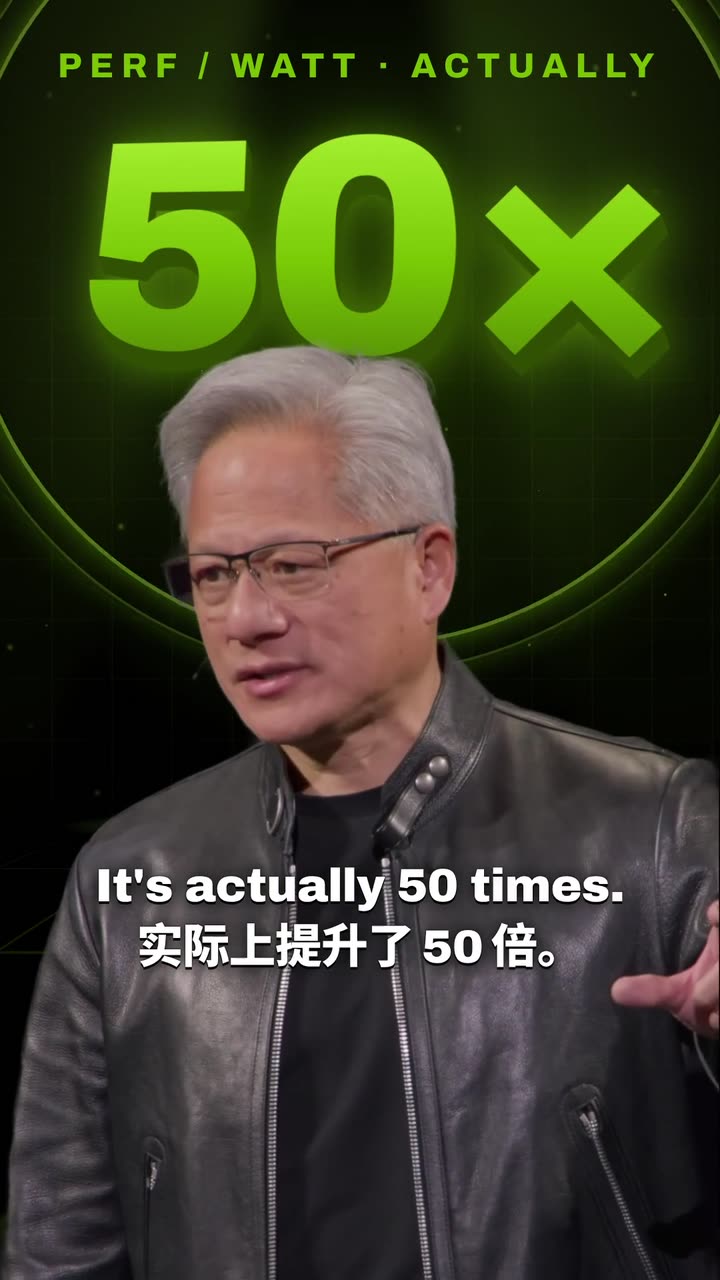

Real outputs from the Videotto template gallery.
Where an AI video editor saves agencies time
Most client edits follow the same order: clean the footage, cut it to length, add captions and graphics, brand it, export the versions, then fix the notes. The first and last steps change from client to client. The middle is the same rules applied again and again, which is the part worth handing to an AI first pass.
The table below compares a typical 60 to 90 second social edit made from about 10 minutes of raw talking head footage. The manual column already assumes the helpers built into the usual tools, such as Auto Reframe and speech to text captions in Premiere Pro or auto captions in CapCut.
Typical time per short client edit
| Task | Manual in Premiere Pro or CapCut | AI first pass, then review |
|---|---|---|
| Rough cut and pause removal | Roughly 30 to 60 minutes | Roughly 5 to 10 minutes |
| Styled captions, checked | Roughly 20 to 40 minutes | Roughly 5 minutes |
| Matching a client reference | Roughly 1 to 2 hours | Roughly 15 to 30 minutes of refining |
| 9:16, 1:1 and 16:9 versions | Roughly 20 to 45 minutes | Roughly 5 to 10 minutes |
| One round of four client notes | Roughly 15 to 30 minutes | Roughly 5 minutes |
These are typical estimates for an experienced editor, not measured results, and messy footage pushes both columns up. The saving is in the doing, not the checking.
Example: one retainer week with an AI video editor
This is an illustrative example, not a client story. A coaching client on a monthly retainer sends four talking head videos each week, 6 to 9 minutes each, plus one reference reel they like. The deliverable is three shorts per video in three aspect ratios: 12 edits and 36 files.
- Monday: batch cleanup. Upload all four videos and send one cleanup prompt for silences, rough takes, captions in the client style and the logo top right. Spend roughly 30 minutes reviewing the cleaned versions.
- Monday: pick the moments. Ask for the three strongest 30 to 60 second moments per video. Swap any pick you disagree with. Roughly 30 minutes.
- Tuesday: match the reference. Attach the reference reel and ask for its pacing and text style on all 12 clips, with the client colours. Roughly 45 minutes of refining.
- Tuesday: versions. Ask for 9:16, 1:1 and 16:9 of each approved clip. Spot check framing on every file. Roughly 30 minutes.
- Thursday: client notes. Paste the client's notes as written, one change per line. Roughly 20 minutes including a final check.
Done fully by hand in a timeline, a week like this typically takes 10 to 14 hours. With an AI first pass the hands-on time is more like 3 to 4 hours, most of it review. Your numbers will differ, but the shape usually holds.
Match the client reference
Clients rarely brief in words. They send a video and say "like this". Give Otto both and name the parts to copy, such as pacing, caption style, zooms and transitions, so the result follows the reference where it matters and the client brand everywhere else.
[upload the client footage and the reference video, or paste its YouTube link]
Copy the reference video: its motion graphics, pacing, framing and effects.
Cut my video the same way.
Use the client brand colours [hex codes] and font [font name] instead of the reference colours.
Keep the client logo in the [corner] throughout.
What to name when you copy a style.
Turn a storyboard or script into a first draft
Agencies often have the plan before the footage. Paste the storyboard scene by scene, with timings, visuals, on screen text and the voice line. A 30 second spot is usually 6 to 10 scenes of 3 to 5 seconds each, with about 70 to 80 words of voice line. The editor assembles a first draft from the client clips, stock footage and generated images, so the team reviews a moving draft instead of a document.
Build a video from this storyboard:
[paste the storyboard: scene, timing, visual, on screen text, voice line]
Use my uploaded clips where they fit, stock footage or generated images for the rest.
Add an AI voiceover reading the voice lines, [tone].
Bold animated text for the on screen lines. 9:16, [length] seconds.
Batch cleanup and captions for retainer clients
Retainer clients send a folder of talking head videos every week. The same rules apply to all of them, so write them once and keep the prompt in the client folder. Next week you paste it again and only check the output.
[upload all the client videos]
For every video: remove rough takes, silences and dead air, keep the speaker's natural delivery.
Add big engaging captions in the client style: [font], [colour], key words highlighted.
Add the client logo top right. Export each video separately.
The cleanup rules worth putting in every prompt.
Client deliverables for every platform
One finished edit usually becomes several deliverables. Agree the list with the client up front, because each extra shape is another file to check. These are the common specs for social deliverables:
| Placement | Aspect ratio | Common export size |
|---|---|---|
| TikTok, Reels, YouTube Shorts | 9:16 | 1080 x 1920 |
| Instagram and Facebook feed | 1:1 or 4:5 | 1080 x 1080 or 1080 x 1350 |
| YouTube and websites | 16:9 | 1920 x 1080 |
| LinkedIn feed | 1:1, 4:5 or 16:9 | 1080 wide or more |
Make versions of this finished video:
9:16 for TikTok and Reels, 1:1 for the feed and 16:9 for YouTube.
Keep the speaker and the product in frame in every version.
Make one more 9:16 version with captions translated into [language].
Client revisions by prompt
Client notes come in plain language, so pass them on as they are. Short, specific notes work best, one change per line. Many freelance contracts include two rounds of revisions, and quicker rounds make it easier to stay inside that without resenting the third.
Apply these client notes:
1. Make the captions a little smaller and move them up.
2. Remove the third text card.
3. Change the text cards to orange and add a soft shadow.
4. Lower the music under the voice.
Shorter prompts agencies send
- "Copy the reference video I attached and cut my video the same way."
- "Create a storyboard video from the attached file."
- "Add subtitles to this video."
- "Keep only the keywords on the text cards and remove the rest."
“Copy the reference video I attached: its motion graphics, its pacing, its framing and effects. Cut my video the same way.”
A real Otto request, Lightly edited
Pricing agency work when editing gets faster
If you bill by the hour, a faster first pass cuts your invoice. That is why many freelancers move to pricing per deliverable or per monthly package: the client pays for 12 shorts a week, and the time you save becomes capacity for a second client or a better edit.
How the costs compare from the client's side.
Agency video editing mistakes to avoid
- Copying the reference brand. Copy the style, not the other brand. Swap in the client colours, font and logo.
- Shipping the first draft. The AI pass is a draft. Review every video before it goes to the client.
- Vague revision notes. "Make it pop" gets a guess. "Bigger captions, cut the second scene" gets the change.
- Using footage without rights. Use client footage, licensed stock or generated visuals. Do not cut in clips from other creators without permission.
FAQ
Is it okay for freelance video editors to use AI tools on client work?
Using AI tools on client work is generally fine as long as your contract allows it, you keep client footage private and you review everything before delivery. Some brands, especially in regulated industries, ask that footage not be uploaded to certain services, so check the brief. When in doubt, tell the client which tools you use.
How many revision rounds should a video editing contract include?
Most video editing contracts include two rounds of revisions per deliverable, with extra rounds billed separately. Define what a round is, such as one consolidated list of notes, and set a deadline for feedback. Clear limits protect both sides and stop a 60 second edit from turning into ten small rounds over three weeks.
What should a client brief for a video edit include?
A good client brief for a video edit includes the goal, the platforms and aspect ratios, the target length, a reference video, brand colours and fonts, the logo file, caption style, music preferences and the deadline. It should also name who approves the work. A one page brief usually saves at least one revision round.
How do agencies keep one editing style across several editors?
Agencies keep one editing style across several editors by writing it down: a style sheet with caption font, size and colour, logo placement, pacing rules and music mood, plus one approved reference video per client. Saving the client's standard prompt next to that sheet means every editor starts from the same instructions and the output looks consistent.
Make your next video with Otto
Tell Otto what you want in plain words. It cuts, captions and animates the video for you.