To make a video from scratch with AI, write or describe a script, say the format (9:16 for shorts), the visual style and the voice. Otto builds each scene from generated images, stock footage or motion graphics, narrates it with an AI voice, adds captions and music, and keeps every scene timed to the narration.
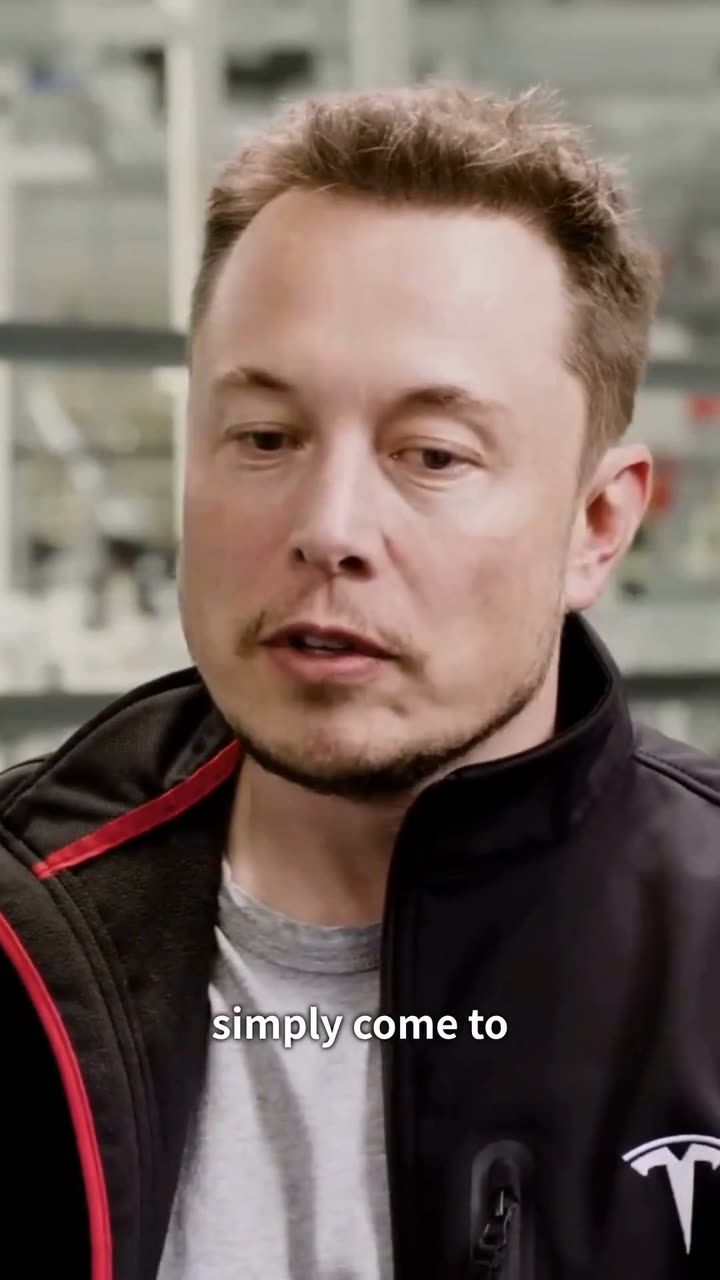
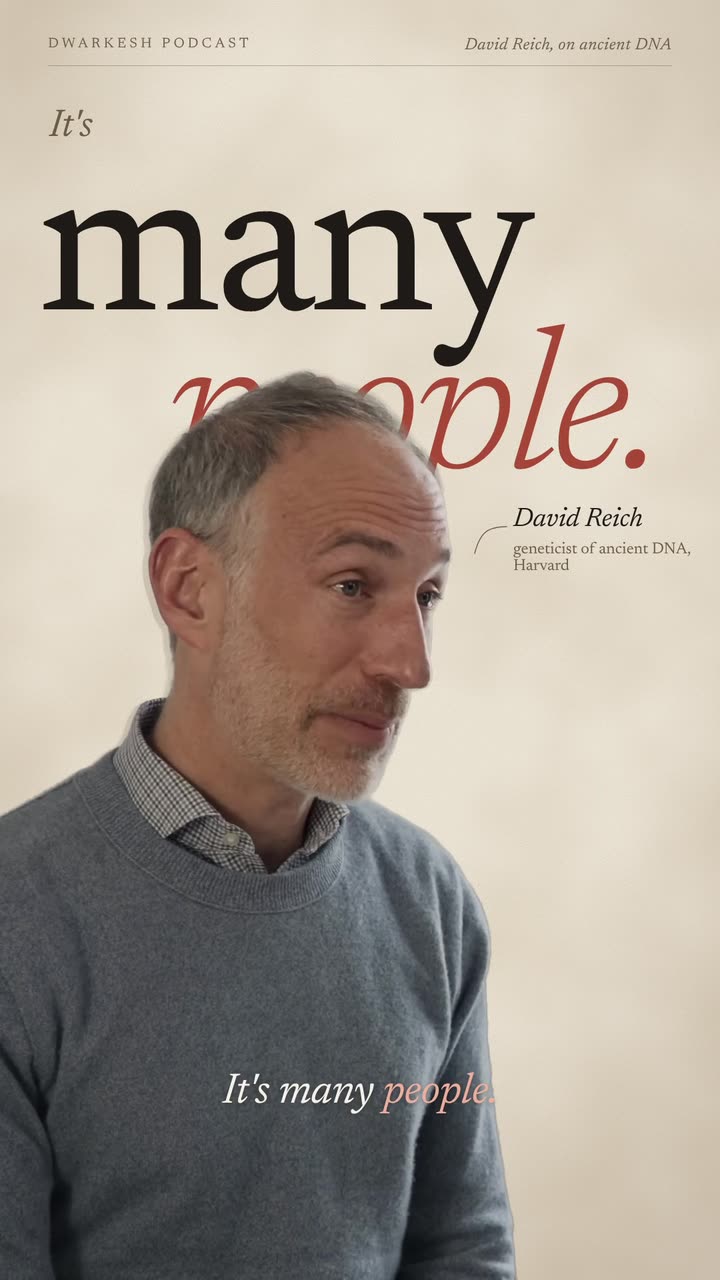
Real outputs from the Videotto template gallery.
What "from scratch" means
Most video editing starts with footage. A video from scratch starts with words. You bring a topic, a story or a full script, and every frame is made for it. Nobody has to appear on camera, which is why these are often called faceless videos.
We studied 1M+ videos made by 280,000+ users on Videotto. Alongside clipping and editing talking heads, a steady share of requests start with no footage at all: an explainer about a piece of history, a kids story, a list of the ten best of something, a product that only exists as a photo. The requests that work best describe the script, the look and the voice, in that order.
Formats that work without footage
Each of these has its own guide in this section. Pick the one closest to your idea.
| Format | What it is | What drives it |
|---|---|---|
| Faceless documentary | A narrated explainer on history, science, business or a mystery | The script and the voice |
| Animated story | A short tale with recurring characters, often for kids | The characters and the scenes |
| Ranking video | A countdown of the top 10 of something | The list and the reveal |
| Photo to video | One or a few photos brought to life with motion | The image |
| Data story | Numbers told as animated charts | The data |
| Audio to video | A podcast or voice note turned into visuals | The recording you already have |
The most common format, from topic to finished short.
The building blocks
Every video from scratch is built from the same five parts. Knowing them makes it easier to ask for exactly what you want.
- Narration. Your own voice recording, or an AI voice reading the script. The narration sets the timing for everything else.
- Visuals. Generated images in one consistent style, stock footage for real places and objects, or both.
- Motion. Slow zooms and pans across images, animated text, charts, maps and diagrams.
- Captions. Big engaging captions synced to the narration, for people watching on mute.
- Sound. A music bed that fits the mood and a few sound effects on transitions and reveals.
Writing for the ear, choosing a voice, and timing.
Make one in 6 steps
- Pick the topic and the length. One idea per video. For shorts, 30 to 60 seconds of narration is plenty.
- Write or outline the script. Paste a full script, or describe the story and ask Otto to write it first so you can approve it.
- Choose the look. A visual style in a few words: "cinematic documentary", "cute 3D cartoon", "paper collage", "clean infographics".
- Choose the voice. Your recording, or an AI voice described by tone: calm, deep, energetic, warm.
- Build scene by scene. Each sentence or two gets its own visual, timed to the narration, with captions and music.
- Review and export. Watch it through, fix any scene that does not match its line, and export.
Stories, rankings and photos
Three formats need a little extra in the prompt. Animated stories need characters: describe each one once, in detail, and reuse that description in every scene so they stay the same. Kids stories work best with a simple problem, a friendly helper and a happy ending, told slowly with a bright, cheerful voice.
Ranking videos need a reveal. Count down from 10 to 1, give every entry the same structure (a number, a name, one reason and one visual), and keep the best for last so people watch to the end.
Photo to video needs motion that respects the image. Ask for slow camera moves, a gentle zoom or parallax, and say what must not change: the product, the face, the colours. Add text and music, and one photo can carry a short promo or a memory video.
Writing a script for the ear
A script that reads well on paper often sounds stiff out loud. Write the way you would explain it to a friend: short sentences, one fact at a time, and a question or a surprise in the first line. End each section on something that makes people want the next one.
- Open on the most surprising fact, not the background.
- One idea per sentence, so each scene has one thing to show.
- Name things you can picture. "The last grocery store in a tiny farm town" makes a better scene than "rural retail".
- Write numbers the way you say them, so the voice reads them naturally.
Keep the look consistent
The thing that makes a video from scratch feel cheap is a different style in every scene. Fix the style once and repeat it: the same palette, the same kind of image, the same type. For stories, describe each character once in detail (colours, clothes, size) and reuse that description, so they look like the same character from scene to scene.
If you mix generated images with stock footage, keep them apart by purpose: stock for real places and events, generated images for ideas and moments no camera could capture.
Prompts that work
Adapted from real requests Videotto users sent to Otto. Replace the topic and the style with yours.
Make a 60 second vertical 9:16 faceless documentary short.
Topic: [your topic]. Write the script first and show it to me before building.
Open on the most surprising fact. One idea per sentence.
Style: cinematic documentary, generated images and stock footage, slow camera moves.
Narration: a calm, engaging male AI voice.
Add big engaging captions synced to the voice, quiet music and soft whooshes on transitions.
Every scene must match the line being spoken.
Shorter versions people use
- "Make a video following this script." (with the script pasted below)
- "Create a cute 3D animated cartoon video for children for YouTube Shorts."
- "Turn this into a finished paper collage explainer: script, visuals, motion, voiceover, music and captions."
- "Make an explainer about this topic with a voice and subtitles, and a good edit."
- "Turn my data into animated scenes."
Mistakes to avoid
- Starting with the visuals. Get the script right first. Every scene is built to fit a line.
- A new style in every scene. Fix one look and repeat it, or the video feels stitched together.
- Too long for the format. A 3 minute script will not work as a short. Cut it into a series.
- Facts nobody checked. Read the script for accuracy before you build it. A confident voice makes a wrong fact worse.
- Copying protected characters. Make your own characters and worlds. Do not use other brands' characters or logos.
FAQ
Can I really make a video without any footage?
Yes. A script or even a topic is enough. Otto builds the visuals from generated images, stock footage and motion graphics, and narrates it with an AI voice.
Do I have to write the script myself?
No. Describe the topic and ask Otto to write the script first. Read it, change what you want, and then ask it to build the video.
Can I use my own voice instead of an AI voice?
Yes. Upload a voice recording and every scene is timed to it. Many people record on their phone.
How long can a video from scratch be?
Shorts work best at 30 to 60 seconds. Longer explainers are possible, and are easier to review when built in parts.
Can the narration be in another language?
Yes. Videotto has users in 190 countries, and you can write the script and the captions in the language your audience speaks.
Turn one idea into a finished short
Paste the prompt above into Otto with your topic.