To turn a podcast into TikTok, Reels and Shorts, cut 30 to 60 second vertical clips (9:16, 1080 x 1920) with the speaker in frame, a hook in the first 3 seconds and captions in the middle third of the screen. Export one file per clip, then write a separate title and caption for each app.
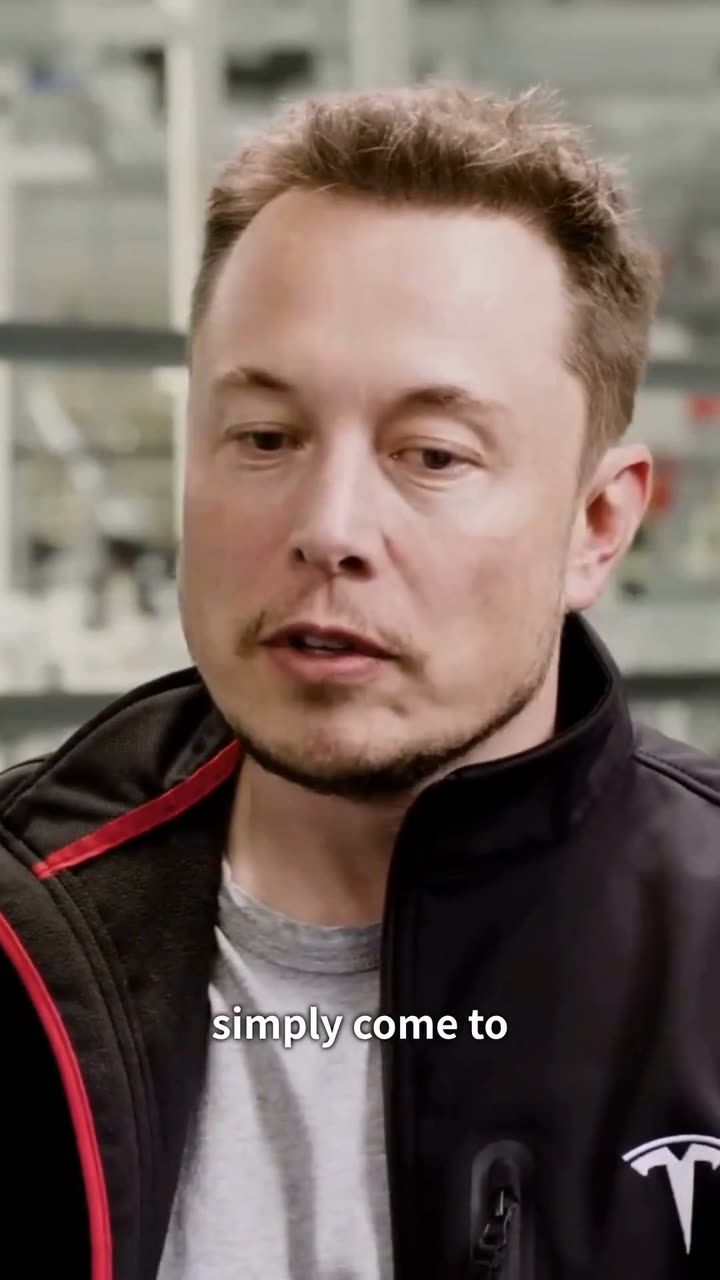
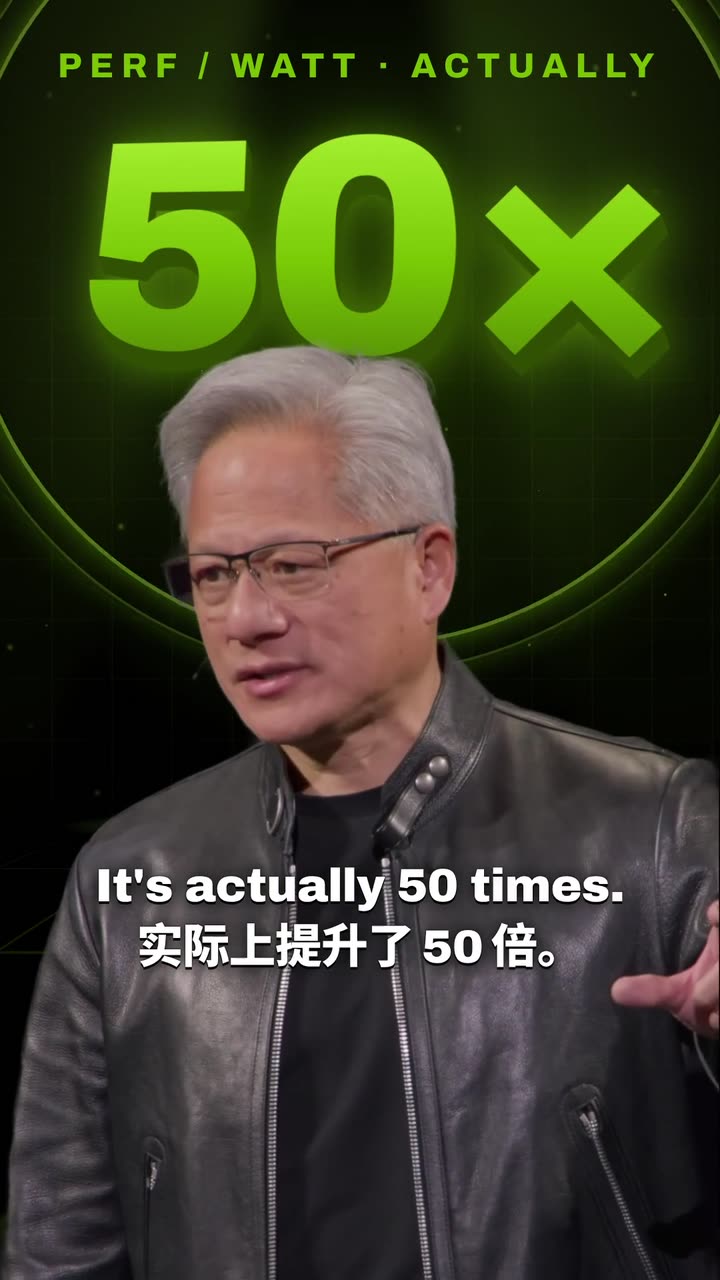
Real outputs from the Videotto template gallery.
Podcast clip specs for TikTok, Reels and Shorts
All three apps play full screen vertical video, and all three now accept clips longer than a minute. The file you export can be identical. The limits and the text around the video are where they part ways.
Current specs for podcast clips on each app
| TikTok | Instagram Reels | YouTube Shorts | |
|---|---|---|---|
| Shape and size | 9:16, 1080 x 1920 | 9:16, 1080 x 1920 | 9:16, 1080 x 1920 (square also allowed) |
| Maximum length | 10 minutes when uploaded in the app | 3 minutes | 3 minutes |
| Sweet spot for podcast clips | 30 to 60 s | 15 to 45 s | 30 to 60 s |
| What sits under the video | Caption and sound name | Caption, audio and account | Title and channel name |
| How the text gets found | Caption keywords and on screen text | Caption keywords | Title and description in YouTube search |
| Pointing to the full episode | Mention it in the caption or bio | Mention it in the caption or bio | Link the full video from the Short |
The longer limits are a ceiling, not a target. A two minute podcast clip can work when it tells one complete story, but most clips that people watch to the end are well under a minute.
How long a podcast clip should be on each platform
People speak at roughly 150 words a minute on a relaxed podcast, which gives you a quick way to plan a clip before you cut it.
If you only make one version, aim for 30 to 45 seconds. That length sits inside every app's sweet spot and leaves room for one idea with a beginning and an end.
Planning a clip by spoken words
| Clip length | Spoken words (approx.) | What fits |
|---|---|---|
| 15 s | 35 to 40 | One sharp line or a punchline, good for Reels |
| 30 s | 70 to 80 | A claim and one reason |
| 45 s | 110 to 120 | A short story with a payoff |
| 60 s | 145 to 155 | A full answer to one question |
A one hour episode usually holds 5 to 10 moments that stand on their own. Picking those moments is its own skill, and it matters more than any per app tweak.
Safe zones that let one podcast clip work on all three apps
Each app lays its own buttons and text over your video. Keep everything important inside the area all three leave free, and one export works everywhere.
- Keep the bottom fifth clear. On a 1920 pixel tall frame that is roughly the lowest 380 pixels, where all three apps put the caption, sound or title and account name.
- Keep the right edge clear. The like, comment and share buttons take up roughly the right 120 to 150 pixels.
- Put captions in the middle third. High enough to clear the bottom, low enough to stay off the speaker's face.
- Put the hook near the top. Around the upper quarter, where it reads first and never collides with buttons.
- Keep the podcast name small, top left or top center, so it survives every app and every repost.
Packaging the same podcast clip for each app
Once the file is done, the per platform work is text. Budget two or three minutes per clip per app.
- YouTube Shorts: write a real title. Shorts titles show in search, so name the topic in plain words, keyword first, under about 60 characters. Use the related video link to point to the full episode.
- TikTok: make the first line count. Only the start of the caption shows before it is cut off. Put the topic in that first line, and add the show name and a question further down.
- Instagram Reels: shorter and friendlier. If a clip runs past 45 seconds, consider a trimmed version for Reels. Keep the caption casual and tag the guest if they are on Instagram.
Prompt to turn a podcast into TikTok, Reels and Shorts
Adapted from real requests Videotto users sent to Otto. Paste it with your episode link and change the numbers to fit your show.
[your YouTube link or uploaded episode]
Create short clips for TikTok, Instagram Reels and YouTube Shorts.
Make 6 clips, 30 to 45 seconds each, each on a different topic.
Start with the strongest line, no slow intros, and end on a complete thought.
Vertical 9:16, keep whoever is talking in frame.
A short hook headline near the top in the first 3 seconds.
Big captions in the middle third, clear of the app buttons at the bottom and right.
Put the podcast name small at the top of every clip.
For each clip, suggest a YouTube Shorts title and a caption for TikTok and Reels.
Shorter podcast clip requests people send
- "Make me 8 clips of the best moments for TikTok, Instagram and YouTube."
- "Edit this into a high retention clip for TikTok, Reels and Shorts, longer than 15 seconds."
- "Create TikTok clips from this podcast. Each clip covers a different topic, with no overlapping clips."
- "Find the best clips in my podcast and add a call to watch the full episode at the end."
Example: one podcast episode packaged for three platforms
Example (illustrative, not a real customer). A 58 minute interview about starting a bakery, two people on camera, filmed in 16:9. The host pastes the YouTube link with the prompt above.
- The clips. Six vertical clips between 32 and 47 seconds. Clip 3 runs 41 seconds, roughly 100 spoken words, and opens on the guest saying "We lost money every Tuesday for a year."
- YouTube Shorts. Title: "Why this bakery stopped selling bread on weekdays" (49 characters). The related video is set to the full episode.
- TikTok. First line: "We lost money every Tuesday for a year." Then the show name and a question: "Would you have kept going?"
- Instagram Reels. The same file. Caption: "The Tuesday problem. Full episode in bio." The guest is tagged.
Doing this by hand in Premiere Pro or CapCut (finding six moments, reframing, captioning and exporting) typically takes 2 to 3 hours for an hour long episode. With Otto doing the cutting, the host's time goes into reviewing six clips and writing three captions for each, roughly 30 to 40 minutes in total.
Podcast clip checklist before you post
- One edit, not three. A separate edit per app triples the work for almost no gain. Make one that fits all three safe zones.
- Captions off the bottom. Captions at the very bottom end up under the app text on every platform.
- A different caption per app. Shorts titles are searched. TikTok and Reels captions are read by people who are already watching.
- Rights to the show. Clip your own podcast, or shows and campaigns that give you permission.
FAQ
Should I post the same podcast clip on TikTok, Reels and Shorts?
Yes, you should post the same podcast clip on TikTok, Reels and Shorts, and it is how most podcasters work. Export one clean file without another app's watermark on it, since Instagram has said it shows reposted, watermarked content to fewer people. Change the title and caption for each app rather than the video.
What is the best length for a podcast clip on Instagram Reels?
The best length for a podcast clip on Instagram Reels is usually 15 to 45 seconds, even though Reels now allow up to 3 minutes. Shorter clips are easier to watch to the end. If your strongest moment runs longer, keep it whole rather than cutting it mid thought, then test a tighter version against it.
How many clips should I post from each podcast episode?
How many clips to post from each podcast episode depends on your time, but 3 to 6 per episode is a common, sustainable range for a weekly show. Spread them across the week so the feed stays active between episodes, and save the clip with the strongest hook for the day the episode goes live.
Where do I put the episode link for podcast clips?
Where you put the episode link for podcast clips depends on the app. On YouTube Shorts, set the related video to the full episode so viewers can tap through. On TikTok and Instagram, links in captions are not clickable, so mention the episode in the caption and keep the link in your bio. A short end card helps on all three.
Do I need to export podcast clips in 4K?
You do not need to export podcast clips in 4K. All three apps show vertical video at roughly 1080 x 1920, so a 1080p export is the practical standard. A 4K source still helps before export, because cropping a wide frame down to vertical keeps more detail when there are more pixels to start from.
Six clips, ready for three apps
Paste the prompt above into Otto with your episode link.