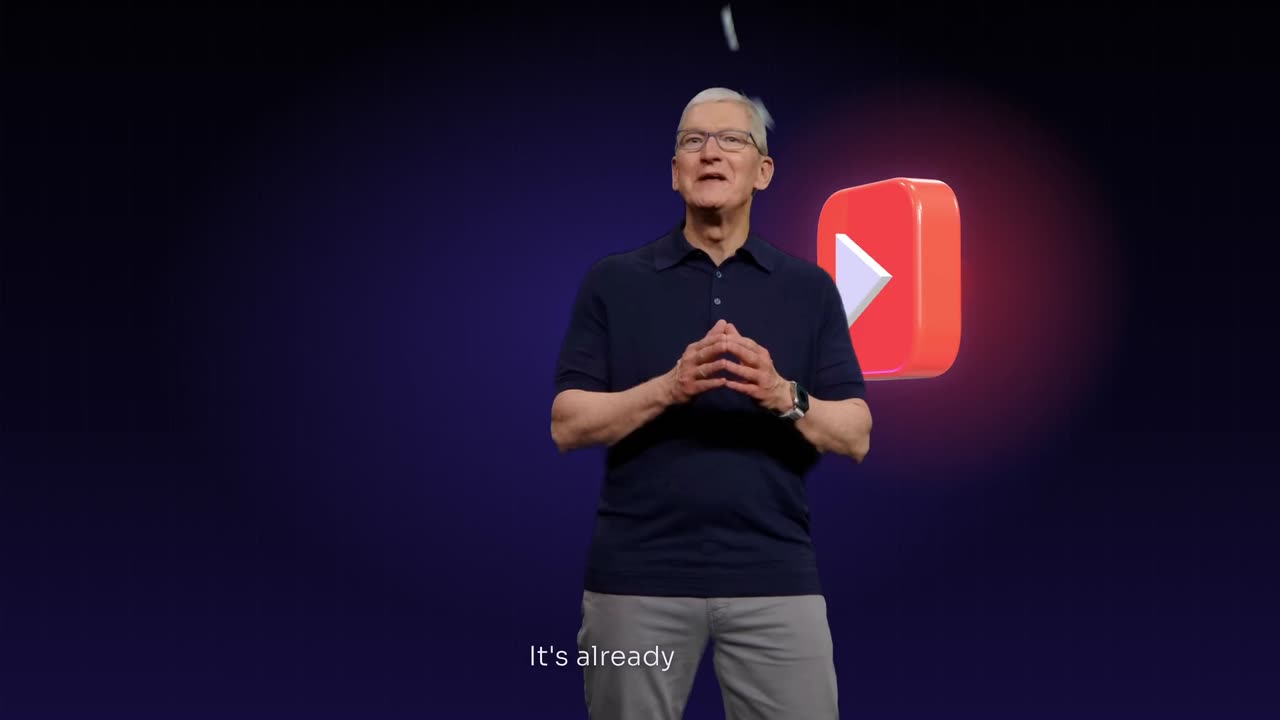
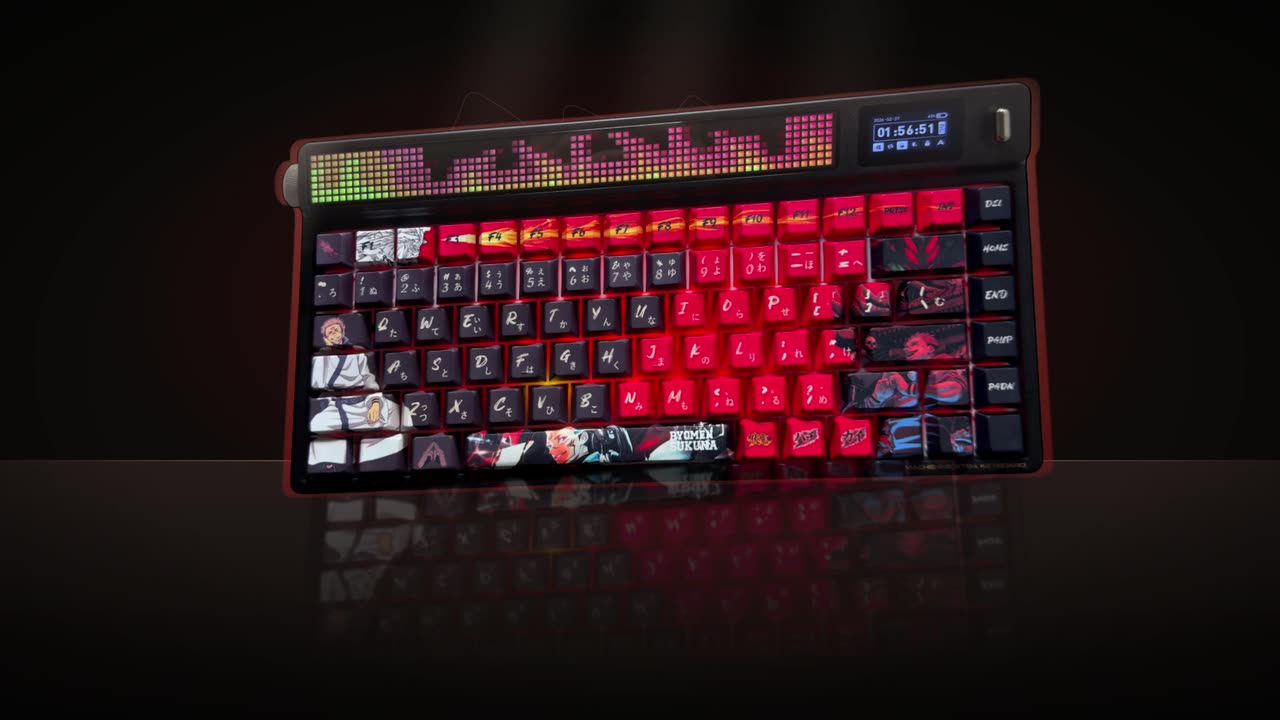
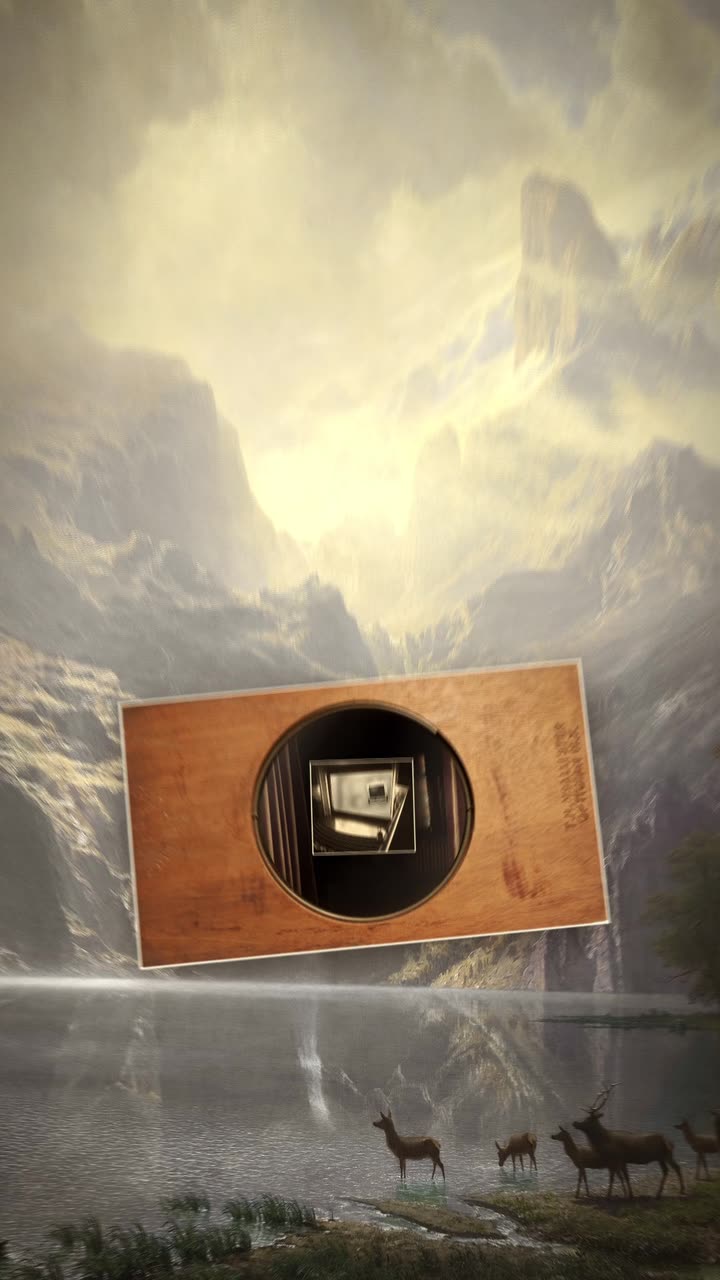
To make word by word karaoke captions, transcribe the video with word level timing, show three or four words per line, and change the colour of each word exactly as it is spoken. Use one bold font with an outline, one highlight colour that contrasts with the footage, and place the lines in the middle third of a 9:16 frame.
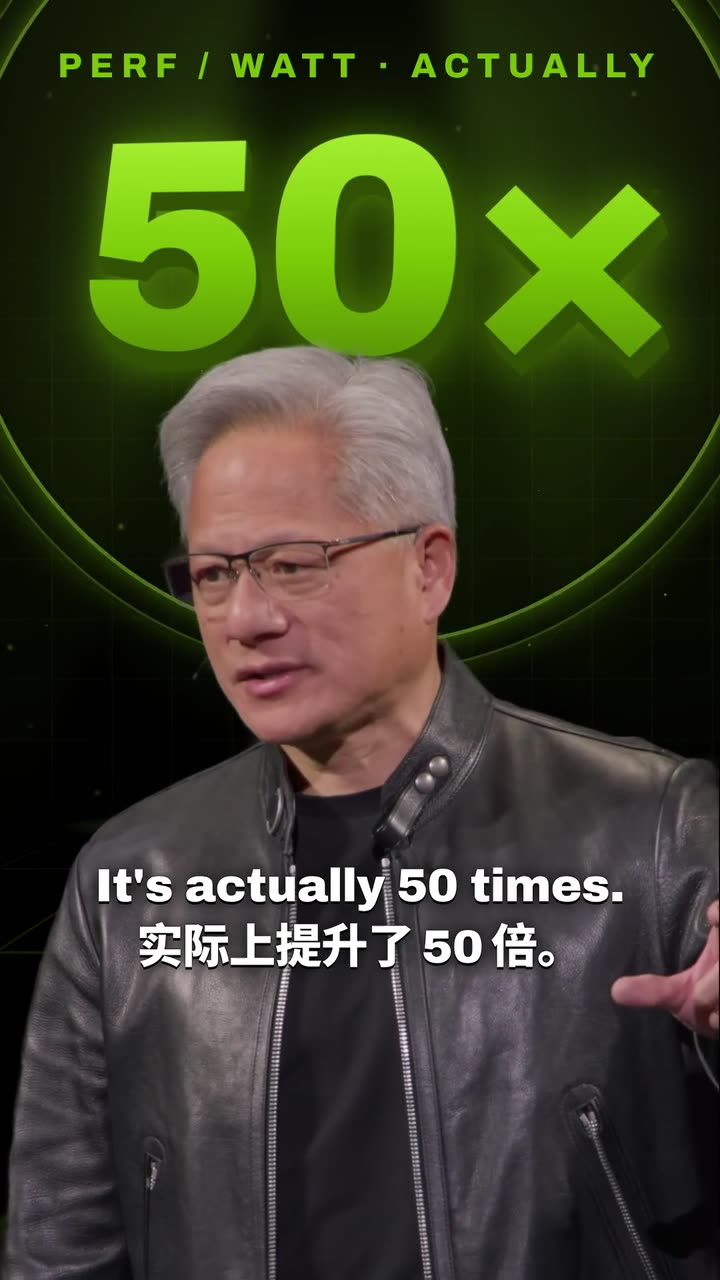

Real outputs from the Videotto template gallery.
Karaoke caption specs by platform
The highlight works the same everywhere. What changes is the safe area, because each app puts its buttons and text in slightly different places.
| Platform | Aspect | Resolution | Where to put the captions |
|---|---|---|---|
| TikTok | 9:16 | 1080x1920 | Middle third, clear of the right side buttons |
| Instagram Reels | 9:16 | 1080x1920 | Middle third, above the caption and audio line |
| YouTube Shorts | 9:16 | 1080x1920 | Middle third, clear of the title at the bottom |
| YouTube (landscape) | 16:9 | 1920x1080 | Lower third is fine, there is no overlay |
A practical size for 1080x1920 is a caption height of roughly 60 to 90 pixels per line, with a 4 to 6 pixel outline. That stays readable on a small phone without covering the face.
The parts of a karaoke caption
- Line length. Three or four words per line for most speakers, two for very fast talkers. Seven words with a highlight crossing them is hard to follow.
- Timing. The highlight should land on the word, not after it. A delay of even a few frames (around 0.1 seconds) feels off, even if viewers cannot say why.
- Highlight style. Colour change (most common and most readable), moving box behind the word (energetic), scale bump (subtle), fill sweep left to right (best for songs) or underline (minimal and editorial). Pick one per video.
- Font and colours. One bold sans, often in capitals, white with a thin black outline, plus a single highlight colour.
- Line breaks. Break at natural pauses, so "the real reason" stays on one screen. Keep names, numbers and the words around them together.
Mixing highlight styles in one video is the most common mistake. When the box, the colour change and the scale bump all appear in the same minute, viewers start noticing the captions instead of reading them. One style, used everywhere, becomes invisible in the best way. The same goes for colour: one highlight colour for a solo video, and one per speaker only when there is more than one voice.
Worked example: 12 seconds of karaoke captions
An illustration of how one spoken sentence becomes caption lines. The speaker says: "Most people quit in week two. Not because it is hard, but because nobody told them what week two feels like." That is 21 words in about 7 seconds, a normal speaking pace of roughly 3 words per second.
| Line on screen | Starts | Ends | Highlight note |
|---|---|---|---|
| MOST PEOPLE QUIT | 0.0 s | 1.0 s | Each word lights as it is said |
| IN WEEK TWO. | 1.0 s | 2.0 s | "TWO" stays highlighted, then a short pause |
| NOT BECAUSE | 2.3 s | 3.0 s | Short line, fast speech |
| IT IS HARD, | 3.0 s | 3.8 s | Break at the comma |
| BUT BECAUSE NOBODY | 3.8 s | 4.9 s | Keeps "nobody" with its phrase |
| TOLD THEM WHAT | 4.9 s | 5.8 s | Natural pause after |
| WEEK TWO FEELS LIKE. | 5.8 s | 7.2 s | Last line holds 0.5 s after the final word |
Seven lines for one 21 word sentence, never more than four words on screen, and every line break sits where the speaker breathes. Done by hand in Premiere Pro or CapCut, timing word highlights like this typically takes 15 to 30 minutes per minute of video. With auto timing, the job becomes checking a fast section and fixing a few names.
Karaoke caption prompt for Otto
Adapted from real requests Videotto users sent to Otto. Upload the video or paste a link to your own, then add the names it should spell.
Add word by word karaoke captions to my video, vertical 9:16.
Three to four words per line, in the middle third of the frame.
Bold sans, all caps, white with a thin black outline.
The current word turns [highlight colour] exactly as it is spoken.
Break lines at natural pauses. Keep names and numbers on one line.
Spell these correctly: [names, brand terms].
Shorter karaoke caption prompts
- "Karaoke style subtitles throughout, key word glowing."
- "Small uppercase captions that light up word by word."
- "A red highlight box that jumps from word to word."
- "Same captions, but in Spanish."
How to make karaoke captions in 5 steps
- Upload the video. Or paste a YouTube link to your own video. Clean audio gives cleaner word timing.
- Pick one highlight style. Colour change for most talking videos, box for high energy, fill sweep for songs.
- Set the line length. Three or four words. Drop to two if the speaker goes faster than about 3.5 words per second.
- Choose font and colours. One bold font, white base, one highlight colour that contrasts with your footage. Give each speaker their own colour in interviews.
- Check names, terms and a fast section. Fix misheard names and brand terms, then watch the fastest 10 seconds to confirm the highlight is on time.
Troubleshooting karaoke caption sync
| Problem | Likely cause | Fix |
|---|---|---|
| Highlight trails the voice | Line level timing, not word level | Ask for word level timing and recheck the fast parts |
| Highlight invisible in some shots | Highlight colour close to the footage | Switch colour, or use a box behind the word |
| Captions covered by app buttons | Placed in the bottom 20% of the frame | Move them to the middle third |
| Viewers lose their place | Lines of six or more words | Cut to three or four words per line |
| Song lyrics are wrong | Transcription of sung audio | Paste the lyrics so only the timing is automatic |
FAQ
What are word by word captions called?
Word by word captions are usually called karaoke captions, animated captions, highlighted captions or dynamic subtitles. All of these names describe the same idea: a short line of text where the word being spoken changes colour, gets a box or grows slightly. Many editing apps list the style under caption templates or animated text presets.
How do you make word by word captions in CapCut?
To make word by word captions in CapCut, generate auto captions, select the caption track, then open the text animation or template options and pick a style that highlights words individually. You can set the highlight colour and font there. Check the timing on fast speech, and fix misheard words in the caption editor before exporting.
How many words per second can people read in captions?
People can comfortably read about two to three words per second in captions, which is why most normal speech fits easily. Very fast speakers can exceed four words per second, and then shorter lines help, since the highlight guides the eye. Caption guidelines often express this as a characters per second limit around 15 to 20.
Do karaoke captions work for song lyrics?
Karaoke captions work very well for song lyrics, and the fill sweep style comes straight from real karaoke screens. Paste the exact lyrics rather than relying on transcription, because sung words are often misheard. Make sure you have the rights to use the song, since adding captions does not change who owns the music.
Which colour is best for a caption highlight?
The best colour for a caption highlight is one that contrasts with both the white base text and your footage. Yellow, green and bright red are common because they stand out on most skin tones and backgrounds. Test it on your brightest and darkest shots, and switch to a solid box behind the word if any scene swallows the colour.
Make your next video with Otto
Tell Otto what you want in plain words. It cuts, captions and animates the video for you.